10 Free Online Tools Every Student Should Bookmark
Grades, focus, typing, writing, PDFs and your first CV: ten free tools that work on a phone, need no sign-up and keep your files on your own device.

· 4 min read
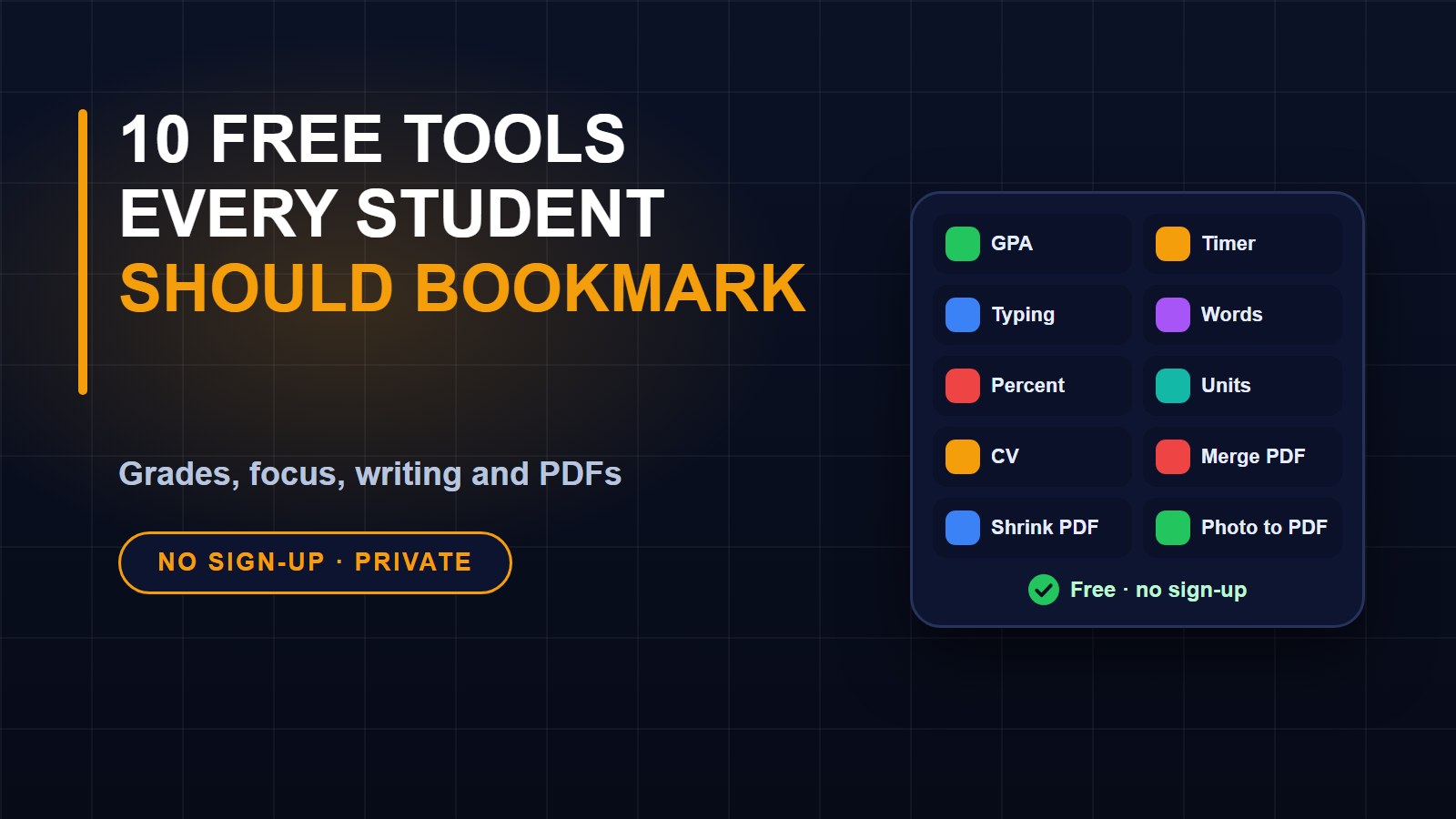
Student life comes with a long list of small jobs: calculating grades, writing assignments, sending forms as a PDF, applying for a first job. You do not need to buy software for any of them. Here are ten free tools that work in your phone or computer browser, need no account, and do their work on your own device, so your files and numbers are not uploaded.
1. GPA calculator
Add your courses, their credit hours and your grades to see your semester and cumulative GPA. You can also work out which grades you need to reach a target. Use the GPA calculator, and read our guide on how to calculate your GPA and plan your grades.
2. Study timer
Study in focused bursts of about 25 minutes with short breaks in between. The Pomodoro study timer lets you change the times and rings when it is time to rest. Our guide to the Pomodoro technique explains why this works.
3. Typing speed test
Typing faster saves hours over a semester. The typing test shows your words per minute and accuracy, so you can set a goal and watch yourself improve. There is a four-week practice plan in our guide on how to type faster.
4. Word counter
Essays often have a word limit. The word counter counts words, characters, sentences and paragraphs, and shows reading time. It is also useful for checking whether a message fits an SMS or a page title fits a search result.
5. Percentage calculator
Percentages appear everywhere: marks, discounts, interest, change over time. The percentage calculator answers questions such as "What is 15% of 200?" or "What percent is 36 out of 48?" in one step.
6. Unit converter
Science, cooking and everyday life all need conversions. The unit converter handles length, weight, temperature, area, volume, speed and data size, and shows all the results at once.
7. CV builder
Your first CV does not need to be fancy, but it must be clear. Fill in the form in the CV builder, watch your page build beside it, and save it as a PDF. For advice on what to write, read our guide on writing a CV that gets interviews, and then our guide to writing a cover letter.
8. Merge PDF
Applications often want everything as one file. With Merge PDF, you can join several PDFs in the order you choose. Our guide on merging PDF files shows each step.
9. Compress PDF
Forms and email systems often reject large files. The Compress PDF tool shrinks a file and shows the old and new size so you know when you are under the limit. Our guide on making a PDF or photo smaller has more tips.
10. Image to PDF
Photograph your documents with your phone, then turn the pictures into a single, tidy PDF with the Image to PDF tool. Our guide to scanning documents with your phone shows how to take photos that scan well.
Why these tools are private
All ten run in your browser. The pictures, PDFs and numbers you use stay on your device and are not sent to a server. That matters when you are working with IDs, certificates, grades and personal documents. Some tools save a draft in your own browser so you can come back to it. Clearing your browser data removes it.
How to use them well
Bookmark the tools page on your phone so it is one tap away. Add it to your home screen if your browser allows it. Try each tool once when you have no deadline, so that you know how it works when you are in a hurry.
There is more
The tools page has many more, including a QR code maker, a loan calculator, a password checker, an image converter and an invoice maker, which are handy if you start a small business or do freelance work. Add your favourites to your bookmarks, and share the page with a friend who is always asking how to do something.
About the author
Francis Landford
Software Engineer | Creative Problem Solver | Innovative Software Solutions & Modern Applications
More about Francis Landford →
Discussion (0)
Sign in or create a free account to join the conversation.
No comments yet. Start the conversation.