How to Write a Cover Letter That Gets Read (With a Simple Template)
A good cover letter is short, specific and easy to skim. Here is what to say, what to leave out, and a simple template you can adapt for any job.

· 4 min read
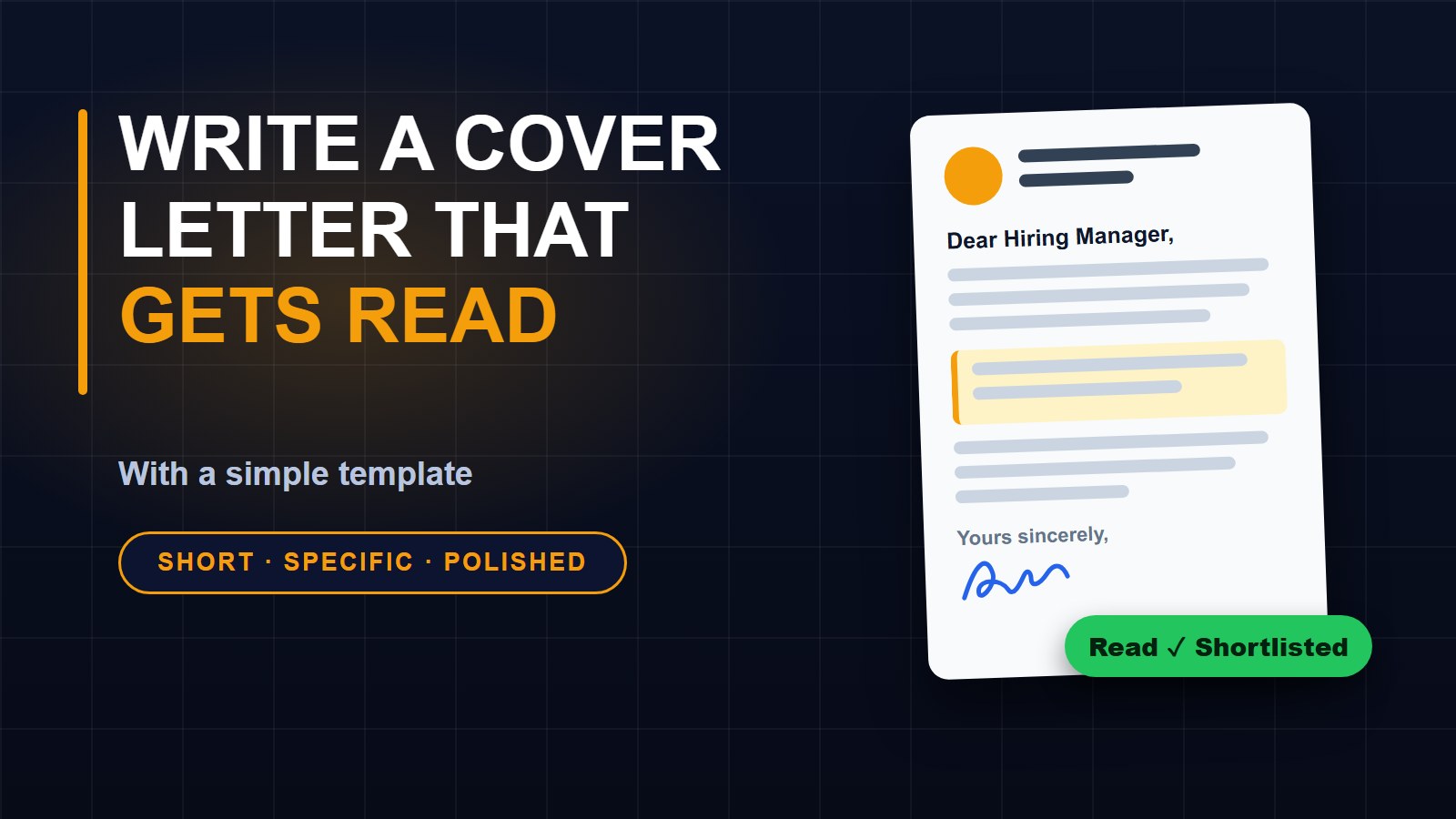
You have finished your CV, and the job advert says "send your CV and a cover letter." Many people freeze at this point, or they paste the same generic letter into every application. Employers can tell. A short, specific letter that shows you understand the job can set you apart from people with similar qualifications.
What a cover letter is for
Your CV lists what you have done. Your cover letter explains why you are the right person for this particular job. It is your chance to connect your experience to what the employer needs, in your own voice, in a few short paragraphs.
Keep it short
Aim for about half a page, or 200 to 300 words. A busy person reading dozens of applications will not read a long letter. You can check your length with the word counter, which also shows reading time.
The four parts of a good letter
1. The opening. Say which job you are applying for and where you saw it. If someone referred you, mention their name. Add one sentence that shows why you are interested in this company, not just any company.
2. The match. Pick two or three things from the job advert, such as a skill or a task, and show you can do them. Give a real example: "At my last job I handled up to 40 customer orders a day and cut mistakes by keeping a simple checklist." Numbers and results are more convincing than adjectives.
3. The extra. If you have no experience, use school projects, volunteering, training or personal projects. Show that you learn quickly and finish what you start.
4. The close. Say you would be glad to talk about the job, say how they can reach you, and thank them for their time.
A simple template
Dear Mr or Ms (name),
I am writing to apply for the (job title) position advertised on (where you saw it). I am interested in working with (company) because (one honest reason).
In my work as (role or activity), I (your first example). I also (your second example). These experiences have prepared me to (task or goal named in the advert).
I would welcome the chance to talk about how I can help your team. You can reach me on (phone) or at (email). Thank you for your time and consideration.
Yours sincerely, (your name)
Fill in the brackets with your own words, then read it aloud. If a sentence sounds stiff or like it came from a book, say it more simply.
Find the name
"Dear Sir or Madam" is better than nothing, but a name is better. Check the advert, the company website or the company's social media page. If you cannot find it, "Dear Hiring Manager" is fine.
Mistakes to avoid
Sending the same letter to every employer. Repeating your whole CV. Starting every sentence with "I". Using long words you would never say out loud. Mentioning salary unless the advert asks you to. Spelling the company name or the manager's name wrong. And leaving mistakes in: read the letter twice, and ask a friend to read it too.
Send it in the right format
Unless the advert says otherwise, save the letter and your CV as PDF files so the layout does not change on the employer's screen. Give the files clear names, such as "Mary-Johnson-CV.pdf" and "Mary-Johnson-Cover-Letter.pdf". If you need to send everything as one file, the Merge PDF tool can join them in the right order without uploading them anywhere.
Do not have a CV yet?
Our guide on how to write a CV that gets interviews explains what to put on it, and the free CV builder lets you create one and save it as a PDF in minutes.
A final check
Before you press send, make sure the letter names the right company and job, that your phone number and email are correct, and that the email subject line is clear, for example "Application for Accounts Clerk - Mary Johnson". Then relax. You have done what most applicants do not: you wrote something real. You can find more free tools on the tools page.
About the author
Francis Landford
Software Engineer | Creative Problem Solver | Innovative Software Solutions & Modern Applications
More about Francis Landford →
Discussion (0)
Sign in or create a free account to join the conversation.
No comments yet. Start the conversation.