Is Your Facebook Account Safe? 7 Risks and How to Fix Each One
Hacked Facebook accounts are everywhere, and most of them are lost to simple tricks, not clever hackers. Here are seven real risks, how to spot each one, and the settings and habits that protect your account and your business page.

· 6 min read
Almost everyone you know uses Facebook. For many people and businesses it is no longer just a place to chat. It is where customers find them, where orders arrive, where adverts are paid for and where years of photos and messages are stored.
That is exactly why it is attacked so often. And here is the part most people do not realize: the majority of hacked accounts are not broken into by clever hackers using advanced tools. They are lost because the owner was tricked, or because of a small habit that was easy to fix.
This post explains seven of the most common risks in plain language, with a simple fix for each. If you run a business page, treat it as essential reading.
Risk 1: Fake login pages (phishing)
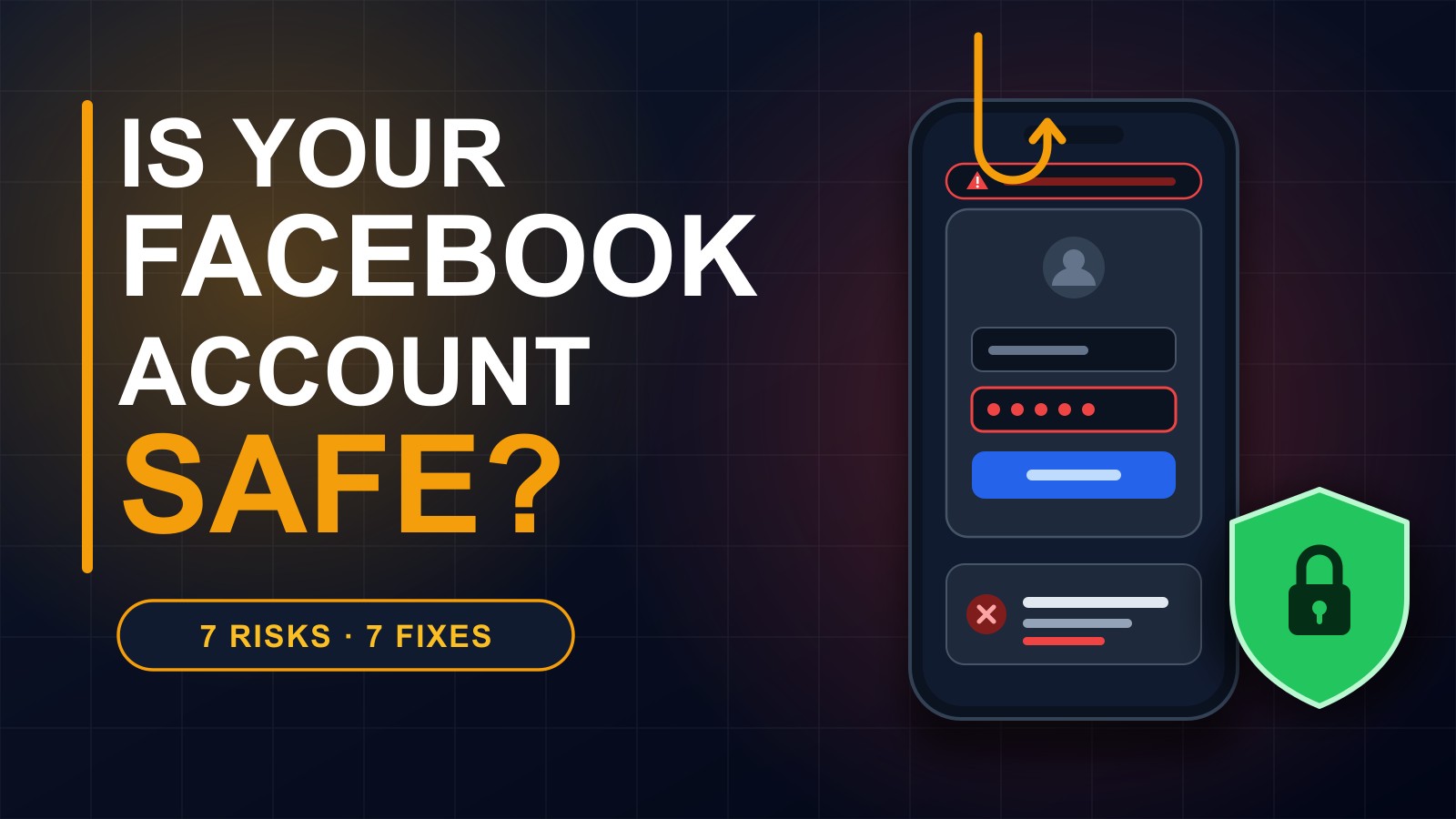
This is the number one way accounts are lost. You receive a message that looks urgent. Your page will be deleted. You have violated copyright. Someone posted something about you. You have won a prize. It contains a link, and the link opens a page that looks exactly like the Facebook login screen.
You type your email and password. Nothing seems to happen, or it sends you somewhere else. But what you typed has just been handed to a stranger.
The fix: never log in through a link in a message. Close it, open the Facebook app or type the address yourself, and check your notifications there. Real warnings from Facebook appear inside your account. Before typing a password, look at the address bar. If it is not exactly facebook.com, stop.
Risk 2: Using the same password everywhere
When any website you use is breached, your email and password can end up in lists shared among criminals. They then try that same combination on Facebook, Gmail and your other accounts. If you reused it, they walk straight in.
The fix: use a different password for Facebook, and a long one. A few random words joined together, such as a sentence only you would remember, is stronger and easier than a short complicated one. A password manager can store them for you.
Risk 3: No two-step login
A password alone is a single lock. If it is guessed, stolen or tricked out of you, nothing else stands in the way.
The fix: switch on two-factor authentication. In the app, go to Settings, then Accounts Center, then Password and security, then Two-factor authentication. Choose an authentication app if you can, which is safer than text messages. Even if someone learns your password, they cannot get in without the second step.
Risk 4: Sharing a code with someone who asks for it
You get a message from a friend or a stranger. They say they sent a code to your phone by mistake and ask you to send it back. Or someone pretending to be support asks for the six-digit number you just received.
That code is the key to your account. Whoever has it can log in as you.
The fix: never share a login code with anyone, for any reason. No genuine person or company will ever ask for it.
Risk 5: A hacked friend asking for help
Criminals often take over one account and then message that person's friends. Can you lend me money? Please vote for me. Is this you in this video? The message comes from someone you trust, so you click.
The fix: if a friend sends a strange message, call them or ask a question only they can answer before you click anything or send money. And if your own account is hacked, warn people immediately, so they do not become the next victims.
Risk 6: Apps and games you gave access to
Quizzes, games and tools often ask to log in with Facebook. Each one is given some access to your account, and many are never used again but stay connected for years. A careless or malicious app can leak your information or post in your name.
The fix: open your settings, review the apps and websites connected to your account, and remove everything you do not use or do not recognise. Only connect apps you really trust.
Risk 7: Stolen phone number or an open session
Your phone number is often tied to your account for recovery. If a criminal takes control of the number, for example by convincing a phone company to move it to a new SIM card, they can reset your passwords. Separately, logging in on a shared computer or a friend's phone and forgetting to log out leaves a door open.
The fix: add a recovery email you really control, and keep your number private. Log out on every shared device. Then, in Password and security, check the list of places where you are logged in, and log out any device you do not recognise.
If you manage a business page
Pages are valuable, so they are targeted too. Keep the number of people with full admin access as small as possible. Give staff only the role they need. Remove people who no longer work with you. Make sure every admin uses two-step login, because a page is only as safe as its weakest admin.
A five-minute security checkup
Open Settings and find the Security Checkup, and follow it. Turn on two-factor authentication. Change your password if you have reused it. Check where you are logged in and remove what you do not recognise. Review connected apps and delete the extras. Make sure the email and phone number on your account are yours and are current.
If your account is already hacked
Act quickly. Go to facebook.com/hacked on a trusted device and follow the steps to recover the account. Change your password, and change the password of the email linked to it, because a criminal may control that too. Tell your friends and followers, and if it is a business page, tell your customers so nobody pays a fake request. Then turn on two-step login before you do anything else.
The simple truth
Strong security is not about being technical. It is about three habits: do not trust urgent messages, do not reuse passwords, and add the second lock. Those three alone protect you from most of what goes wrong.
I build websites, apps and systems for businesses and organizations, and I make security part of everything I deliver. If you would like help securing your business website or online presence, get in touch through the contact page or call or WhatsApp me on +231 777 810 466. And please share this post with someone who uses Facebook. It might save their account.
About the author
Francis Landford
Software Engineer | Creative Problem Solver | Innovative Software Solutions & Modern Applications
More about Francis Landford →