How the Chatbot on My Website Answers Questions Without Making Things Up
The Ask My Portfolio chatbot only answers from what is actually on my website. Here is how it finds the right content, why it admits when it does not know, and the limits that keep it safe and affordable to run.

· 4 min read
Anyone can add a chatbot to a website. The hard part is making sure it only says true things. An AI model left to improvise will happily invent projects, clients and experience that do not exist, and on a personal portfolio that would be worse than having no chatbot at all.
The Ask My Portfolio assistant on francislandford.com is built around one rule: it may only answer from what is actually published on the site. This post explains how that works, in plain language, and what I would change next.
The idea in one sentence
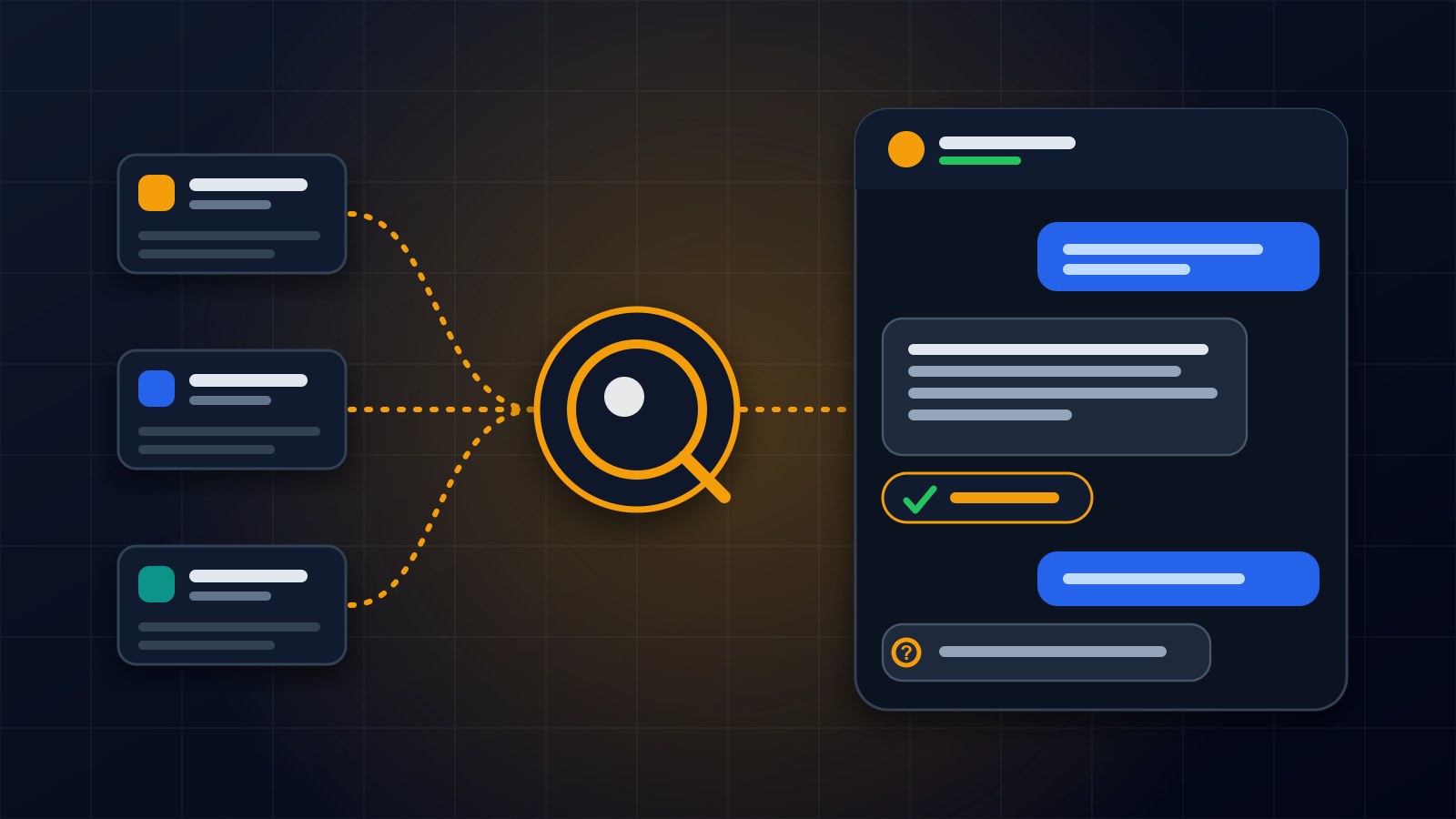
Instead of asking the AI to remember things about me, I look up the relevant pages myself, hand them to the AI together with the visitor's question, and tell it to answer from those pages and nothing else.
Step one: find the relevant content
When a visitor asks a question, the first job is to search the site's own content. The search covers three things: my services, my projects and my published blog posts. It looks for the visitor's words in titles, summaries and full text, and picks the best few matches from each group.
I deliberately kept this simple. The whole website is small enough that an ordinary text search works well, and it avoids paying for a second AI service just to build a fancier search. A simpler system is also easier to understand and to fix.
Step two: always include a short profile
Some questions come up constantly and do not match any particular page. Who are you? What do you do? How can I reach you? So every request also carries a short profile block: my name, tagline, a short introduction, my list of skills, my contact email and the address of the contact page. It is tiny, so it is always affordable to include.
Step three: never leave the AI with nothing
If a question matches nothing, for example a vague one like tell me more, the search falls back to the most recent or most important items instead of returning an empty list. That way the assistant always has something real to work from.
Posts that are still scheduled for the future are left out of this search, so the chatbot cannot mention an article before it has been published.
Step four: a strict instruction
Along with the content, the AI gets clear instructions. Answer in two to four sentences. Be friendly and specific. Use only the supplied context. And if the context does not cover the question, say so and point the visitor to the contact page rather than guessing.
That last instruction matters most. A chatbot that says I do not have that information is far more trustworthy than one that always has an answer. Visitors are not upset by an honest I do not know. They are upset by finding out later that something was made up.
Keeping it safe and affordable
Every reply costs real money, so the assistant has guardrails. A single conversation has a limit on its length, and when it is reached the visitor is politely sent to the contact form. There is also a monthly spending cap for the whole chatbot. If the cap is reached, it stops answering and shows a message pointing to the contact form instead of quietly running up a bill.
Each reply is also logged with how many tokens it used and what it cost, so I can see the real running cost in my admin dashboard instead of finding out from an invoice.
What it cannot do
It is worth being honest about the limits. Because the search is by keywords, a question worded very differently from my content might retrieve less relevant pages. Because the assistant only knows what is on the site, anything I have not written down is invisible to it. And a short conversation cannot replace a real discussion about a project.
That is why every unsure answer ends with the same suggestion: use the contact page, and I will answer personally.
What I would add next
Two improvements are on my list. One is showing the visitor which pages an answer came from, as clickable links, so they can check it themselves. The other is reviewing the questions people ask, because those tell me exactly what is missing from the website.
If you are building your own
Ground the assistant in your own content and tell it to stay inside it. Give it a graceful way to say I do not know. Put hard limits on conversation length and monthly cost. And keep the retrieval as simple as your content allows.
If you would like an assistant like this for your own website or business, get in touch through the contact page.
About the author
Francis Landford
Software Engineer | Creative Problem Solver | Innovative Software Solutions & Modern Applications
More about Francis Landford →