Deploying Laravel on Shared Hosting With Almost No Room to Spare
Cheap shared hosting is how many of us start, and it comes with limits that can break a normal deployment. Here is the careful, low-risk way I update a live Laravel site, step by step.

· 6 min read
Shared hosting is where a lot of developers start, and plenty of real businesses stay there for years. It is affordable, it is simple, and for a typical Laravel site it works well. It also comes with limits that a normal deployment can run straight into.
My own website runs on shared hosting, on an account that hosts several other projects too. Updating it safely has taught me a routine that is slow in the right places and quick everywhere else. This post is that routine. It will not suit a huge system, but if you run a modest Laravel site on a budget host, it should save you from a few bad afternoons.
What an inode limit really means
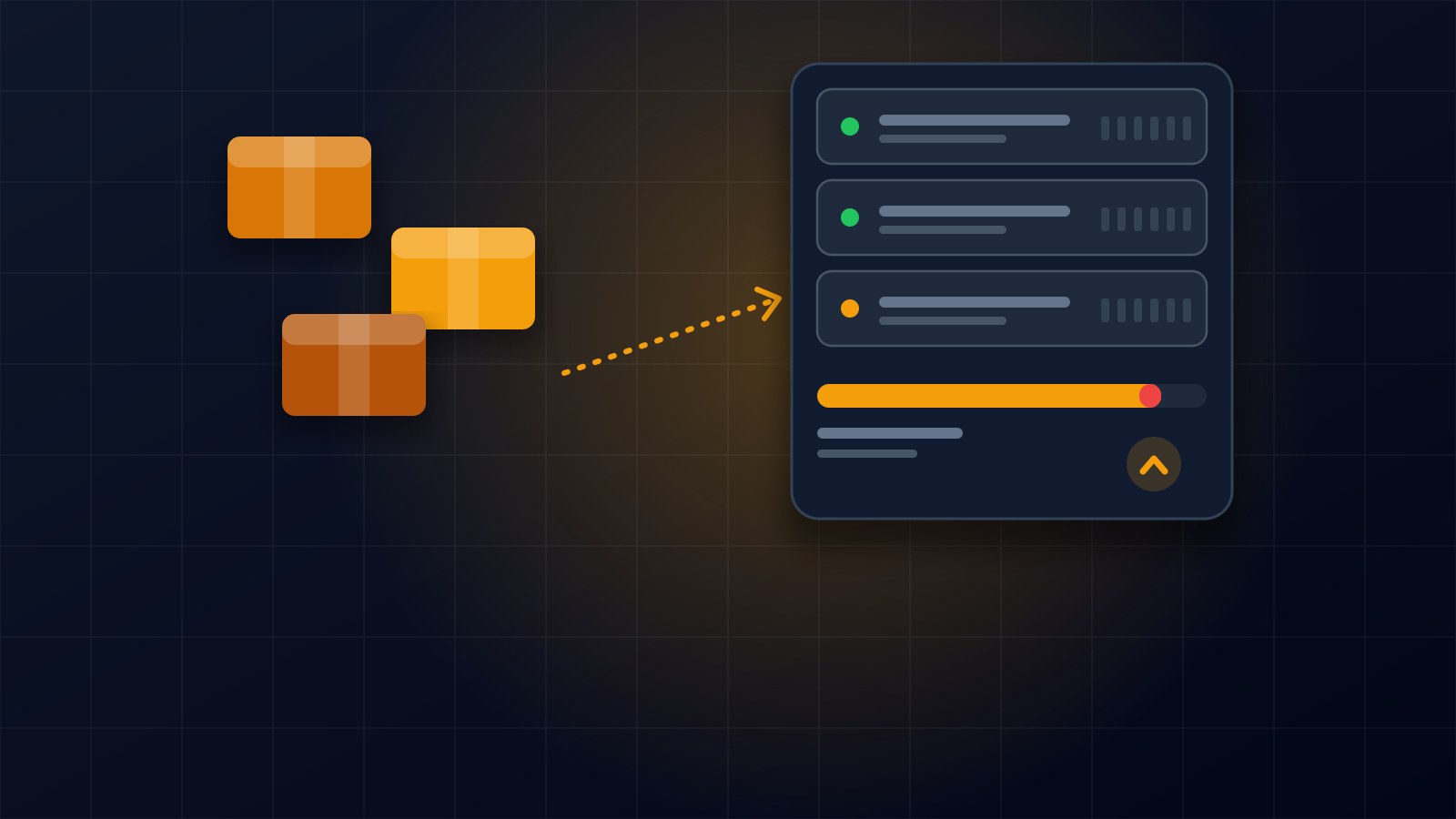
Most people know about disk space, but many shared hosts also limit the number of files and folders you can have. Each file or folder uses what is called an inode, and an account has a fixed allowance.
This matters for Laravel because the vendor folder, which holds all the packages your project depends on, can contain tens of thousands of files by itself. On an account that is already close to its limit, uploading a fresh copy of the whole project can push you over, and then uploads, emails and even the site can start failing.
So the first habit is to check how much room you have before you do anything that adds files. Most hosts show your inode count in the control panel, and some let you check it from the command line.
Never upload the whole project again
The tempting way to deploy is to upload everything every time. On a tight account, do not. Work out exactly which files changed and send only those.
If your project uses git, this is easy. Ask git for the list of files that differ between the version that is live and the version you want to ship. That list is your deployment. For a typical feature it is a few dozen files, not tens of thousands.
Pack the changes into one archive
Sending files one by one over a slow connection is fragile, and it is easy to forget one. A better way is to put the changed files into a single compressed archive on your own computer, upload that one file, and unpack it on the server. The folder structure is preserved automatically, and either the whole thing arrives or none of it does.
Build the frontend on your own computer
Many shared hosts do not have Node installed, and you would not want to compile your styles and scripts on a busy shared server anyway. So build them locally, then upload only the compiled files that changed.
Build tools usually put a fingerprint in each file name, so a changed stylesheet arrives with a new name. Upload the new file, update the manifest that points to it, and once you have confirmed the site works, delete the old one. Otherwise old copies pile up and quietly eat your file allowance.
Let Composer add only what is new
If you added a package, you do need Composer on the server. Many shared hosts do not have it installed globally, but you can download the single Composer file into your project folder and run it from there.
Use the install command for production, without development packages and with an optimized autoloader. Because the lock file already says exactly which versions to use, Composer only fetches what is missing. It does not reinstall everything, so the file count barely moves.
Rebuild the caches or your changes will not show
This one catches almost everyone once. Laravel can cache its routes to make the site faster, and when it does, new routes you just uploaded will not exist as far as the site is concerned. They return not found until you rebuild the cache.
After every deployment I clear the compiled views and rebuild the route cache. Be careful with caching configuration, though. If any part of your site reads settings from the database at runtime, caching configuration may freeze values you expected to change. Only cache what you understand.
Back up before you overwrite
Before extracting the archive, copy the handful of files it will replace into a dated folder on the server. It costs seconds and means that if something goes wrong, you can put the old versions back immediately instead of guessing what changed.
Verify like a visitor
Do not trust that it worked because the upload finished. After every deployment, request the pages that matter, the home page, a content page, your sitemap and any API endpoints, and confirm each returns a normal response. If you changed a page that renders differently for different people, look at it in a browser too.
This is the step I once skipped. I deployed a change to my sitemap without opening it first, and a typo made it return a server error for a few minutes. A thirty second check would have caught it.
The small traps
Running commands remotely can mangle special characters, because your own computer and the server both try to interpret them. When I needed to run a small script on the server, the safest method I found was to encode it, send it, and decode it on the other side.
A command that waits for input never finishes. I once left a console session waiting on the server without realizing it. If a remote command seems to hang, check for leftover processes before running it again, and stop the stuck one.
Finally, deleting something you did not create is risky on a shared account. Make sure a file belongs to your project before removing it.
When shared hosting stops being enough
This routine keeps a small site safe, but it has limits. There is no zero downtime, and there is a short window while files are being replaced. If your site gets busy, has many developers, or needs frequent deployments, a small virtual server with proper deployment tooling is worth the move.
Until then, careful beats clever. Check your room, send only what changed, rebuild the caches, back up first, and test like a visitor.
If you need help deploying or moving a Laravel site, get in touch through the contact page.
About the author
Francis Landford
Software Engineer | Creative Problem Solver | Innovative Software Solutions & Modern Applications
More about Francis Landford →