Building a Mobile App for My Own Website with Flutter and Laravel
I turned my portfolio and e-learning website into a mobile app that reads everything live from the site. Here is how it is built and the real problems I ran into along the way.

· 5 min read
My website already did a lot. It showed my portfolio, ran a blog, and hosted a small e-learning platform with courses, lessons, quizzes and certificates. What it did not have was a proper mobile app. A website is useful, but phones are where most people spend their time, so I decided to build one, with one rule: the app should never hold its own copy of the content. Everything it shows should come live from the website.
This post explains how it fits together and, more usefully, the problems I ran into. Some of them cost me an afternoon each, and I would like you to be able to skip them.
Why the app reads everything live
The easy route would have been to bundle my projects and course text into the app. That works until the first time I fix a typo or publish a new post, and then I have two places to update and a store release to wait for.
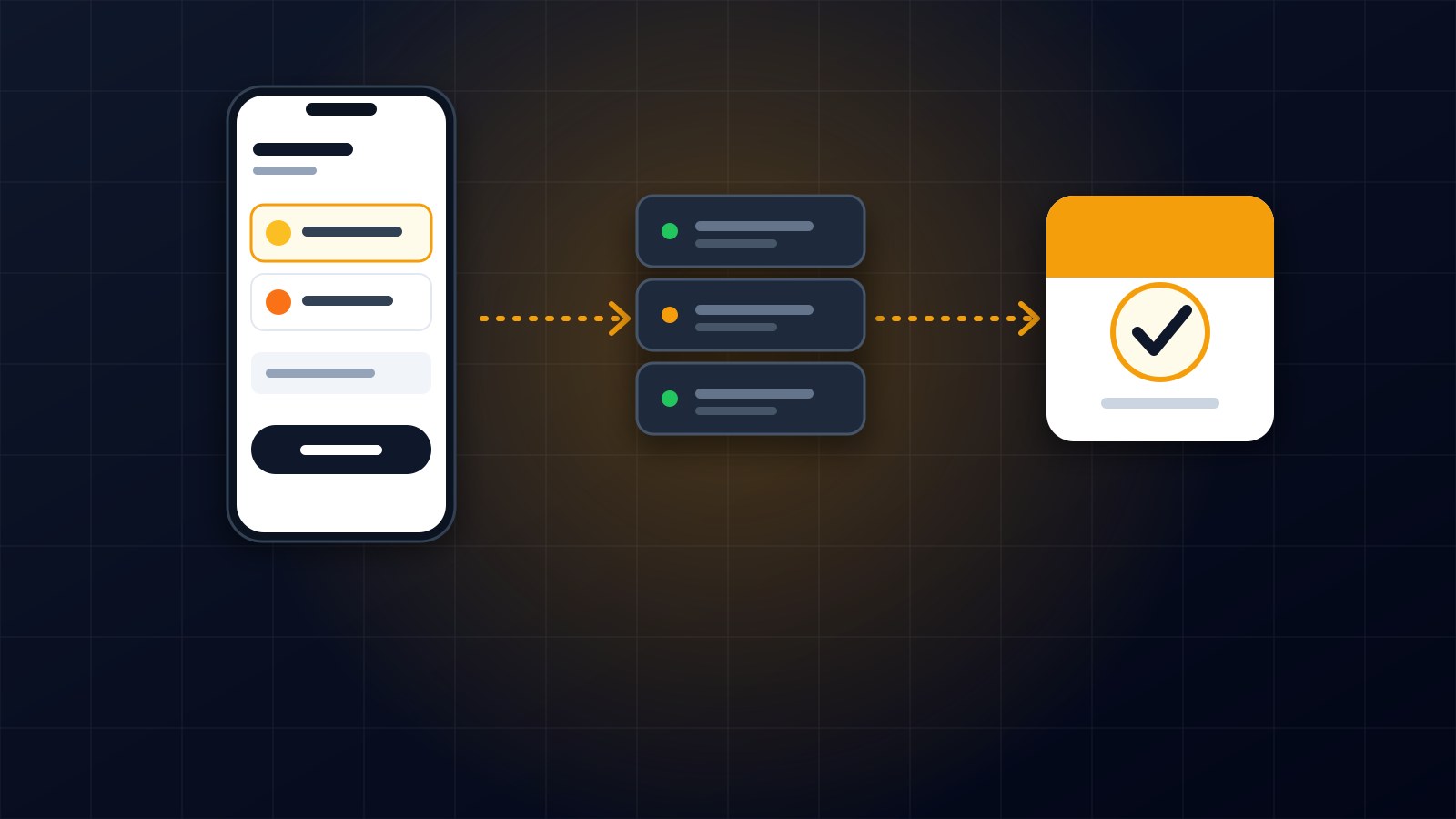
Instead the app is a thin client. The website is the single source of truth, and the app asks a JSON API for whatever it needs. When I publish a blog post or add a lesson in the admin panel, the app shows it the next time it loads, with no update required.
The stack I chose
On the server it is the same Laravel application that already runs the site, with a new versioned API added on top. Logins use Laravel Sanctum tokens, which suit mobile apps better than browser cookies because the phone simply stores a token and sends it with each request.
On the phone it is Flutter. State is handled with Riverpod, navigation with go_router, and network calls with Dio. The token is kept in the device's secure storage rather than in plain preferences.
I built it in four phases so that each one produced something I could actually run on a real phone: first the API and the portfolio screens, then course browsing and enrollment, then lessons, quizzes and certificates, and finally payments with mobile money.
Keeping the answers secret
The quiz taught me to be careful about what the API sends. The app needs the questions and their options, but it must never receive which option is correct, or anyone could read the answers from the network traffic. So the API leaves that field out entirely, and grading happens on the server. The phone sends back the chosen options and gets a score.
The same idea applies to lessons. Locked lessons never include their content in the response unless you are enrolled or the lesson is a free preview. The lock icon in the app is only decoration. The real lock is on the server.
The bugs that only showed up on a real phone
A price that arrived as text. Laravel returns decimal values as strings, so a price of 19 arrives as "19.00". My Dart code expected a number, and the course list crashed. The fix was a small parser that accepts both, but the lesson is to look at the real JSON before writing the model.
Errors that never showed up. I wrote code that caught my own API error type and showed its message. It never ran. The network library always throws its own exception type and only attaches mine inside it, so my catch blocks were dead code and every failure fell back to a generic message. Reading how the library actually behaves, instead of assuming, led to one small helper that unwraps the error properly.
An app that worked in testing and not in release. This was the best one. The debug build worked perfectly all through development. The first release build could not reach the internet at all and failed every request with a host lookup error. The cause was that the internet permission lived only in the debug-only part of the Android configuration, which Flutter adds for its development tools. Release builds never got it. One line in the main manifest fixed it, and I now build a release version early instead of at the end.
New routes that returned not found on the live server. After deploying the API, the new URLs still returned 404. The site caches its routes in production, so the new ones did not exist until I rebuilt that cache. If you add routes to a cached Laravel app, refresh the route cache as part of every deploy.
What is working today
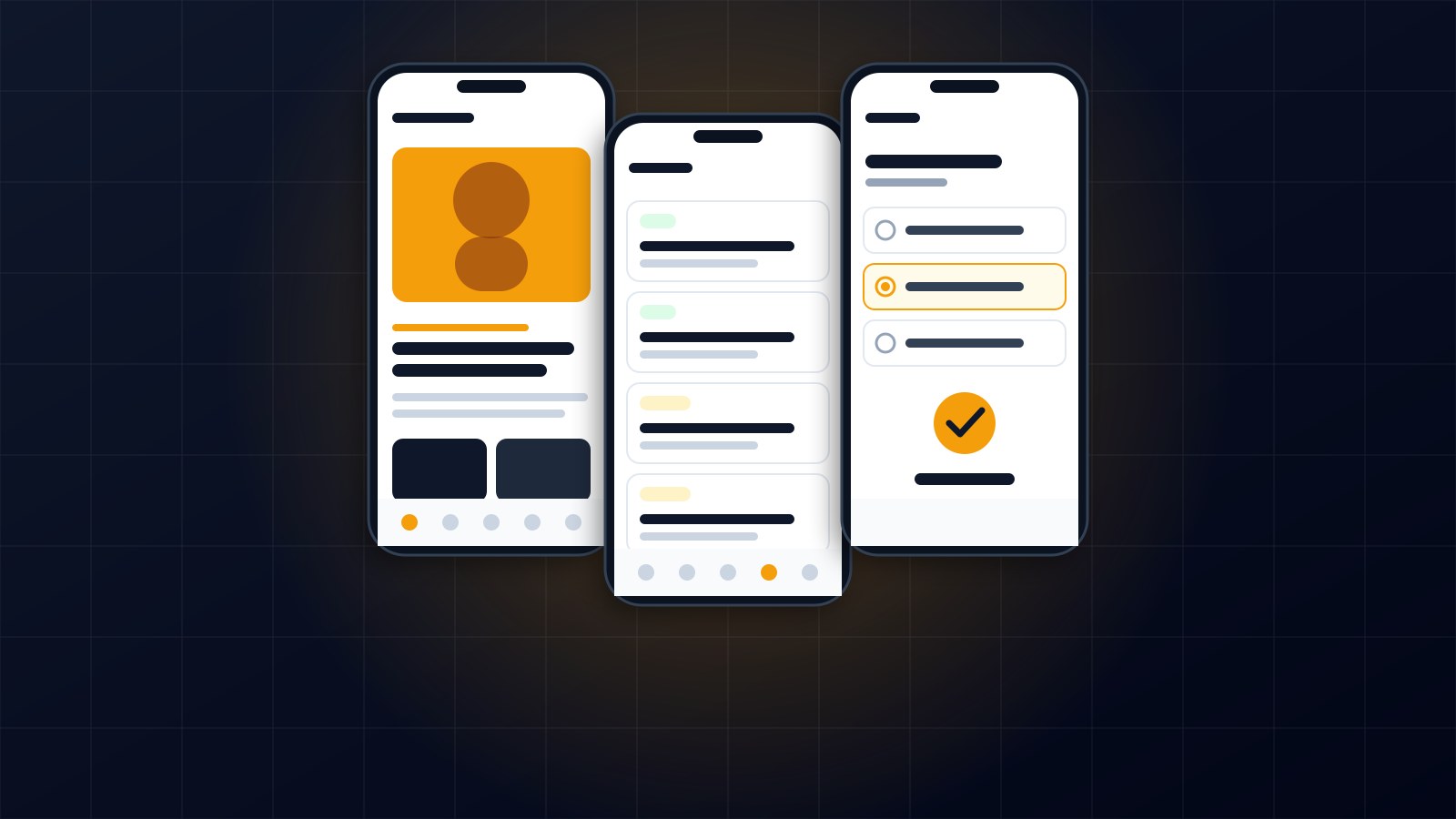
On my own phone the app shows my projects, blog and services, lets people create an account, browse courses, enroll, read lessons, take a quiz and download a certificate as a PDF. Everything loads from the live website over a secure connection.
Mobile money checkout for MTN and Orange is built and wired in, including the waiting screen that checks for payment confirmation. I have tested it up to the point where the payment provider is contacted. Testing a complete payment still needs live provider credentials, so I am not calling that part finished yet.
Where it stands
For now I am running the release build directly on my own phone. Putting it in an app store is a separate job that needs a proper signing key and a developer account, and I would rather finish payment testing first.
What I would tell anyone doing the same
Decide early that the website is the source of truth and keep the app thin. Treat the API as a public interface from the start, and decide what must never be sent to the client. Test on a real device, and build in release mode sooner than feels necessary.
If you are planning a mobile app for an existing website or business and want a straight answer about what it would take, get in touch through the contact page.
About the author
Francis Landford
Software Engineer | Creative Problem Solver | Innovative Software Solutions & Modern Applications
More about Francis Landford →