How Mobile Money Checkout Works Behind the Scenes
Tapping Pay and approving a prompt on your phone looks simple. Here is what actually happens between the app, the server and the mobile money provider, and the design choices that keep it safe.

· 5 min read
Paying with mobile money feels almost too simple. You pick a method, type your number, approve a prompt on your phone, and a moment later the course you wanted is unlocked. Behind that short moment there are several steps, and a few of them are easy to get wrong.
I recently built this flow for the courses on my own website and in its mobile app, supporting both MTN MoMo and Orange Money. This post explains how it works and the decisions I made, in plain language. It is a good primer if you are planning something similar, or if you just want to understand what happens after you press Pay.
What happens when you tap Pay
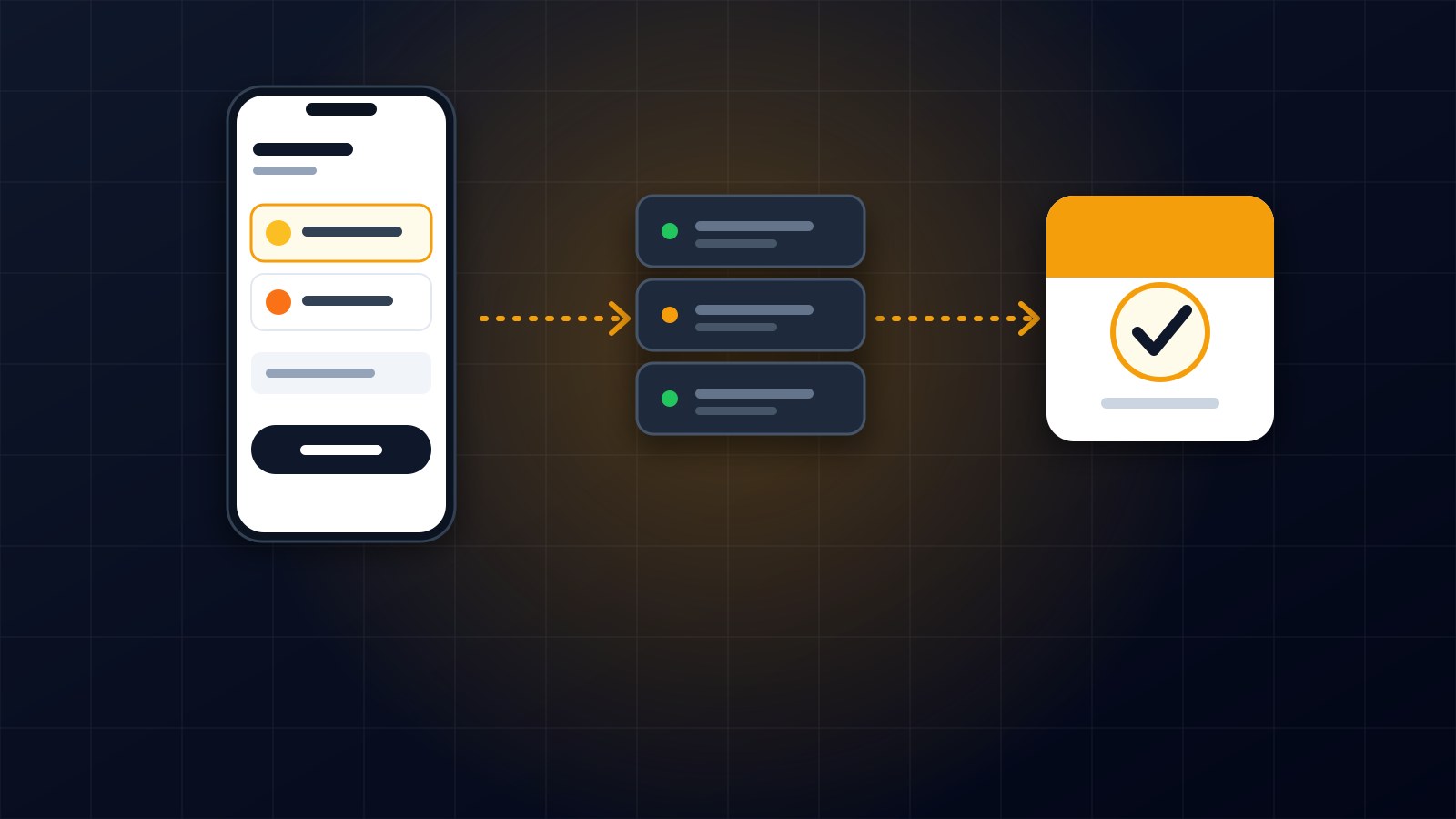
The first thing that happens is not a payment. The app sends the server three pieces of information: which course you want, which method you chose, and your phone number. The server checks that you are logged in and that the course is really a paid one, then creates a payment record marked as pending.
Only then does the server ask the mobile money provider to collect the money from that phone number. At this point nothing has been paid. A request has simply been made, and the provider now has to ask you, the customer, to approve it.
Why the server stays in charge
The most important rule is that the app never decides whether a payment succeeded. The app only displays what the server tells it.
This matters because anything running on a phone can be tampered with. If the app could say the payment worked, anyone willing to fiddle with it could unlock paid content for free. So the server asks the provider directly, and the course is only unlocked by the server, at the moment the provider confirms. The app just watches and reports.
Two providers, two different experiences
The two providers behave differently, and the app has to handle both.
With MTN MoMo, the customer receives a prompt on their phone and approves it there with their PIN. The app has nothing to display except a waiting screen that says to check your phone.
With Orange Money, the customer is sent to a payment page to complete the transaction. In the app I open that page inside the app itself, so the person never feels they have left. The waiting continues in the background while they pay.
I deliberately left the provider's own return and notification addresses alone. Changing them risks breaking the setup that the provider already has on file, so the app simply checks the result itself instead.
Waiting without giving up too early
Here is the tricky part. Mobile money is not instant, and the person might be searching for their PIN, switching apps, or on a weak connection. So the app asks the server for the payment status every few seconds for about two minutes, and the server asks the provider.
The possible answers are pending, successful or failed. If the answer is successful, the server enrolls the customer in the course, and the app shows a confirmation. If it is failed, the app explains that the payment was not completed and offers to try again.
The interesting case is when two minutes pass with no answer. It would be wrong to call that a failure, because the customer might approve a moment later. So the app shows a message saying it is still waiting, with a button to check again. Treating slow as failed is how people end up paying twice.
Making the unlock safe to repeat
Because the app asks for the status again and again, the server might hear the word successful several times. Unlocking the course must only happen once, so the enrollment is created in a way that does nothing if it already exists. Checking ten times has the same effect as checking once.
Protecting the payment endpoints
Payment endpoints attract abuse, so I limited them. Starting a payment is restricted to a handful of attempts per minute, which stops someone from hammering the system. Checking the status is allowed more often, since the app needs to poll.
A person can only see their own payments. If someone tries to ask about a payment that belongs to another account, the server refuses. And a free course can never go through the payment route at all.
What I tested and what I have not
I tested the parts I can without real money. Starting a payment on a free course is rejected. A missing phone number is rejected. When the provider's credentials are not configured, the payment is recorded as failed, the reason is stored, and the app shows a clear message with a way to retry.
What I have not done is a complete payment with live provider credentials. Those need accounts with MTN and Orange, and until I have run real transactions through them I am not calling this finished. I would rather say that plainly than claim it works end to end.
What I would tell anyone building this
Keep the server in charge of the truth, and let the app only display it. Expect waiting and design for it, and never treat slow as failed. Make the unlock safe to repeat. Limit the endpoints and check who owns each payment. Test the failure paths first, because they are the ones real customers will meet.
If you want mobile money payments added to your own website or app and would like honest advice on how to do it, get in touch through the contact page.
About the author
Francis Landford
Software Engineer | Creative Problem Solver | Innovative Software Solutions & Modern Applications
More about Francis Landford →