How to Prepare for a Software Project: What to Tell Your Developer
The best software projects start before any code is written. Here is what to think through and bring to your first conversation with a developer, so you get what you actually need.

· 5 min read
Most software projects that go badly do not fail because of the code. They fail because the people involved were never fully clear about what they wanted, who it was for, or how they would know it was finished. Preparing properly takes a few hours and can save weeks of rework.
This post covers what to think through, and what to bring, before you sit down with a developer. It applies whether you want a website, a mobile app, a management system or something else.
Why preparation saves money
Changes are cheap on paper and expensive in finished software. Moving a button in a sketch takes a minute. Moving it after the system is built, tested and connected to a database can take days. The more clearly the idea is defined at the start, the fewer expensive surprises appear later.
Preparation also helps you compare quotes fairly. When every developer is answering the same clear description, their prices and timelines actually mean something.
Start with the problem, not the solution
Many people begin with a solution: I need an app, I need a website with a shop, I need a system like the one a competitor has. A better starting point is the problem. What is going wrong today? What takes too long, costs too much, or gets lost?
If you can say, for example, that parents keep phoning the office to ask about fees, you have given the developer something to design around. They may even suggest a simpler or cheaper way to solve it than the one you imagined.
Describe who will use it
Write down the types of people who will use the system, and what each one needs to do. A school might have administrators, teachers, parents and students. A business might have staff, managers and customers. Each type will want different things and should see different screens.
Think about their situation too. Will they use phones or computers? Is their internet connection weak? Are they comfortable with technology, or new to it? These details change how the software should be built.
List what must work on day one
Make two lists. The first is what the system absolutely must do when it launches. The second is what would be nice to have later. This is one of the most useful things you can give a developer, because it lets the first version stay focused and affordable.
It is far better to launch something small that works well, learn from real users, and then add features than to wait a long time for a huge system that tries to do everything.
Gather your content early
A surprising number of projects are delayed because the content is not ready. Text, photographs, logos, prices, staff details, service descriptions and legal pages all need to come from somebody. If you wait until the design is finished to start writing, the launch date slips.
Start collecting the material at the beginning, even in rough form. Good photographs and clear writing make a bigger difference to how professional a site feels than most design choices.
Bring examples you like and dislike
Examples save a lot of explaining. Collect a few websites or apps that you like and say what you like about them, and a few that you dislike and why. You do not want a copy, but examples show a developer your taste faster than a page of description.
Decide who owns what
This question is easy to skip and painful to answer later. Make sure you are clear about who owns the domain name, the hosting account, the social media accounts and the source code. Whenever possible, these should be registered in your own name, with the developer given access, not the other way round.
Agree in writing what happens if you and the developer part ways. A good developer will be happy to hand over what belongs to you.
Be honest about budget and timing
Tell the developer your real budget and the date you need the project ready. It is tempting to hold this back, but an honest budget lets them recommend what is realistic and what to leave for later. A good developer would rather tell you that something cannot be done well within your limits than build something that disappoints you.
Plan for after launch
Software is not finished on launch day. Websites need updates and backups, apps need maintenance as phones change, and users will ask for improvements. Ask in advance who will look after it, what that costs, and how quickly problems get fixed.
Also plan to train the people who will use it. A system nobody understands does not get used, however well it was built.
A short checklist to bring
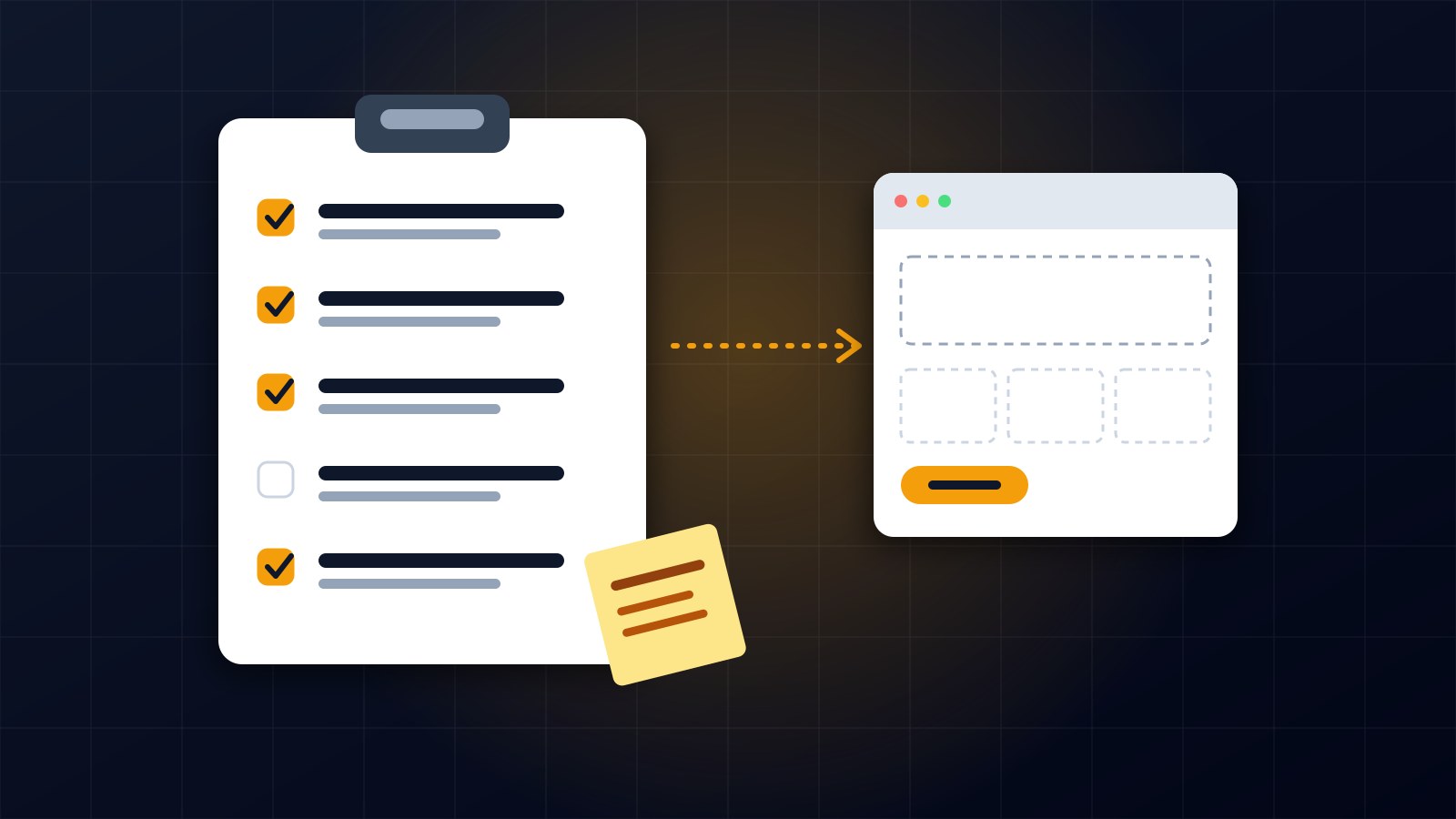
Before your first meeting, try to have a short description of the problem you want to solve, a list of the types of users, your must-have and nice-to-have features, a few examples you like, the content you already have, your budget and your deadline, and a clear idea of who will own the accounts.
You do not need perfect answers. Even rough notes make the conversation far more productive.
If you are planning a website, an app or a management system and would like help shaping the idea, get in touch through the contact page.
About the author
Francis Landford
Software Engineer | Creative Problem Solver | Innovative Software Solutions & Modern Applications
More about Francis Landford →