A Simple Website Security Checklist for Small Businesses
Most hacked small business websites were not targeted personally. They were easy. Here is a practical checklist that makes yours a harder target.

· 4 min read
Many small business owners think hackers only go after big companies. In reality, most attacks are automated. Software scans the internet looking for websites with known weaknesses and attacks whichever ones it can. Your site is not chosen because of who you are. It is chosen because it was easy.
The good news is that a handful of simple habits make your site much harder to break into. This checklist is written for business owners and for the people who look after their websites.
Keep everything updated
Most website break-ins use weaknesses that were already fixed in a newer version. Whatever your site runs on, whether it is WordPress, Laravel or something else, keep the core software, the plugins, the themes and the packages up to date. Set a regular time, for example once a month, to check for updates, and apply the important security ones promptly.
Keep backups, and test them
A backup you have never restored is only a hope. Make sure your site and its database are backed up on a schedule, kept somewhere other than the same server, and that someone has actually tried restoring one. Knowing how long a restore takes is valuable on the day something goes wrong.
Before I change anything on a live site, I also copy the files I am about to replace, so I can put them back in seconds if I need to.
Use strong, unique passwords and two-step login
Reused and weak passwords are one of the most common ways people get in. Use a long, unique password for your website admin, your hosting account and your email, and store them in a password manager. Turn on two-step login wherever it is offered, especially for hosting and email. Your email account is the key to resetting everything else, so protect it most.
Keep the number of admins small
Every admin account is a door into your site. Remove accounts that belong to people who have left, or to developers who finished their work. Give each person the lowest level of access they need to do their job, and never share one login between several people. If you notice an admin account you do not recognize, treat it as an emergency.
Remove what you do not use
Plugins, themes and old test sites that are switched off are still sitting on your server, and any of them can contain a weakness. Delete what you do not need. Fewer moving parts means fewer things to attack and fewer things to keep updated.
Make sure the site uses HTTPS
HTTPS protects the information moving between your visitors and your site, and visitors and search engines expect it. Most hosts offer it for free. Check that every page loads securely and that the plain version redirects to the secure one.
Protect your forms
Contact forms and login pages are popular targets for spam and for guessing passwords. Limit how many attempts someone can make in a short time, and add a simple spam check. These small limits stop a lot of automated abuse.
Watch for changes
You cannot fix what you do not notice. Keep an eye on whether your site is up, and pay attention if something looks different, such as strange pages, unexpected redirects, a slower site or messages from your host. Many hosts also offer scanning tools. Ask whoever manages your site to tell you quickly about anything unusual.
Know what you will do if it goes wrong
Decide in advance who you call, where the backups are, and who can change your passwords. If a site is hacked, the usual steps are to take it offline or restrict access, change every password, restore a clean backup or clean the files, update everything, and find out how the attacker got in so it does not happen again.
The short version
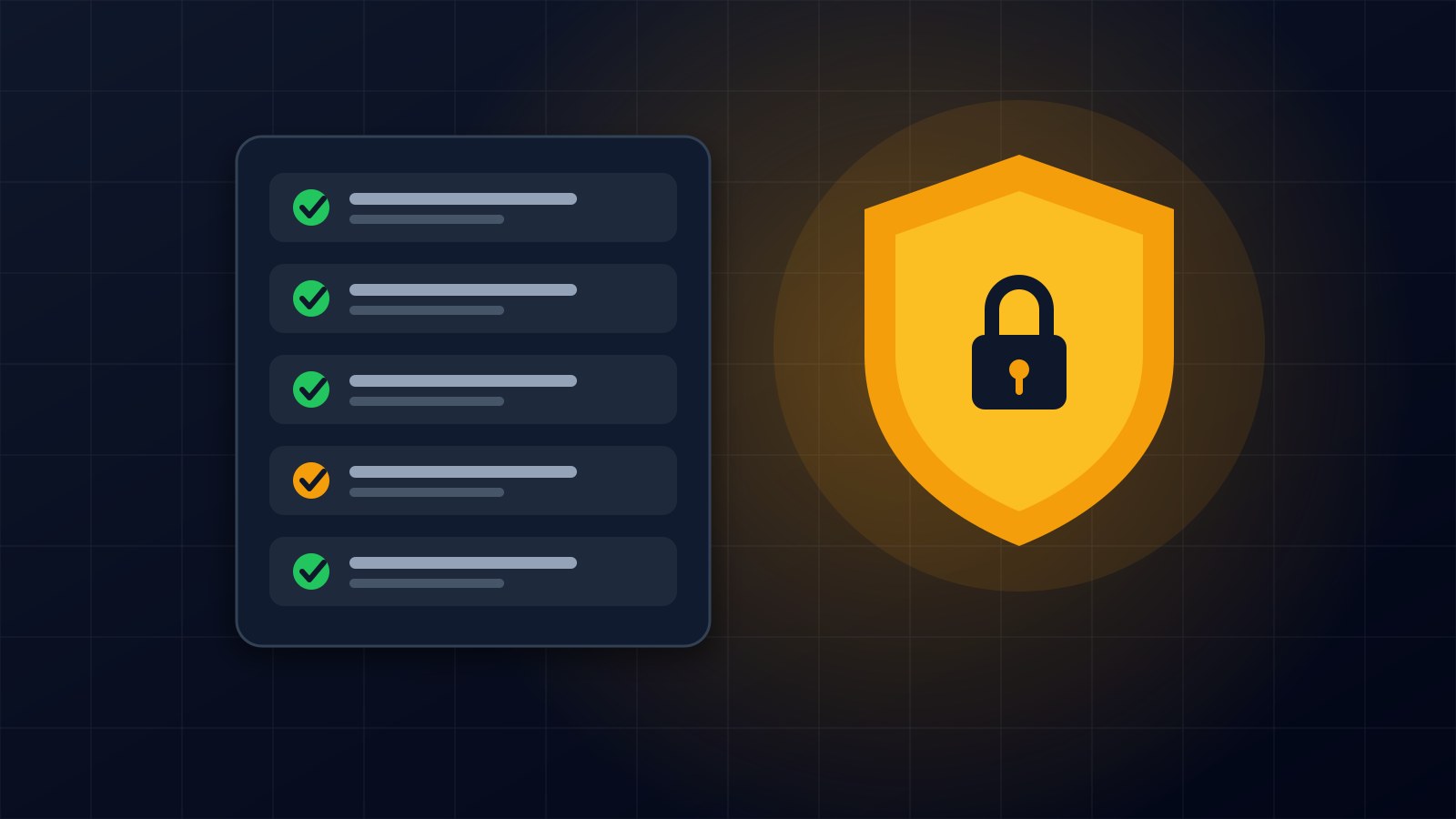
Update everything, test your backups, use strong passwords with two-step login, keep admins and plugins to a minimum, use HTTPS, protect your forms, and keep watching. None of this needs to be expensive, but all of it needs to be done regularly.
If you would like someone to review your website's security or set up proper backups, get in touch through the contact page.
About the author
Francis Landford
Software Engineer | Creative Problem Solver | Innovative Software Solutions & Modern Applications
More about Francis Landford →