The Pomodoro Technique: How to Study in Short, Focused Bursts
Struggling to focus for hours? Try working in short bursts with breaks. Here is how the Pomodoro technique works, how to set it up, and how to make it fit your day.

· 4 min read
You sit down to study for three hours. After twenty minutes you are checking your phone. After forty you are tired, and by the end you have done much less than you hoped. Many students and workers know this feeling. The problem is often not laziness. It is that our attention works better in short stretches.
What the Pomodoro technique is
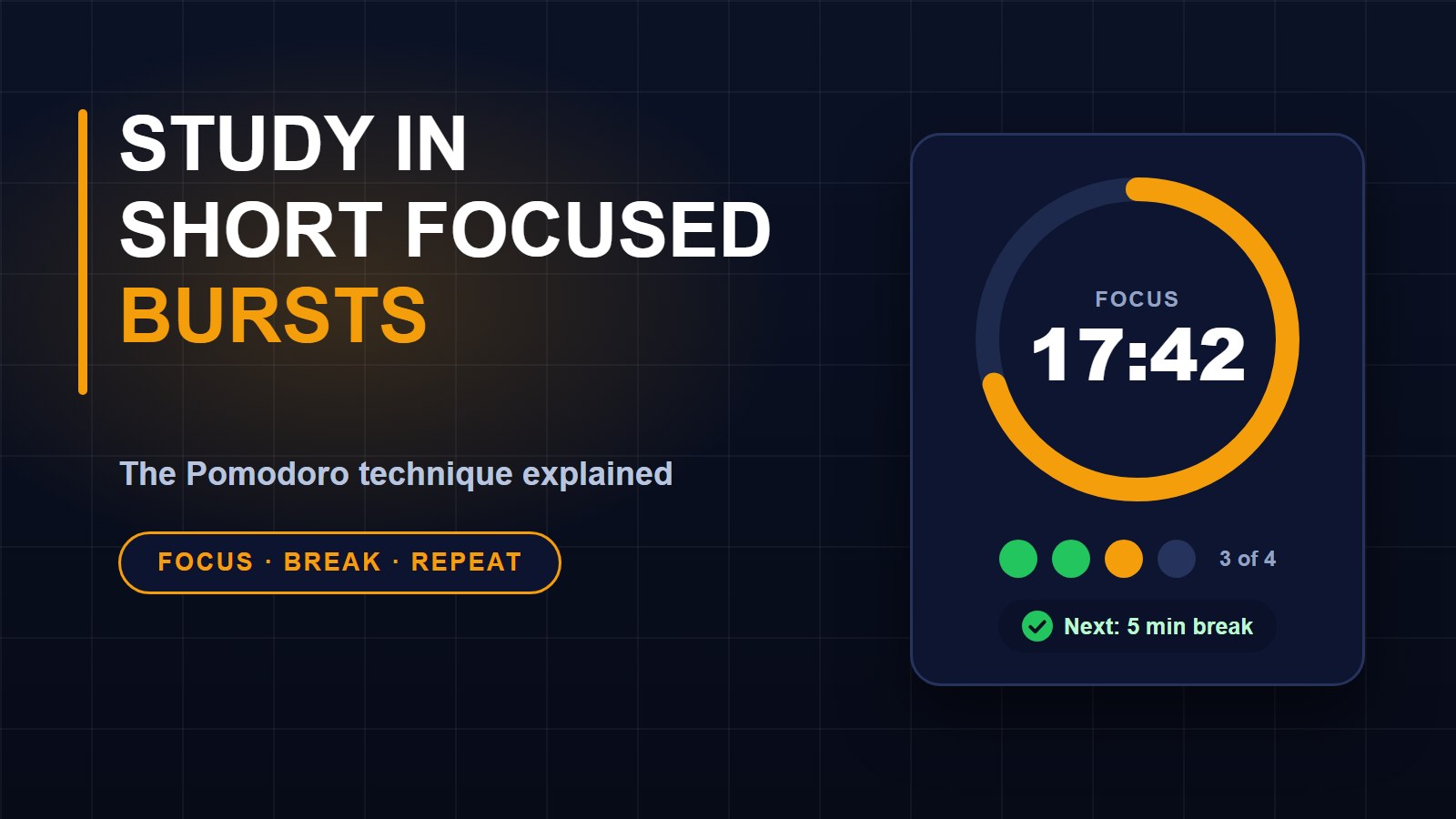
It is a simple method for focused work. You choose one task, work on it with full attention for a fixed time, usually 25 minutes, then take a short break of about 5 minutes. That one block is called a pomodoro. After four blocks you take a longer break, around 15 to 30 minutes.
The name comes from the Italian word for tomato, because the inventor first used a tomato-shaped kitchen timer. You do not need one. Any timer will do.
Why it works
A fixed time makes starting easier. It is much less frightening to say "I will read for 25 minutes" than "I will study all afternoon." The timer also protects you from distractions, because you can tell yourself the message can wait a few minutes. And the breaks help your mind rest so that the next session is as good as the first.
How to do it in five steps
1. Choose one task, such as "read pages 20 to 30" or "solve five maths problems." One task per session is best.
2. Open the Study timer and press Start. Put your phone face down or on silent.
3. Work until the timer rings. If something distracts you, write it on a piece of paper and go back to the task.
4. Take the break shown. Stand up, stretch, drink some water and look away from the screen. Do not start something new that is hard to stop, like a long video.
5. After four sessions, take a longer break, then start again.
The timer lets you change the minutes in Settings if 25 and 5 do not suit you. Your changes are saved on your device. Keep the page open so the sound can play when time is up.
Tips for students
Plan your pomodoros at the start of the day. A typical day might have six to eight. Count how many each subject needs. Start with the hardest subject while your mind is fresh. Use the last few minutes of a session to write down what you remember, without looking at your notes. This simple recall is one of the best ways to learn.
If you finish the task early, do not stop. Use the time to review it, test yourself or tidy your notes. If you do not finish, that is useful information for planning tomorrow.
When 25 minutes is too short or too long
For deep work like writing an essay or solving hard problems, you might prefer 40 or 50 minutes with a 10-minute break. For subjects you find difficult to begin, try 15 minutes. The rule is not magic. What matters is working with full attention for a set time, then resting on purpose.
Study when power and data are limited
If electricity is a problem, charge your phone before you begin and study from downloaded notes. A short session is a good fit when your battery is low, because you can plan the work around what you have. Our guide to studying online with limited data and power has more ideas.
Link your study to your goals
Your grades come from steady effort. After a semester of regular sessions, use the GPA calculator to see where you stand and which grades you need next. Seeing a number often brings extra motivation.
Common mistakes
Checking your phone during a session. Changing tasks halfway. Skipping breaks because you feel fine. And planning too much: it is better to finish four good pomodoros than to plan ten and quit after two.
Give it a week
Try the technique for seven days. Note how much you get done and how tired you feel. Most people find they achieve more in less time. If it works for you, keep it. If not, adjust the times until it does. You can find more free tools on the tools page.
About the author
Francis Landford
Software Engineer | Creative Problem Solver | Innovative Software Solutions & Modern Applications
More about Francis Landford →


Discussion (0)
Sign in or create a free account to join the conversation.
No comments yet. Start the conversation.