An Admin Dashboard in a Mobile App Without Weakening Login Security
I added my website admin dashboard to my mobile app. The charts were easy. Keeping the app from becoming a back door around two-step sign-in was the real work, and real data found a bug my tests missed.

· 5 min read
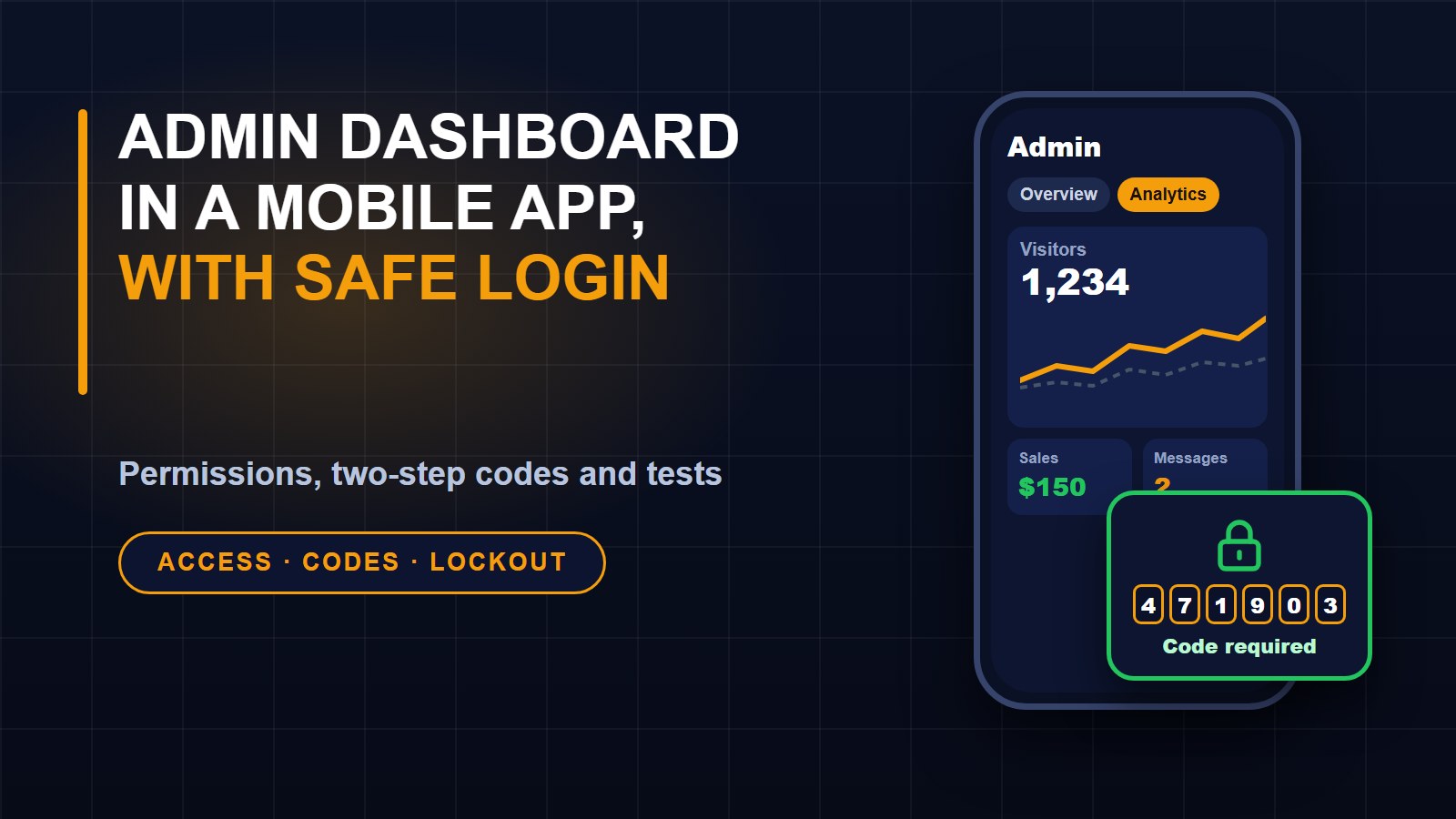
I wanted to check my website's visitors, sales and messages from my phone without opening a laptop. The website already has an admin area, so the obvious plan was to add a dashboard to the mobile app. The part that needed care was not the charts. It was making sure that adding a second way in did not weaken the first.
This post covers what the dashboard shows, how access is controlled, and one bug that real data found and my test data missed.
What the dashboard shows
The admin area of my app has four tabs. Overview shows revenue, course enrollments, unread messages, shop figures and content counts, with charts of sales and enrollments over the last 30 days. Analytics shows how many visitors are on the site right now, then visitors, sessions, page views and average visit time for a chosen period, a traffic chart compared with the period before, top pages, traffic sources, countries, devices and browsers. A Tools and app tab shows how many times each of my free tools was used and how many people started the app download. Activity lists recent purchases and contact messages.
The figures come from the same reports the website's own admin dashboard uses, so the two never disagree.
The risk: a second front door
A website login can have protections that a mobile login does not, unless you build them in. My admin area supports two-step sign-in with an authenticator app. When I looked at the app's sign-in, it checked only the password. That meant anyone who learned an admin password could skip the second step simply by signing in through the app instead of the website. A new feature was about to expose real business data through a door that had no lock on the second step.
Three rules for the new door
1. The admin endpoints check who you are, every time. Each request needs a signed-in account that is allowed into the admin area. An ordinary account gets a refusal, and a request with no sign-in gets a different refusal.
2. Each section follows the permissions on the website. My website already says which role may see which dashboard block. The app asks the same question for each section, so someone who may only see content figures never receives revenue or messages. Sections they may not see are simply not sent, rather than sent and hidden on screen.
3. The app's sign-in enforces two-step sign-in. If an account uses an authenticator app, the app asks for the six-digit code after the password, or for a recovery code. A recovery code works once. A code that has just been used is refused, so a captured code cannot be replayed.
Slowing down guessing
I also added a limit on failed attempts. After five wrong passwords or codes, the account is locked out for about ten minutes, in addition to the limit already placed on each connection. This applies to every account, not only admin ones.
One more rule: if the website is set to require two-step sign-in for administrators, an admin without it set up is refused in the app until they set it up on the website. The app does not create a way around the site's own policy.
How I tested it
Automated tests cover the access rules. A request with no sign-in is refused, a student account is refused on every admin address, a role with one permission sees only that section, the code step works, recovery codes work once, repeated failures lock the account, and the required two-step rule applies. In the app, tests check that signed-out visitors and students are turned away and that a role with limited sections sees only those tabs.
I also tested on a local copy with real accounts: a password alone got no access token, a wrong code was refused, and a correct code opened the dashboard. On the live site I checked, without creating any new token, that my admin account could see every section and that an ordinary account was refused on every admin address.
The bug my test data hid
When I opened the Analytics tab on my phone, every country showed as "null". The website sends countries under the field name "name" and cities as "city" and "country", while my app code looked for a field called "label" like the other lists. On my local copy there were no visitors with a known location, so the list was empty and I never saw it. The real site had hundreds of sessions. The fix was small, and I added a test that feeds in realistic country and city lists and checks that "null" never appears.
The lesson is an old one: test with data that looks like production. Empty test data hides exactly the bugs real data will find.
What I would tell anyone building the same
Treat every new way into your system as a new front door, and give it the same locks. Send people only what they are allowed to see, rather than hiding it on screen. Write tests for who must be refused, not only who should be let in. And turn on two-step sign-in for your admin accounts if you have not already; Two-Step Verification: The Easiest Way to Protect Your Accounts shows how.
If you are curious about the rest of the system, Building a Mobile App for My Own Website with Flutter and Laravel describes how the app was built, and Analytics Without Cookies: How I Track Visitors on My Own Website explains where the visitor figures come from.
About the author
Francis Landford
Software Engineer | Creative Problem Solver | Innovative Software Solutions & Modern Applications
More about Francis Landford →

Discussion (0)
Sign in or create a free account to join the conversation.
No comments yet. Start the conversation.