Duplicate, Google Chose a Different Canonical: How I Fixed My Site
Search Console told me Google chose a different canonical than the one I declared. Here is what that means, the three real causes I found on my own site, and the fixes that cleared them.

· 5 min read
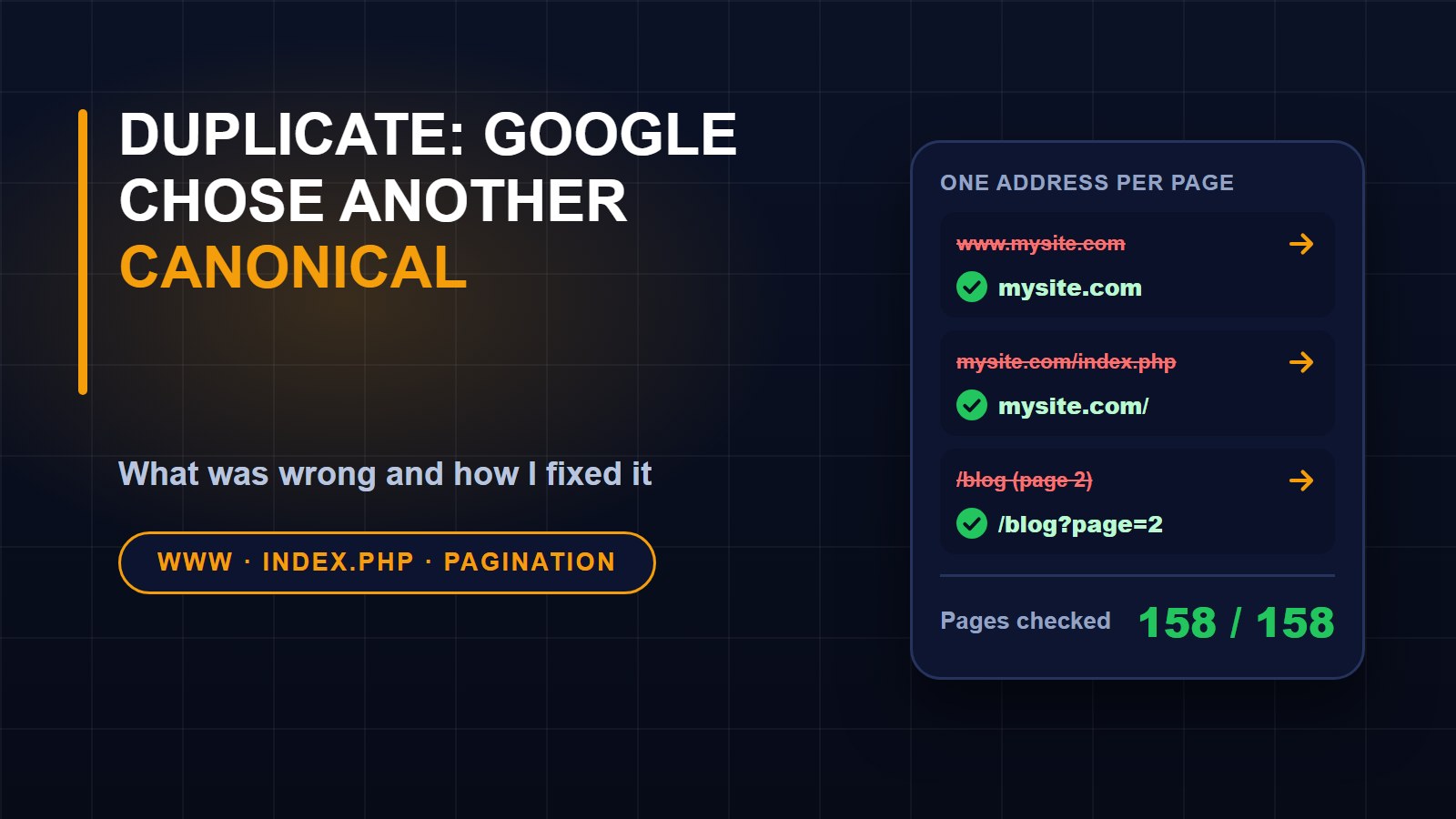
A few days ago I received an email from Google Search Console with a subject line that sounds worse than it is: "New reasons prevent pages in a sitemap from being indexed." The reason it named was "Duplicate, Google chose different canonical than user."
If you run a website, you may see this too. Here is what it means, what I found when I looked into it, and the three fixes I made.
What a canonical address is
Most pages can be reached in more than one way. The same article might open with www in front, without it, with a tracking code on the end, or with a hidden file name in the middle. To a visitor these are the same page. To a search engine they look like separate pages with identical content.
A canonical address is the one you want to count. Every page can name it with a small line in its code, called a canonical link. When Google finds several copies, it treats your canonical as a hint, not an order. The message I received means Google read the canonical I had declared on a page and decided that a different address was the real one.
Step one: check the obvious
The first thing I did was crawl every page in my sitemap, 161 of them at the time, and read the canonical each one declared. Every page named itself correctly. So the pages I had listed were not the problem. The copies had to be at addresses Google found by following links, not the ones I had given it.
So I tried the addresses a visitor, or a search engine, might reach by accident, and looked at the canonical on each.
The three problems
1. The www copy of the whole site. Typing www.francislandford.com loaded my entire website, every page, instead of sending people to francislandford.com. On that copy each page named its own www address as the canonical, while my sitemap listed the address without www. Google therefore saw two complete sites with identical pages, each claiming to be the original. This was most likely the main cause.
2. The index.php address. My site runs on shared hosting, and requests are quietly passed to a folder named public. Adding index.php to the address opened my home page, and the canonical on that page ended in /public/index.php. That is a second copy of the home page with a strange canonical.
3. Page two of the blog. Every page of the blog list, from page 2 onwards, named page 1 as its canonical. Google generally wants each page in a series to name itself.
The fixes
None of this needed a redesign. I made three changes to the code.
Redirects for the duplicates. The www address now sends visitors, and search engines, to the main address with a permanent redirect, keeping the page and anything after the question mark. The index.php and public/index.php forms redirect to the clean address in the same way. A permanent redirect tells Google that one address has moved for good, which is a much stronger signal than a hint.
One canonical per page, built from the main address. Instead of using whatever address the visitor typed, every page now builds its canonical from the main address and the page path. Tracking parameters such as utm_source are ignored, so a link carrying a tracking code points back to the clean page.
Later list pages name themselves. Page 2 of the blog now has a canonical ending in ?page=2.
I also made the sharing tag, which tells social sites the page address, use the same value, so the two never disagree.
How I tested the fix
I wrote tests for the redirects and the canonical tags, including two cases that must never be redirected: a form submission, and a request for a completely different website name. After deploying, I crawled the sitemap again. There were 158 pages, every one returning a normal page with the correct canonical, and no problems. I also checked that the security certificate covers both names, because Google has to be able to reach the www address to follow the redirect.
How to check your own site
You can do most of this in five minutes.
1. Open your site with www in front, and without. One of them should redirect to the other.
2. Open the http version. It should redirect to https.
3. Add /index.php to the end of your address. It should not show a second copy of your home page.
4. Open a page with a tracking code, such as ?utm_source=test, and view the page source. The canonical should be the clean address.
5. Look at page 2 of any list. It should name itself.
What to do in Search Console
After fixing the cause, open the report that named the problem and press Validate fix. Google then rechecks the affected pages over several days to a couple of weeks, and a page can stay in the report while it works through them.
One honest note: the email did not list the exact pages, so I fixed the three causes I could find and prove, not a list handed to me. If you are tracking indexing on your own site, my guides on getting found on Google and why nobody is visiting a live website cover the rest of the basics.
About the author
Francis Landford
Software Engineer | Creative Problem Solver | Innovative Software Solutions & Modern Applications
More about Francis Landford →


Discussion (0)
Sign in or create a free account to join the conversation.
No comments yet. Start the conversation.