TubeStream Themes and the TubeStream App: Restyle a Video Platform Without Code
Two add-ons for TubeStream: a Themes plugin that changes the look of the website and the app from one admin screen, and a Flutter app for Android and iOS. How they work, why theme packages cannot contain code, and what each one needs.

· 5 min read
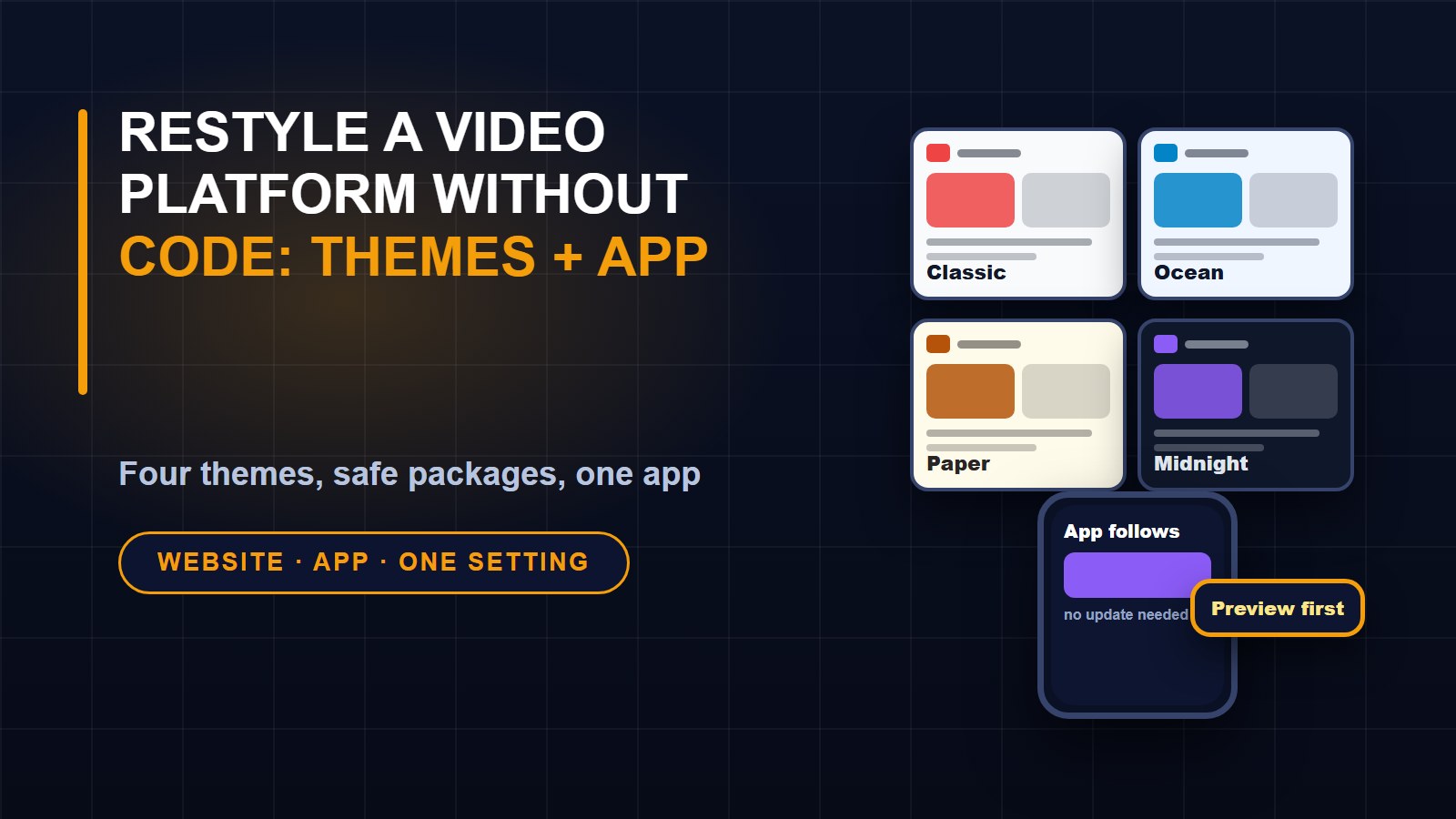
A video platform has two faces: the website people visit on a computer and the app they carry in a pocket. Keeping them looking like one brand usually means repeating the work twice. I built two add-ons for my TubeStream platform to avoid that: a Themes plugin, which controls how the site and the app look, and a mobile app that follows it. This post explains both.
The Themes plugin
The plugin adds a Themes page to the admin, open to super administrators. There you can preview a theme, activate it, customise it, download it as a package or install one made by someone else.
Four themes are included:
1. Classic is the original look, with a red accent, a sidebar menu and a grid of videos, following each visitor's light or dark setting.
2. Ocean is blue on cool greys, light by default, with a top menu bar and soft rounded corners.
3. Paper is editorial, with warm tones, serif type and one video per row with no avatars, which suits talks and courses.
4. Midnight is violet on deep blue, dark, with rounded type and titles shown over the thumbnails.
The preview button is the part I use most. It shows a theme to you alone, with a bar on every page to return, while visitors keep the active theme. You can try a look on real content before you commit.
Making your own
Customise starts from any theme and lets you change the name, brand colour, greys, default light or dark mode, corner roundness, typeface, menu position, feed layout, card style and logo. The built-in themes are never altered; your edits create your own theme. A brand colour that would make white button text hard to read is handled automatically, because buttons use a darker shade when the contrast would otherwise be below an accessible level.
Why theme packages cannot contain code
A theme can be shared as a zip file, and that raises a real security question: what if someone hands you a package that does something nasty? The plugin is designed so that cannot happen. A package may contain only a settings file, pictures and font files. SVG pictures are refused, because they can carry scripts, and nothing executable is accepted at all.
Beyond that, file names are checked against tricks that try to write outside the theme folder, sizes and file counts are capped against zip bombs, images must really decode as images and fonts must really be fonts, and every value that reaches the page's styles has to match a strict pattern. Only files that the settings actually reference are copied. The point is that you can install a theme from a designer you have never met, because the worst it can contain is an ugly colour.
One setting, two places
The theme is also sent to the mobile app. When the app starts, it asks your site for its current theme and applies the colours, light or dark mode, corners, feed layout, card style and logo. Change the theme in the admin, and the app follows the next time it opens, with no new release needed. One thing the theme cannot change is the app icon on the home screen, because launcher icons are built into each release.
The TubeStream app
The app is the source code of a Flutter project, so one codebase builds for Android and iOS. You build it under your own name and publish it with your own store accounts.
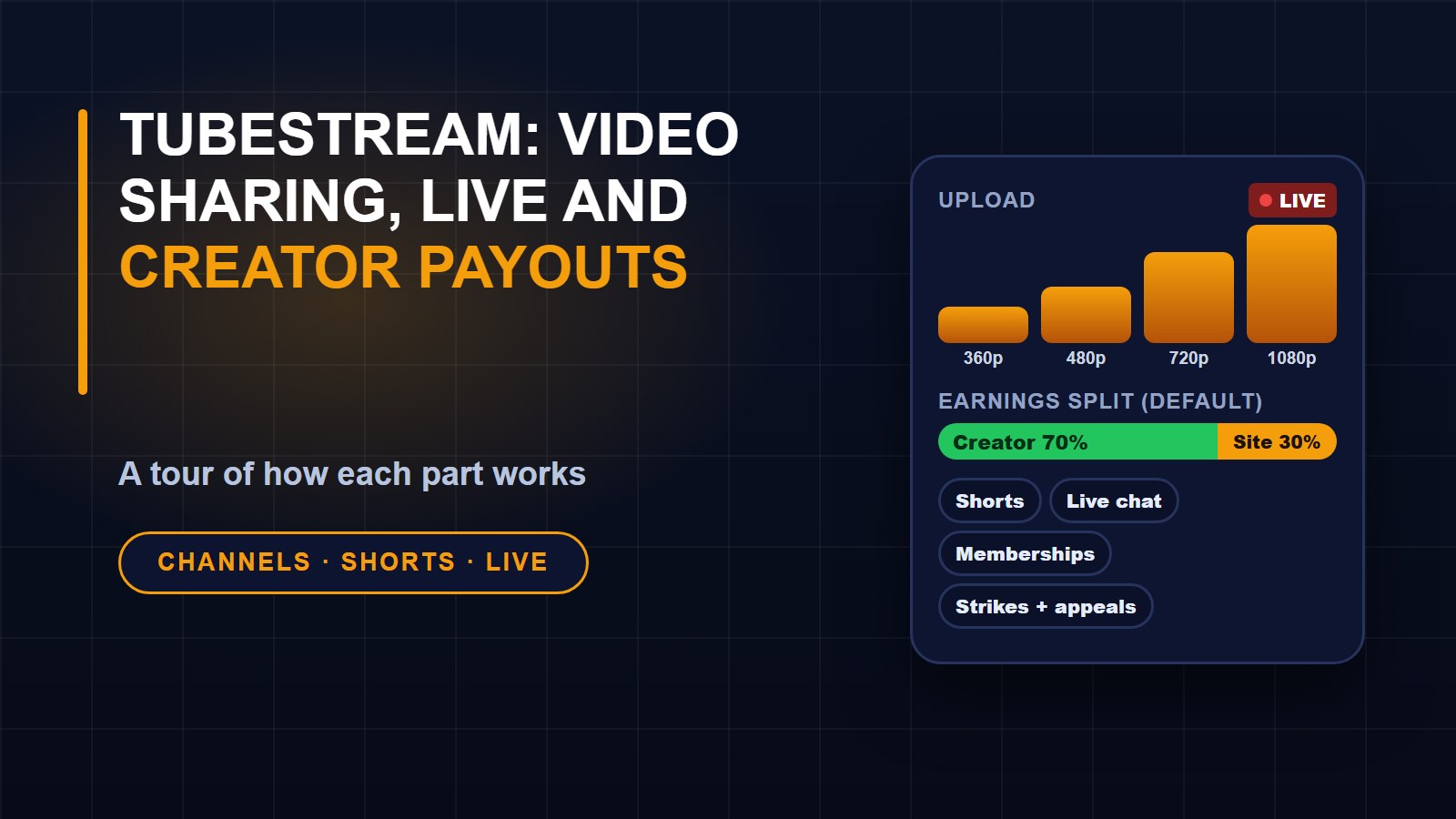
Viewers get a home screen with categories, live streams, Continue watching, shelves you choose and Shorts, plus a vertical Shorts feed. The watch screen uses the phone's native video player for adaptive streaming, with resume, chapters, jumping back or forward, and full screen, along with likes, comments, subscribing, Watch later and sharing. There are subscriptions, history and playlists, search with suggestions and filters, channel pages and notifications. Guests can browse and watch public videos, and members sign in with their website account.
Some things stay on the website and are linked from the app: uploading, the creator Studio, going live, account settings, sign-up and memberships. That is deliberate. App stores restrict selling digital goods inside an app, so memberships are bought on the website.
The default app icon and launch screen are plain on purpose. Stores reject icons that look like another service's brand, so the defaults are a simple mark that you replace with your own.
What each needs
1. The plugin needs TubeStream Platform 1.0.0 or newer. You copy its folder into the platform's plugins folder and enable it.
2. The app needs the same platform on HTTPS, Flutter 3.35 or newer, Android Studio for Android, and a Mac with Xcode for iOS.
3. For publishing, you need your own Google Play and Apple Developer accounts.
Both come with six months of updates and email support, and each has a single licence and an extended licence. The plugin's licence lets you create and sell theme packages that you design yourself.
Where to look
See the TubeStream Themes page and the TubeStream mobile app page for screenshots and licences. Both depend on the TubeStream platform, which has its own page. I used the preview feature while preparing the screenshots for these listings, and I recommend trying every change that way before you switch it on for everyone.
About the author
Francis Landford
Software Engineer | Creative Problem Solver | Innovative Software Solutions & Modern Applications
More about Francis Landford →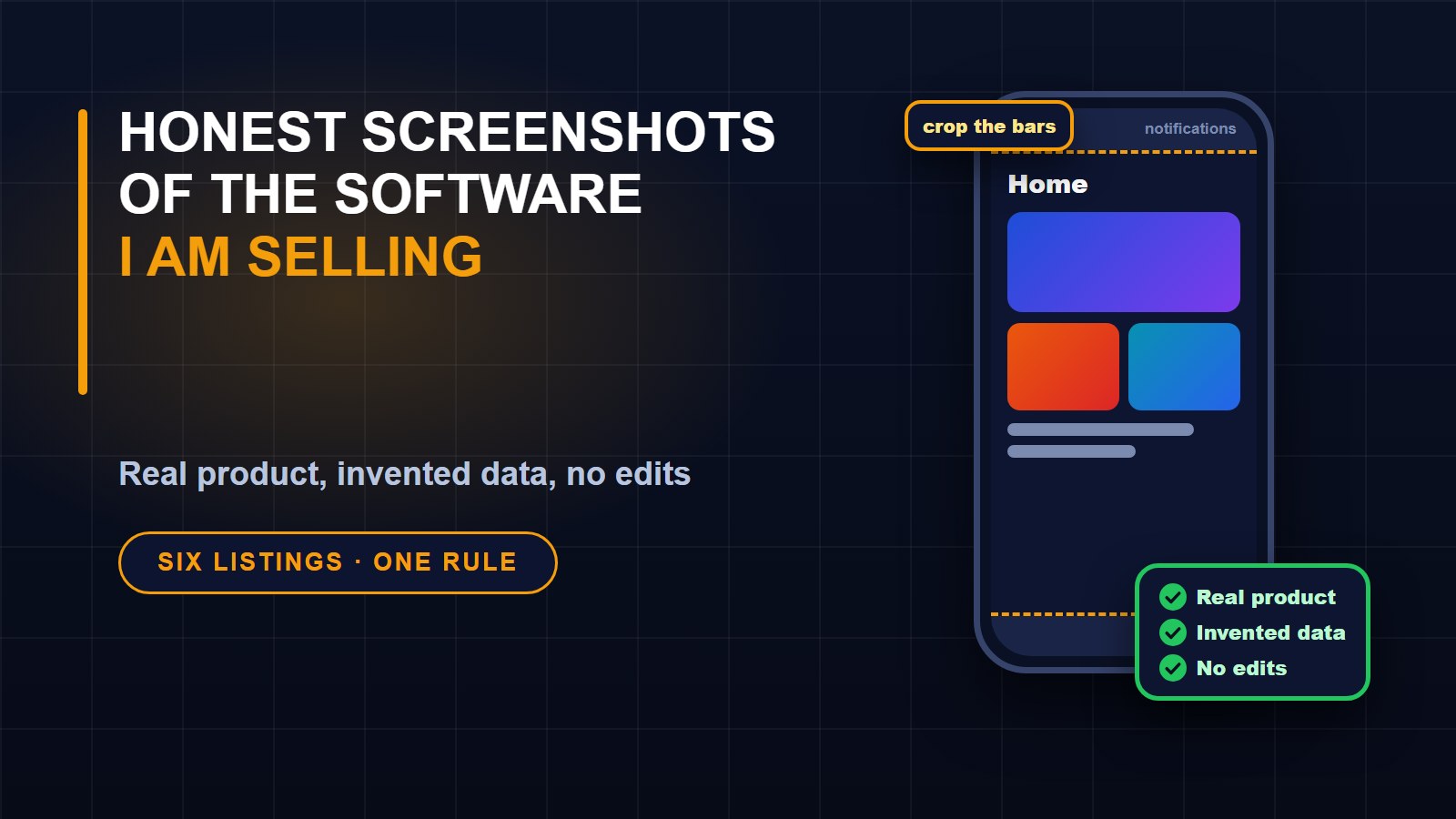
Discussion (0)
Sign in or create a free account to join the conversation.
No comments yet. Start the conversation.