7 Digital Skills Every Student Should Learn This Year
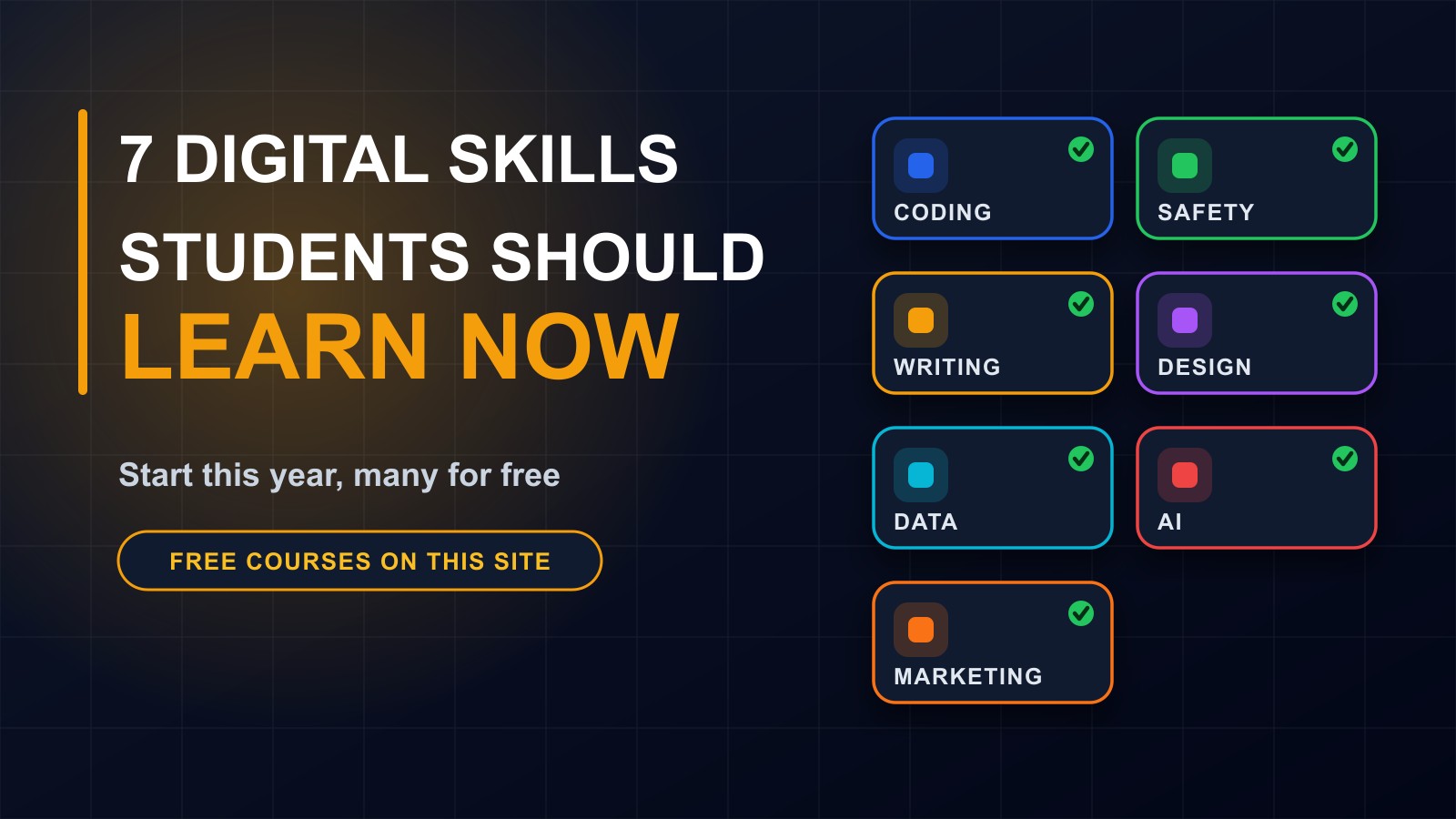
Whatever you plan to study or do, these seven digital skills will help: basic coding, online safety, clear writing, design basics, working with data, using AI wisely and digital marketing. Many can be learned for free.

· 5 min read
Whatever you are studying, and whatever you plan to do afterwards, digital skills will be part of it. Doctors use software. Teachers use platforms. Traders use mobile money and social media. Farmers use weather information and market prices on their phones.
The good news is that you do not need a special degree to start. Most useful digital skills can be learned step by step, often for free, with a phone or a shared computer and some patience.
This post lists seven skills worth learning this year, why each matters and how to begin.
1. Coding basics
You do not have to become a professional programmer to benefit from coding. Understanding how websites and apps are built helps you work with technology instead of just using it, and it opens doors to well-paid careers.
How to start: learn HTML and CSS to build a simple web page, then try JavaScript to make it interactive. Build small projects, such as a personal page or a calculator. Practising a little every day beats a long session once a month.
2. Online safety
Everything you do online, from social media to mobile money, depends on protecting your accounts. Most accounts are lost through simple tricks and habits, not advanced hacking.
How to start: use strong, different passwords, switch on two-step login, never share verification codes, learn to spot fake messages and know what to do if an account is hacked. These habits protect you now and will make you a more valuable employee later.
3. Clear writing
Emails, applications, messages to customers, reports and social posts all depend on writing clearly. People who can explain ideas simply stand out in every field.
How to start: write short sentences, put the main point first, check spelling and read your message aloud before sending. Practise by summarising what you learn each week in a few paragraphs.
4. Design basics
You do not need to be an artist. Good basic design means using readable fonts, consistent colours, enough space and a clear focus. It makes your CV, presentations, posters and social media look professional.
How to start: use free design tools, copy the structure of designs you admire, limit yourself to two fonts and a few colours, and always check that text is easy to read on a phone.
5. Working with data and spreadsheets
Spreadsheets are among the most useful tools in any job. They help you track money, organise lists, calculate totals and see patterns. Being comfortable with formulas, sorting, filtering and simple charts is a skill employers value.
How to start: use a spreadsheet to track your own spending or a small project. Learn the basic functions for totals and averages, then try sorting and filtering. Always keep a backup of important files.
6. Using AI wisely
AI assistants can explain topics, draft text, translate and suggest ideas. Used well, they speed up learning. Used badly, they produce mistakes and encourage copying.
How to start: ask clear, specific questions, check answers against reliable sources, and use AI to understand, not to do your thinking for you. Never paste passwords, personal details or private information into a chatbot, and follow your school's rules about using AI in assignments.
7. Digital marketing
Every business and every organization needs to be found online. Knowing how search, social media and messaging work helps you promote a business, a project or yourself.
How to start: learn how a search engine finds pages, how to set up a business listing, how to write clear posts and how to measure what works. Practise by helping a family business or a student club.
A simple weekly plan
Pick one skill. Spend about thirty minutes on it, five days a week. At the end of the week, write down what you learned and build or do one small thing with it. After a month, choose a second skill.
Consistency matters more than speed.
Learn for free
On my e-learning platform I offer free courses, with quizzes and certificates, covering several of these skills: HTML and CSS, JavaScript, online safety, digital marketing, starting a freelance tech career and more. You will find them at francislandford.com/e-learning.
Show your work
Employers and clients trust evidence. Keep a simple portfolio of what you have made: web pages, designs, documents and projects, with short notes on what you did and learned. Be honest about what is practice and what is real, and never claim skills you do not have.
Protect your time and your attention
Digital tools can also distract. Decide when you will study, put your phone out of reach during that time and focus on one thing at a time. The people who benefit most from technology are those who control it.
Start today
You do not need to master all seven. Choose one that excites you, spend thirty minutes on it today and take the next step tomorrow. A year from now you will be glad you did.
If you want guidance on your path, ask me. Contact me through the contact page, or call or WhatsApp me on +231 777 810 466. And share this post with a classmate or friend who is wondering where to begin.
About the author
Francis Landford
Software Engineer | Creative Problem Solver | Innovative Software Solutions & Modern Applications
More about Francis Landford →