7 Tips for Writing Better AI Prompts (With Examples)
The quality of what an AI assistant gives you depends heavily on what you ask. These seven simple habits, with before-and-after examples, turn vague answers into useful ones.

· 5 min read
You have probably had both experiences with an AI assistant. Sometimes the answer is exactly what you needed. Other times it is bland, vague or completely beside the point, and you wonder why people make such a fuss.
The difference is often not the tool. It is the question. An AI assistant cannot read your mind, and it knows nothing about your business, your customers or what you are trying to achieve unless you say so.
The good news is that better prompts follow a few simple habits. This post explains seven of them, each with a before and after example you can copy.
Tip 1: Say who the assistant should be
Giving a role focuses the answer. It tells the assistant what knowledge and style to use.
Before: Write a message about our new prices.
After: You are a friendly customer service manager at a small printing shop. Write a short WhatsApp message telling regular customers our prices will rise slightly next month.
Tip 2: Be specific about the task
Vague requests get vague answers. State exactly what you want done, with clear verbs: write, summarise, compare, list, rewrite, explain.
Before: Help me with my CV.
After: Rewrite the work experience section of my CV so that each job has three bullet points that start with an action verb and show results.
Tip 3: Give the context
The assistant knows nothing about your situation. Tell it who the audience is, what the goal is, and any facts it must use.
Before: Write a post about our school.
After: Write a Facebook post for parents of a primary school in Monrovia announcing that registration for the next term opens on 1 November. The goal is to get parents to call the office. Mention that places are limited.
Notice that you supply the real facts, so the assistant does not need to invent them.
Tip 4: Say what format you want
Tell it how long the answer should be and how it should look: a short paragraph, five bullet points, a table, an email with a subject line, a step-by-step list.
Before: Explain how to start a small business.
After: Explain the first five steps to start a small food business as a numbered list. Keep each step to two sentences and use simple language.
Tip 5: Show an example
If you want a particular style, give a sample. The assistant is very good at matching patterns.
Example: Here is a message I wrote last month: [paste it]. Write a similar message for the new product below, with the same friendly tone and length.
Tip 6: Treat it as a conversation
The first answer is a draft, not the final result. Reply with feedback: make it shorter, use a more formal tone, add a call to action, remove the second paragraph, give me three alternatives. Each round improves the result.
If the answer goes off track, say what was wrong and ask again, or start a fresh chat with a clearer first message.
Tip 7: Check the answer
An assistant can write confidently and still be wrong. It may invent facts, figures, quotes or sources. Check names, numbers, dates and claims before you rely on them, and use your own judgement for anything involving money, health, safety or the law.
You can also ask it to help you check: What assumptions did you make? Which parts of this answer might be wrong? What would I need to verify?
A reusable template
When you are not sure how to begin, fill in these blanks:
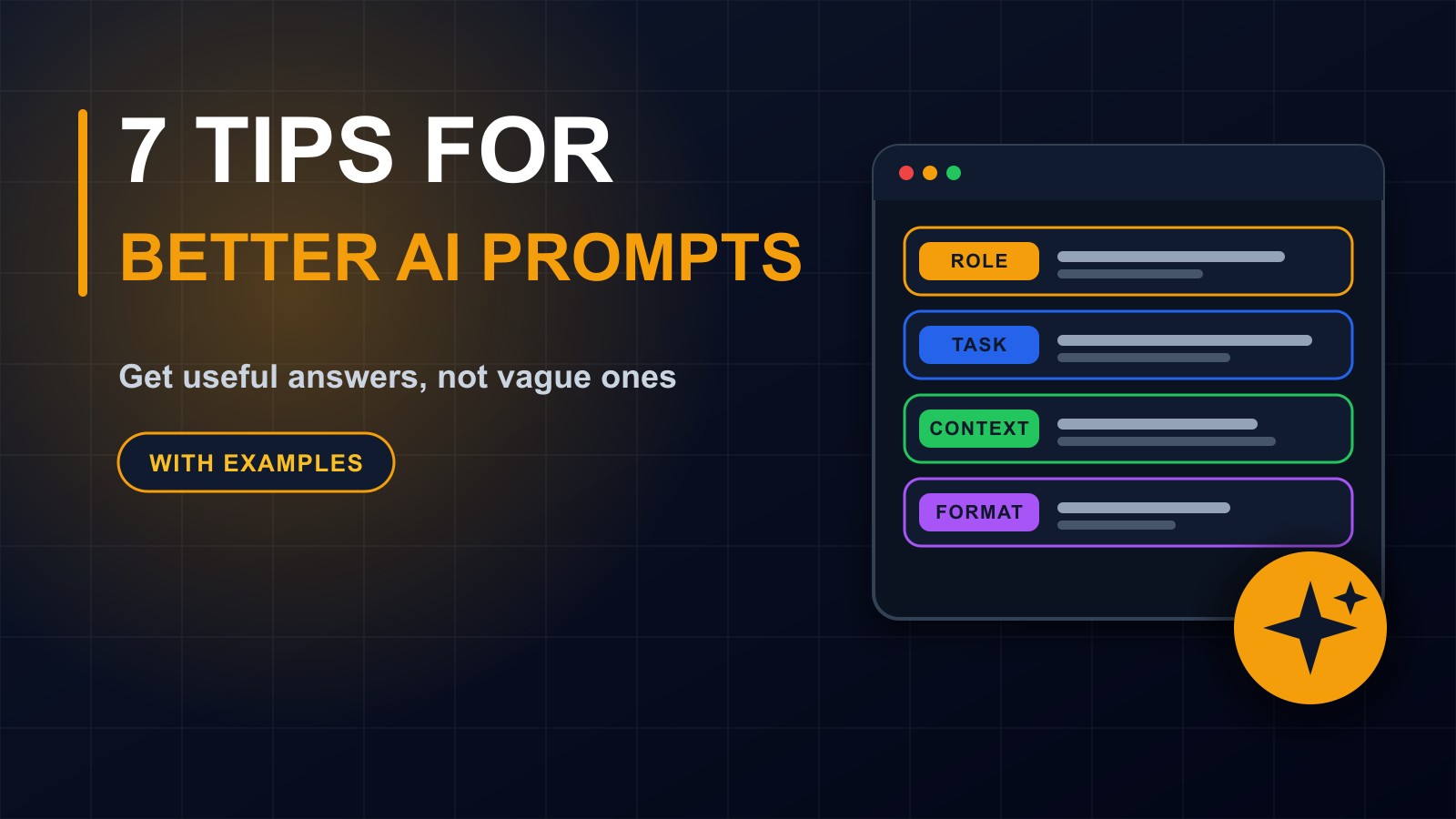
Act as [role]. I need you to [task]. The audience is [who]. The goal is [what should happen]. Here is the background: [facts]. Format the answer as [format] and keep it [length or tone]. Ask me questions if anything is unclear.
That last sentence is surprisingly powerful. It invites the assistant to ask for what it is missing instead of guessing.
Mistakes to avoid
Asking for too much in one message. Break big jobs into steps.
Leaving out the facts and hoping it fills them in correctly.
Pasting in confidential or personal information. Replace names and details with placeholders first.
Copying the answer without reading it.
Giving up after one poor answer.
Practise with real work
Choose three tasks from your week, such as a customer reply, a summary of a long email and a list of social media ideas. Write each prompt using the template, compare the results with what you would normally get and refine. In an hour you will see a clear improvement.
Prompting is a skill, not magic
Good prompts are simply good communication: clear, specific and honest about what you need. The same habits help when you brief a developer, a designer or a new employee.
Need AI built into your work?
If you would like an AI assistant that knows your business, or help bringing AI tools into your team safely, get in touch through the contact page, or call or WhatsApp me on +231 777 810 466. And if a friend keeps saying AI gives them useless answers, send them this post.
About the author
Francis Landford
Software Engineer | Creative Problem Solver | Innovative Software Solutions & Modern Applications
More about Francis Landford →