How Small Businesses Can Use AI Today, Without a Big Budget
You do not need a data science team to benefit from artificial intelligence. Here are practical ways small businesses can use everyday AI tools to save time on writing, replies, summaries, translation and planning, plus the limits to respect.

· 5 min read
Artificial intelligence sounds like something for big companies with big budgets: research labs, giant data centres, teams of specialists. For a shop, a school, a clinic or a small agency, it can feel distant.
It is not. Many of the most useful AI tools are cheap or free, run in a web browser or on a phone and need no technical skill. Used sensibly, they can save a small business hours every week.
This post explains practical ways to start, what to be careful about and a simple plan for the first month.
What AI tools are good at
Today's popular AI assistants are good with language. They can draft, rewrite, summarise, translate, explain and brainstorm. They are fast, patient and available at any hour.
They are not experts who always get things right. They can sound confident while being wrong, and they know only what they were trained on plus what you tell them. Think of them as a quick, tireless assistant who needs supervision, not as a manager or a final authority.
Seven practical uses
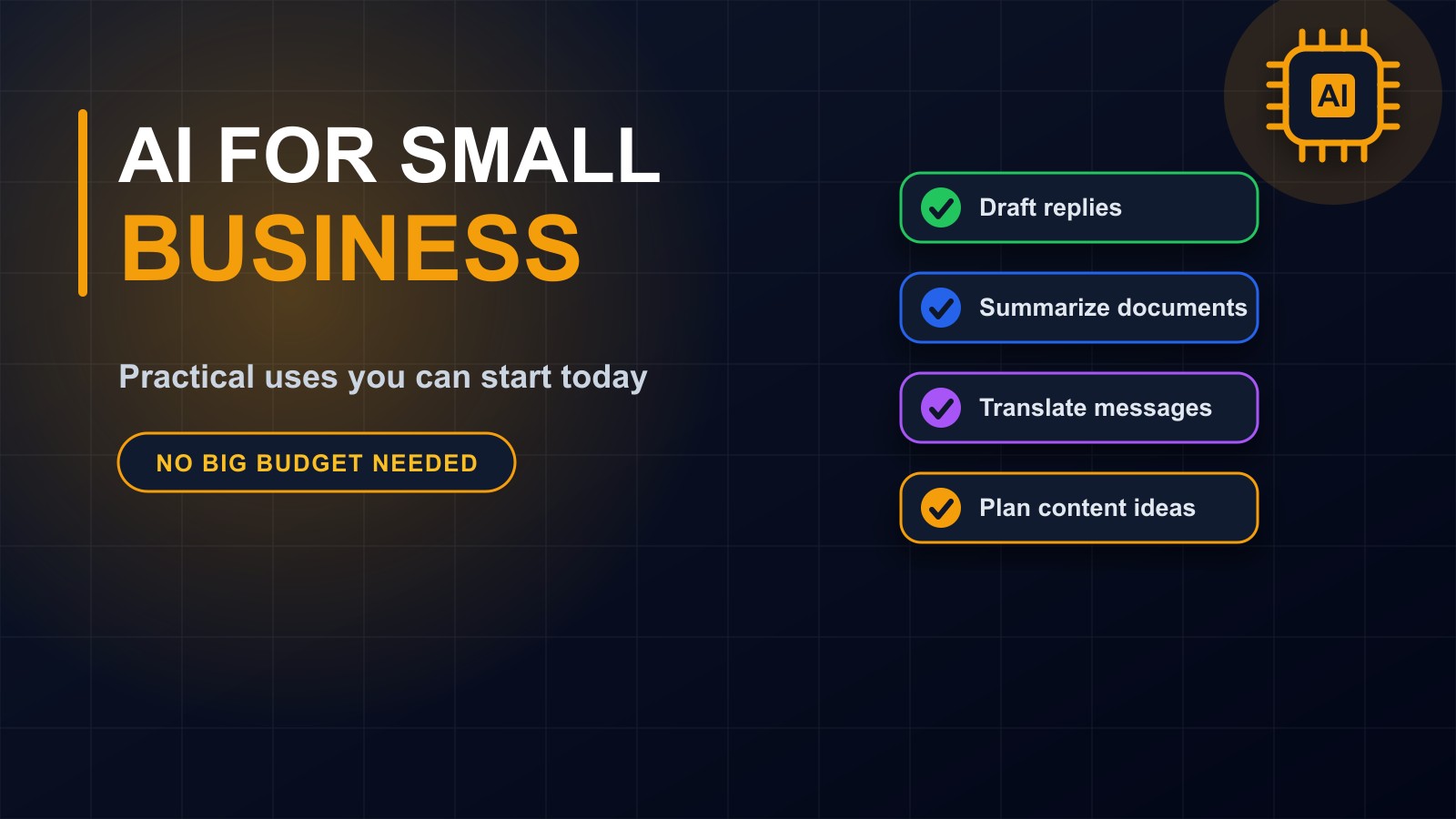
1. Drafting messages and emails. Give the assistant the situation and the tone you want, and it writes a first version of a reply, a quote follow-up, a polite reminder for an unpaid invoice or an announcement. You read it, correct it and send it. A job that took twenty minutes takes five.
2. Summarising long documents. Paste in a long report, contract, policy or meeting notes and ask for the main points, deadlines and decisions. This is a time-saver, though for important documents you must still read the original.
3. Translating and simplifying. AI can translate messages, or rewrite complicated text in plain language that customers, parents or staff will understand. Have a fluent speaker check anything important.
4. Planning content. Ask for ideas for a month of social media posts, outlines for blog articles, answers to common customer questions or subject lines for emails. Then add your own knowledge, examples and voice, so it sounds like you.
5. Preparing quotes, proposals and job descriptions. Use AI to create a clear structure, then fill in the real details yourself.
6. Customer support. Draft standard answers to the questions you hear every day, or use a chatbot grounded in your own website so it answers only from what you have published. That is how the assistant on my own website works, and it is told to say it does not know when the answer is not there.
7. Spreadsheets and everyday admin. AI can explain a formula, suggest how to organise data, clean up lists, write short scripts for repetitive jobs or turn messy notes into a tidy table.
A simple way to start
Pick one task you do often and dislike, such as replying to the same enquiries or writing weekly updates. Try an AI tool on that task for one week. Compare the time it takes with how long it used to take, and check the quality.
If it helps, keep it and add a second task. If it does not, drop it. You do not need a grand strategy to benefit, only a series of small, honest experiments.
The rules that keep you safe
Always check the output. AI can invent facts, figures, names, dates and even sources. Verify anything that matters before you publish or act on it.
Keep a human in charge. Use AI for drafts and ideas, and make the final decision yourself, especially in anything affecting money, health, safety, legal matters or people's jobs.
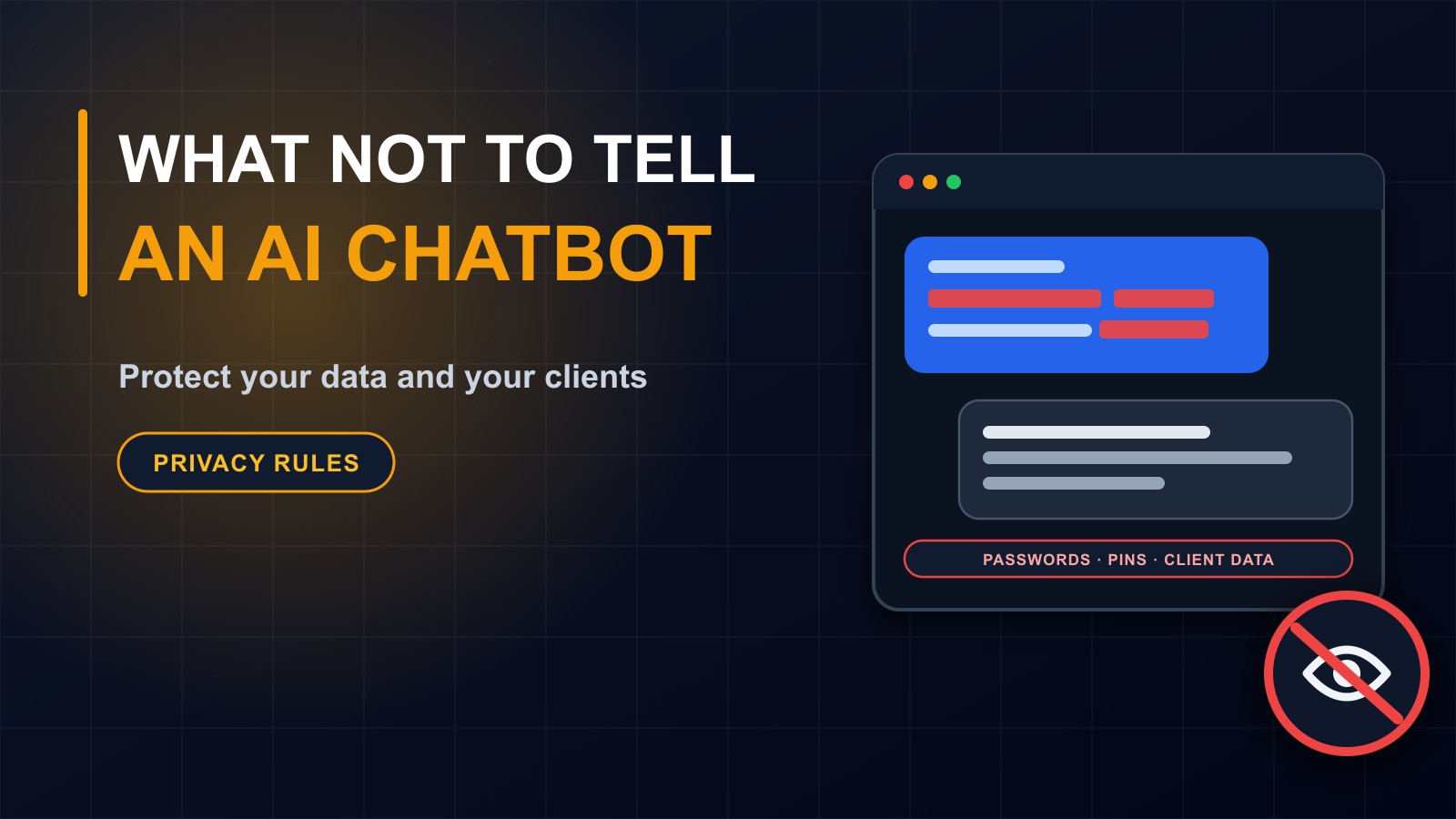
Protect private information. Do not paste passwords, financial details, confidential client information or personal data about children and customers into a tool unless you are certain how it is handled. I wrote a separate post on exactly this.
Be honest with your audience. If you publish AI-assisted content, make sure it is accurate and genuinely yours. Do not pretend a machine-written text is personal experience, and never use AI to create fake reviews or testimonials.
Respect other people's work. Do not copy others' writing or images and pass them off as your own.
What AI cannot replace
Relationships. A customer who calls, or visits your shop and is treated well, remembers it. Judgement. You know your market, your community and your customers' real situation. Craft and responsibility. The person whose name is on the work is the one accountable for it.
The businesses that benefit most use AI to remove boring work so they can spend more time on the human parts of the job.
Costs and choosing tools
Many tools have a free tier that is enough to start. Paid plans typically give more capacity and features. Choose based on the task, read how each handles your data and avoid committing to long contracts before you have proved the value.
When custom AI makes sense
If you find yourself doing the same AI-assisted task hundreds of times, or you want an assistant that knows your products, prices and policies, it may be worth building something specific: a chatbot on your website, a tool that turns enquiries into quotes or a system that sorts and summarises incoming messages. That is a development project, and it should come with clear limits, privacy protection and a way for people to reach a real person.
Want help with it?
I build websites, systems and AI-assisted features for businesses and organizations, and I will tell you honestly where AI helps and where it does not. Contact me through the contact page, or call or WhatsApp me on +231 777 810 466. And if you know a business owner who thinks AI is not for them, share this post.
About the author
Francis Landford
Software Engineer | Creative Problem Solver | Innovative Software Solutions & Modern Applications
More about Francis Landford →