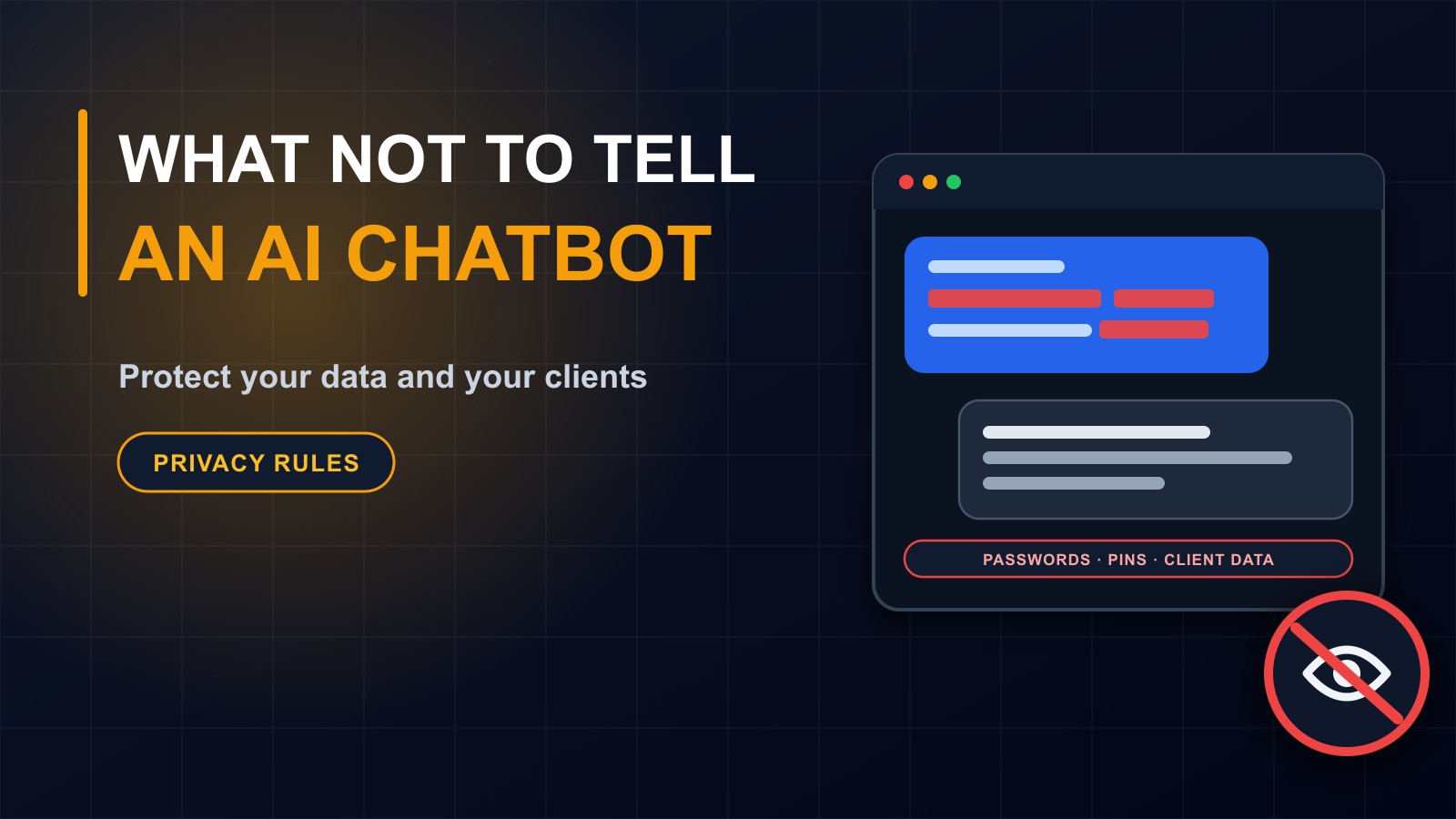
What Not to Tell an AI Chatbot: Protecting Your Data and Your Clients
AI assistants are useful, but anything you type is sent to a service you do not control. Here is what never to paste into a chatbot, how to stay safe, and how a business can set simple rules for staff.

· 5 min read
It is very easy to treat an AI chatbot like a trusted colleague. You type a question, it answers helpfully, and soon you are pasting in longer and more detailed material: a contract, a customer list, a spreadsheet of salaries, a draft of something confidential.
That feels private. It is not. When you type into a chatbot, your words travel across the internet to a service run by a company, and what happens to them next depends on that company's rules, your account settings and sometimes the plan you pay for.
This post explains what not to share, why, and what simple habits keep you and your clients safe.
How your words are handled
Practices differ between services, and they change over time, so always read the current privacy information of any tool you use. In general:
Your messages are processed on the provider's servers. They may be stored for some period. Some services may use conversations to improve their systems unless you switch that off or use a business plan that says otherwise. Staff or contractors may review samples for safety or quality. And as with any online service, a security breach is possible.
Even if you trust the company, you may have promised your clients, parents or employees that their information stays protected, and copying it into a third-party service may break that promise.
What you should never paste in
Passwords, PINs, recovery codes and security answers. No chatbot needs these. Never type them anywhere except the official login for that account.
Financial details: bank account and card numbers, mobile money PINs, full account statements.
Identity documents and numbers: passport, national ID and similar details.
Client and customer data: names with phone numbers, addresses, orders, health or legal details, private messages.
Student and parent information: names, grades, discipline records, health information and photographs of children.
Employee information: salaries, performance reviews, medical details, disciplinary cases.
Confidential business material: unreleased plans, contracts, quotes, source code with secrets, API keys and database credentials.
Anything you promised to keep secret, or that the law requires you to protect.
A good test
Before you paste something, ask: would I be comfortable if this text appeared on a notice board, or if the person it describes saw I had shared it? If the honest answer is no, do not paste it.
Safer habits that still let you benefit
You can use AI without sharing the sensitive parts.
Remove or replace names. Instead of Mary Johnson of Paynesville owes 450 dollars, write a customer owes an amount, and add the real details yourself afterwards.
Use placeholders. Ask for a template with brackets such as [customer name] and [amount], and fill them in on your own device.
Share the minimum. Paste only the paragraph you need help with, not the whole document.
Describe instead of pasting. Explain the situation in general words and ask for a structure or checklist.
Keep real secrets out of code. When asking for coding help, remove passwords, keys and private addresses first.
Check the settings
Look at your account's privacy settings. Many services let you turn off the use of your conversations for training, delete your history or use temporary chats. Business and education plans often come with stronger commitments about data. Check what your plan actually says rather than assuming.
Be careful with free tools you do not recognise, with browser extensions that claim to add AI to every page and with apps that ask for broad access to your files, email or contacts. Each is another place your information can go.
Beware of fake AI tools
Criminals also build fake chatbot sites and apps to collect logins and files. Use official websites and app stores, check the address carefully and be suspicious of any tool that asks for unusual permissions or payment up front.
AI can also be used against you
Scammers use AI to write convincing messages, copy writing styles, clone voices and create fake documents. A message that sounds perfectly like your boss, or a voice note from a relative asking for money, might not be real. Confirm unusual requests through another channel, and never send money or codes on the strength of a message alone.
A simple policy for your staff
If you run a business or school, write a one-page rule that everyone can follow:
Which AI tools are allowed. What types of information must never be entered. How to remove personal details before using a tool. Who to ask when unsure. That AI output must be checked by a person before it is used. And what to do if someone pastes something by mistake: tell a manager, delete the conversation where possible and change any exposed passwords immediately.
Short, clear rules work better than a long document nobody reads.
If you already shared something
Do not panic. Delete the conversation if the tool allows it. If a password or key was exposed, change it at once. If client or student data was involved, tell the person responsible for data in your organization so they can decide what to do. Learn from it and update your rules.
Using AI wisely is a skill
The goal is not to avoid AI. It is to use it with the same care you would use with any outside service. Treat a chatbot like a stranger who is very helpful, tells nobody on purpose but is not bound by your promises, and you will make good decisions.
Want a safer setup?
If you would like help setting clear rules for your team, or an AI assistant built on your own website with privacy designed in, get in touch through the contact page, or call or WhatsApp me on +231 777 810 466. And please share this post with someone who pastes everything into a chatbot.
About the author
Francis Landford
Software Engineer | Creative Problem Solver | Innovative Software Solutions & Modern Applications
More about Francis Landford →