What Happens After Your Website Goes Live? Website Maintenance Explained
Launch day is not the finish line. Websites need updates, backups, security checks and fixes to stay fast, safe and useful. Here is what maintenance really involves, what it costs you if you skip it and how to arrange it.

· 6 min read
Launching a website feels like finishing a building. The paint is dry, the doors are open and visitors arrive. It is easy to assume the work is done.
But a website is not a statue. It is more like a vehicle or a shop: it needs regular care to keep working well, stay safe and keep up with a changing world. Neglect it and, slowly or suddenly, problems appear. The site becomes slow, features break, security holes open, information goes out of date, or the whole thing disappears when a renewal is missed.
This post explains what maintenance involves, why it matters, what a good routine looks like and how to arrange support.
Why websites need maintenance
The software changes. The programs your site is built on, and the servers it runs on, receive updates, mostly to fix problems and security weaknesses. Sites that are never updated become easy targets.
The world changes. Browsers, phones and screen sizes change. Payment, email and map services update how they work. Things that worked last year may stop working.
Threats change. Criminals constantly scan the internet for outdated or poorly protected sites, using automated tools.
Your business changes. Prices, opening hours, staff, products and contact details all move, and your website should keep up.
Things wear out. Links break, certificates expire, domains and hosting need renewal, storage fills up.
What maintenance includes
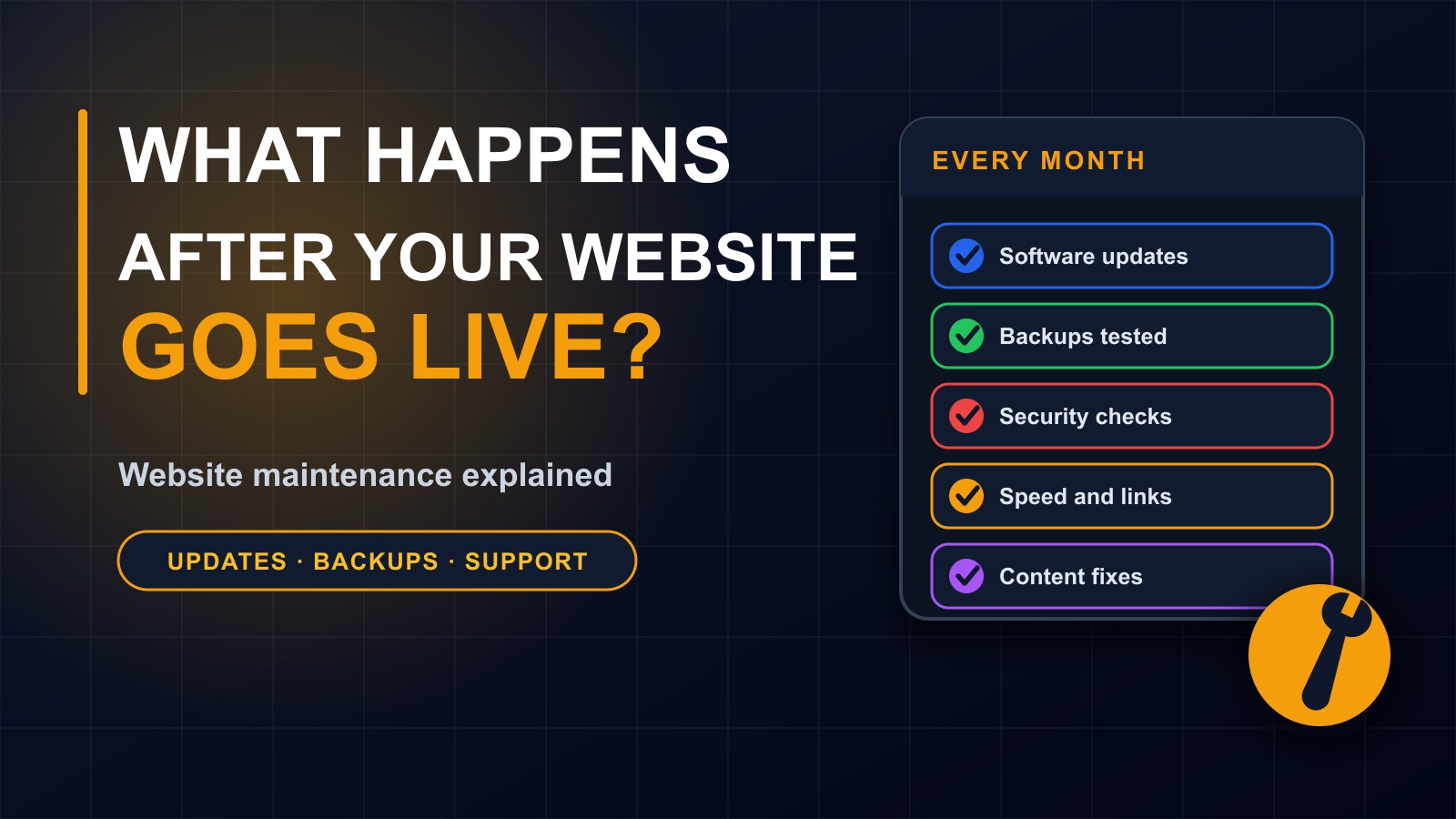
1. Software updates. Applying updates to the core system, plugins, libraries and the server software, after testing them so that nothing breaks. This is the single most important security task.
2. Security monitoring. Checking for suspicious activity, failed login attempts and known vulnerabilities, using strong passwords and two-step login on admin accounts, and removing accounts that are no longer needed.
3. Backups, and testing them. Making regular copies of the files and the database, storing them away from the website itself, and trying a restore from time to time. A backup that has never been tested is only a hope.
4. Uptime and speed. Watching that the site is online, fast and working on phones, and fixing things that slow it down, such as oversized images or heavy code.
5. Broken links and errors. Finding pages that no longer exist, forms that fail, images that do not load and error messages visitors might see, and fixing them.
6. Security certificate and renewals. Making sure the HTTPS certificate is valid, and that your domain name and hosting are renewed before they expire. An expired domain can mean losing your website and your email.
7. Content updates. Keeping information current: prices, team members, events, opening hours, new products, news and blog posts.
8. Search and analytics checks. Confirming that search engines can still read your pages, that your sitemap is working and that your visitor statistics show no unexpected changes.
9. Small improvements. Adding a page, improving a form or adjusting a layout based on what you learn from visitors.
10. Support. A person to contact when something breaks, who responds within a reasonable time.
What neglect costs
Hacked sites that are used to send spam or host harmful links. Browser warnings that frighten visitors away. Lost orders when a payment or contact form silently stops working. Slow pages that push customers and search rankings down. Outdated information that damages trust. And the big one: a serious failure with no recent backup, which can mean rebuilding from scratch.
Most of these cost far more to fix after the event than regular maintenance would have cost to prevent.
A simple monthly checklist
Whether you do it yourself or ask your developer, review these every month:
Is the site online, and does it load quickly on a phone? Are all software updates applied? Has a recent backup been made, and where is it stored? Are the admin accounts correct and protected? Do the contact and order forms work when you test them? Are there any broken links or error pages? When do the domain, hosting and security certificate expire? Is the content accurate: prices, hours, contacts? What do the visitor statistics show?
Once or twice a year: test a full restore from backup, review user accounts and permissions, check that the privacy policy matches what the site does and review the design and content as a whole.
Who does the maintenance
You have three main options.
Do it yourself, if the site is simple and you are comfortable with it. Keep a checklist, use strong passwords and two-step login, and know whom to call for help.
Ask the developer who built it, usually under a support or maintenance agreement. They know the system, and can fix problems quickly.
Use a hosting company's managed service, which handles some of the technical tasks, though usually not content or custom features.
Many businesses combine them: the owner updates content, and the developer looks after updates, security and backups.
What a good support agreement includes
Put it in writing. A clear agreement covers:
What is included: updates, backups, monitoring, small changes, content edits. How many hours or changes per month. How quickly problems will be answered, and during which hours. How to contact support: phone, WhatsApp, email. What counts as an emergency and how it is handled. The price, how it is paid and for how long. What is not included, and how extra work is charged. Who owns the accounts, logins and backups. And what happens if either side ends the arrangement.
Warning signs
A developer who disappears after launch. No written terms. Vague promises such as we will always be there. Refusing to say where backups are stored. Holding the logins. Long delays answering urgent problems. Or a site that has not been touched for a year.
If your developer will not answer, you may need someone else to take over, and having access to your hosting, domain and files makes that possible.
What it costs
Maintenance can range from a small monthly amount for a simple site to larger arrangements for systems with many users. The right level depends on how important the site is to your business, how often it changes and how much risk you can accept. Ask for a clear quote, and compare it with the cost of a day offline.
Plan it from the start
When you commission a website, ask about maintenance before you sign. Budget for it from the beginning, just as you would budget for insurance or servicing a vehicle.
Let me look after yours
I build websites, apps and systems, and I stay available afterwards for updates, security, backups, fixes and improvements, under clear terms agreed in advance. If your site has been left alone for a long time, I am happy to review it and tell you honestly what it needs. Contact me through the contact page, or call or WhatsApp me on +231 777 810 466. And if you know a business owner whose website has not been updated in years, share this post with them.
About the author
Francis Landford
Software Engineer | Creative Problem Solver | Innovative Software Solutions & Modern Applications
More about Francis Landford →