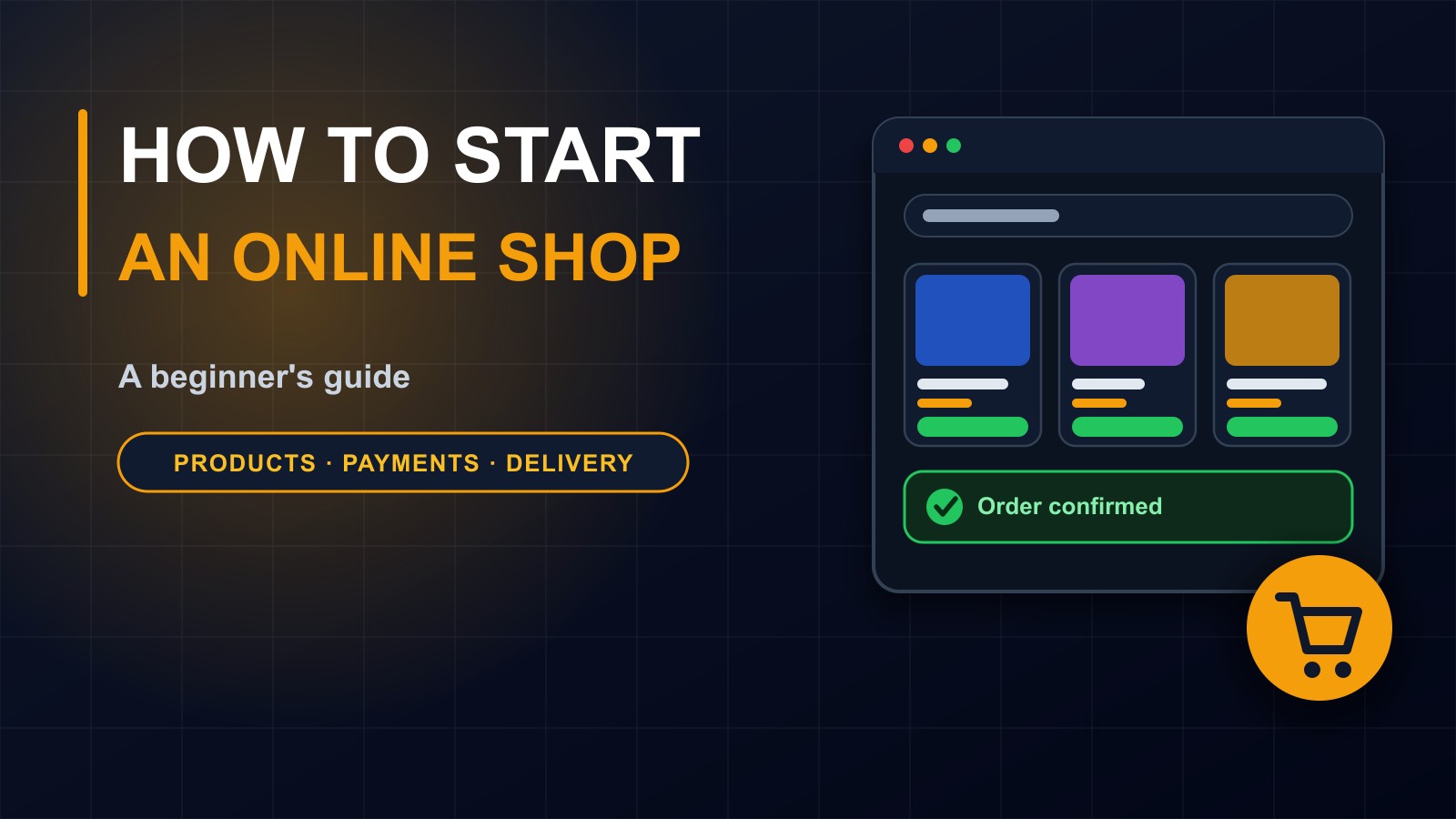
How to Start an Online Shop: A Beginner's Guide
Selling online can bring customers far beyond your street. Here is a practical beginner's guide to choosing products, setting up a shop, taking payments, handling delivery and customer service, and staying safe and honest.

· 7 min read
Selling online used to mean building a big website and hoping customers would find it. Today you can start with a phone, a few good photos and a clear plan. And an online shop never closes, never runs out of shelf space and can reach customers who would never walk past your door.
But selling online is not just taking pictures and waiting for orders. It involves choosing the right products, making them easy to buy, getting paid safely and delivering what you promised. This post is a practical guide for beginners, from first idea to first customers.
Step 1: Decide what you will sell
The best products are ones you know, can obtain reliably and can deliver safely. Ask yourself:
Who will buy this, and why would they buy it from me? Do I understand this product well enough to answer questions? Can I get stock consistently at a price that leaves a profit? Is it easy and safe to pack and deliver? Is it legal to sell, and are there rules or licences for this type of product?
Start small. A shop with ten well-presented products is easier to manage than one with three hundred. You can add more later.
Check that people actually want it. Ask potential customers, look at what similar shops sell and see how people ask for it on social media and WhatsApp groups.
Step 2: Work out your numbers
Before you build anything, calculate whether it can make money.
Your cost price: what you pay for each item. Packaging and delivery costs. Payment fees. Any advertising. Your own time. Then decide your selling price so that, after all costs, you earn a fair profit. Be honest about returns and damaged goods too.
Keep your prices clear and consistent. Hidden extra charges at checkout are one of the main reasons customers abandon an order.
Step 3: Choose where to sell
You have three main routes, and many shops combine them.
Marketplaces. Large online markets that already have visitors. They are easy to start with, but charge fees, set many rules and compete you against other sellers.
Social media shops and WhatsApp. Selling directly through chats and posts, with a catalog. This is quick and cheap, and suits many small businesses, but orders, stock and payments are managed by hand, which becomes hard as you grow.
Your own online shop. A website with product pages, a cart, checkout and an admin area. It takes more effort to set up, but gives you control of your brand, your prices, your customer information and the whole buying experience.
A common path is to start on social media to test the idea, then build your own shop when orders increase.
Step 4: Create product pages that sell
Each product needs a page that answers a buyer's questions. Include:
A clear name. Good photos from several angles, in natural light, on a plain background. A short, honest description: what it is, what it is made of, sizes or options and what is included. The price, in the currency your customers use. Whether it is in stock. Delivery information and time. And your return or refund policy.
Be honest. Show the product as it really is. Customers who receive something different from the photo ask for refunds and leave bad reviews.
Step 5: Make it easy to pay
Choose payment methods your customers actually use. In many places that means mobile money, such as MTN MoMo and Orange Money, plus bank transfer and, for some customers, cards.
For a proper online shop, use a checkout that connects to the payment provider, confirms the payment automatically and records it against the order, instead of asking customers to send a screenshot. This protects you from fake payment proofs, and protects customers too. I explain the risks in my post on accepting payments safely.
Do not store card numbers or PINs yourself. The payment provider handles those.
Step 6: Plan delivery
Decide where you will deliver and how. Options include your own riders, a courier, pickup points or collection from your shop. Work out the cost for each area and say clearly how long it takes.
Pack carefully, so that goods arrive in good condition. Give customers an order number, keep them informed and ask them to confirm receipt. Decide in advance what happens if an item is lost or damaged.
Step 7: Write simple policies
Customers feel safer when the rules are clear. Write short, plain statements about:
Delivery times and costs. Returns and refunds: when they are allowed, how long customers have, who pays for return delivery. Payment methods. How you protect customer information. And how to contact you.
Put them on your website or in your catalog, and follow them.
Step 8: Provide excellent customer service
Reply quickly to questions, ideally within hours. Confirm every order in writing. Keep customers updated. Handle problems politely and solve them promptly. Ask for honest reviews after delivery.
Good service turns first-time buyers into regular customers and brings recommendations, which are the cheapest form of marketing.
Step 9: Tell people your shop exists
Nobody will find you by accident. Share your products on social media and WhatsApp with good photos. Tell friends, family and existing customers. Set up a Google Business Profile if you have a physical location. Write helpful posts about your products and how to choose them. Offer a small welcome for first orders if your margins allow. Ask happy customers to review you, and never buy fake reviews.
If you have your own website, make sure each page has a clear title and description, so that search engines can show it.
Step 10: Keep records and protect your accounts
Record every order, payment, delivery and refund. A simple spreadsheet works at first, but as orders grow, a proper system that links orders, stock and payments saves time and prevents errors.
Protect your accounts: strong, unique passwords, two-step login on email, payment and social media accounts, and careful handling of customer details. Back up your data.
Step 11: Know the rules
Depending on where you operate, you may need a business registration, tax records and licences for certain products. Respect copyright and trademarks. Do not sell counterfeit goods. Describe products honestly. Take advice from a qualified local professional if unsure.
Common mistakes
Choosing products you know nothing about. Ignoring delivery and payment fees in your pricing. Poor photos and vague descriptions. Confirming payments from screenshots. Slow replies. Overselling stock you do not have. Unclear return rules. No records. And giving up after the first few quiet weeks, when building trust simply takes time.
A simple launch plan
Week one: choose ten products and work out costs. Week two: take good photos and write descriptions. Week three: set up your sales channel, payment methods and policies. Week four: invite friends and existing customers to place the first orders, then learn from what goes wrong.
When to build your own shop
If you are handling many orders by hand, losing track of stock, confirming payments manually or want your own brand experience, it may be time for a proper online shop with automatic payment confirmation, stock control and an admin dashboard.
I can build it with you
I build online shops and e-commerce systems with secure checkout, mobile money payments and simple tools for managing orders and stock. Contact me through the contact page, or call or WhatsApp me on +231 777 810 466. And if you know someone who sells from social media and struggles to keep track of orders, share this post with them.
About the author
Francis Landford
Software Engineer | Creative Problem Solver | Innovative Software Solutions & Modern Applications
More about Francis Landford →