Email Marketing for Small Businesses: A Beginner's Guide
Email still reaches people who have chosen to hear from you. Here is a beginner's guide to building a permission-based list, writing messages people open, setting a simple schedule and measuring what works.

· 6 min read
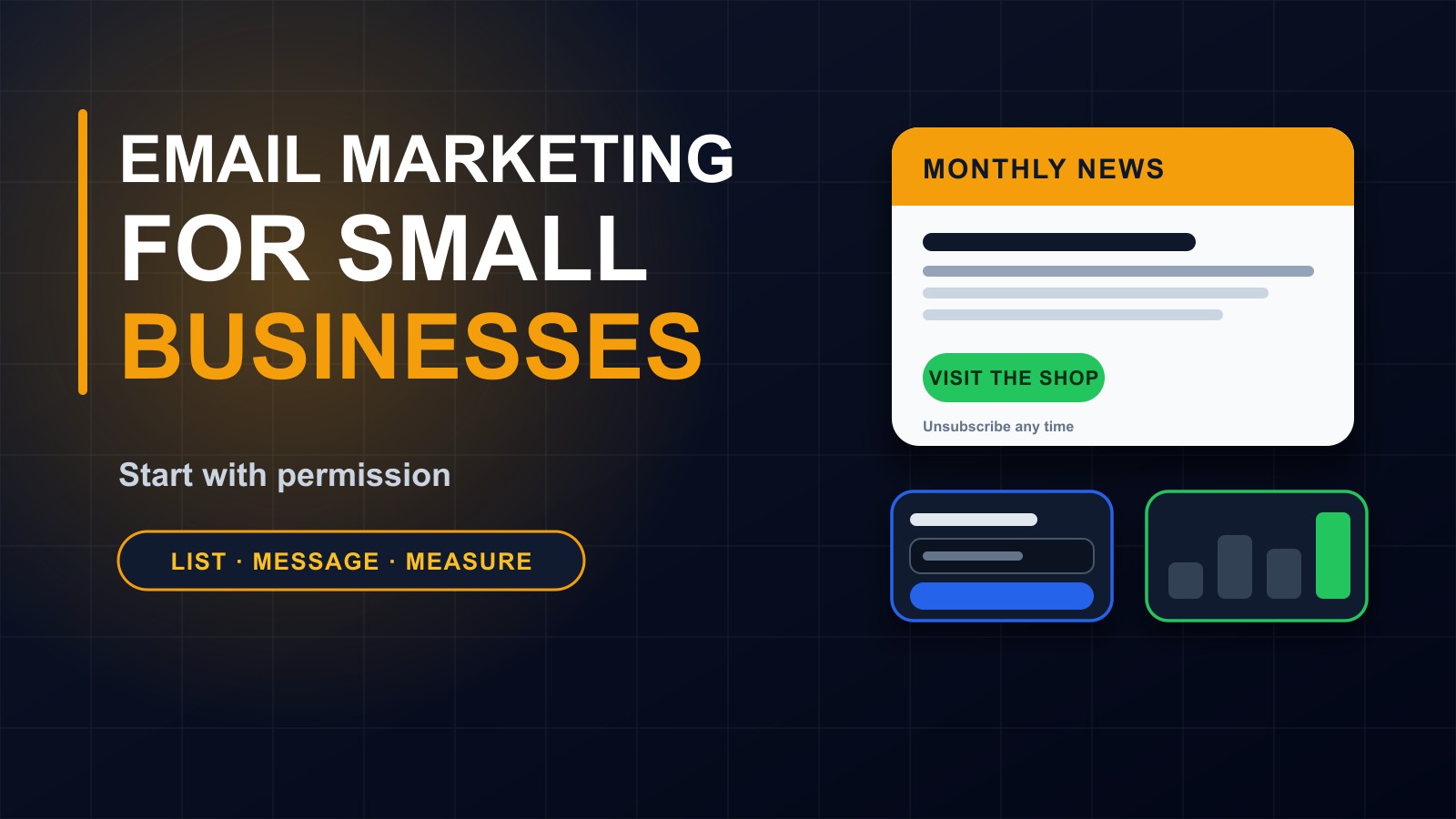
Social media gets all the attention, yet for many small businesses, a simple email list quietly does more of the work. When someone gives you their email address, they have said: yes, I would like to hear from you. That is a far stronger connection than a passing follower.
You also own your list. If a social platform changes its rules, shuts down your page or hides your posts, your followers are gone. Your email list stays with you.
This post is a beginner's guide to email marketing for small businesses, schools and organizations: how to build a list properly, what to send, how to write messages people want to read and how to keep out of the spam folder.
Why email works
It reaches people directly, in their inbox, where they decide what to read. It suits both short announcements and longer, more useful messages. It costs little compared with advertising. It lets you build a relationship over time. And you can measure what happens: who opened, who clicked, who replied.
It is not magic. Poorly done, email annoys people and damages your reputation. Done with care and respect, it builds trust and brings customers back.
Step 1: Always have permission
Only email people who have agreed to hear from you. That means customers who ticked a box, visitors who signed up through a form, or people who asked to be kept informed. Never buy lists, scrape addresses from websites or add everyone from your phone contacts without asking.
Unwanted messages annoy people, harm your reputation, can get your emails blocked and, in many places, break the law.
When people sign up, tell them what to expect: what you will send, how often and how to stop. This simple honesty improves results.
Step 2: Make it easy to sign up
Put a short sign-up form on your website, in the footer and on key pages. Ask only for what you need, usually an email address and perhaps a first name. Offer a reason to join: a useful guide, a checklist, early news of offers or a monthly tip.
If you have a shop or office, a sign-up sheet or QR code at the counter works too. Check addresses carefully, and send a short welcome message straight away.
Step 3: Decide what you will send
Mix useful content with offers. Examples:
Helpful tips related to what you sell. A new product, service or opening. A customer story, with permission. Behind the scenes at your business. Reminders of deadlines or seasonal needs. A summary of your latest blog posts. News from your school or organization.
Aim for roughly three useful or interesting messages for every promotional one. People stay on lists that give them value.
Step 4: Write a subject line worth opening
The subject line decides whether the email is read. Make it clear, specific and honest. Compare:
Newsletter number 12. with Three ways to keep your phone battery healthy.
Avoid ALL CAPITALS, too many exclamation marks, misleading claims and phrases that look like spam. Never use a subject line that promises something the message does not contain.
Keep it short enough to read on a phone.
Step 5: Write a clear, friendly message
Write the way you would speak to one customer. Start with the point. Use short paragraphs and plain words. Break up the text with a heading or a short list. Include one or two images at most, and always write the important information as text, since some email programs block images.
Say who the email is from, using a real name. Sign off with your name, business and contact details.
Step 6: Include one clear call to action
Decide what you want the reader to do, and make it obvious: visit the shop, read the article, reply with a question, call to book. One main action is better than five. Use a button or a plain link with clear words, such as Book your free consultation.
Step 7: Design for phones
Most people read email on their phones. Use a single column, large readable text, big tappable buttons and small images. Test your message on a phone before sending, and send a test to yourself.
Step 8: Choose a tool and a schedule
You can send a handful of messages from your normal email program, but as your list grows, a dedicated email service helps you manage subscribers, send in bulk, handle unsubscribes and see results. Many offer a free level for small lists. Compare features and read how they handle your data.
Pick a schedule you can keep: once or twice a month is plenty for most small businesses. Consistency matters more than frequency.
Step 9: Make it easy to unsubscribe, and respect it
Every message should include a clear unsubscribe link, and you should honour requests promptly. It may feel sad to lose a subscriber, but keeping people who do not want your emails only harms your reputation.
Step 10: Help your emails reach the inbox
Even good emails can land in spam if your technical settings are missing. If you send from your own domain, ask your developer or email provider to set up SPF, DKIM and DMARC records, which prove that your messages are genuine. Send from a recognisable address, not a free account that changes. Avoid spam trigger tactics, keep your list clean by removing addresses that bounce, and ask new subscribers to add you to their contacts.
I explain the idea in my post on business email on your own domain.
Step 11: Respect privacy
Store your list securely, protect the account with strong passwords and two-step login, and do not share subscribers' details. Explain in your privacy policy how you use email addresses. Collect only what you need. Be careful with schools and children's data, which need extra care and, often, parental consent.
Step 12: Measure and improve
Look at a few simple numbers after each message: how many people opened it, how many clicked, how many unsubscribed and how many replied. More important, notice what customers actually do afterwards: did they call, order or visit?
Test one thing at a time, such as a different subject line, and keep what works. Do not obsess over small differences. Pay attention to the patterns.
Common mistakes
Emailing people who never agreed. Sending too rarely, so people forget who you are, or too often, so they unsubscribe. Vague subject lines. Long messages with no clear action. Using only images. Forgetting the unsubscribe link. Never testing on a phone. And selling in every single message.
A simple first-month plan
Week one: set up a sign-up form and a welcome message. Week two: write your first useful email. Week three: invite existing customers to join, with a clear explanation. Week four: send the first newsletter and review the results.
Need a hand?
I can set up sign-up forms on your website, connect an email service, configure your domain so that messages reach the inbox and help you plan your first campaigns. Contact me through the contact page, or call or WhatsApp me on +231 777 810 466. And if you know a business owner who only uses social media to reach customers, share this post with them.
About the author
Francis Landford
Software Engineer | Creative Problem Solver | Innovative Software Solutions & Modern Applications
More about Francis Landford →