What Every School Website Should Include: A Checklist for Administrators
Parents choose a school, and keep trusting it, partly through its website. Here is a practical checklist of what a school website should include, from admissions and fees to calendars, results, safeguarding and contact details.

· 6 min read
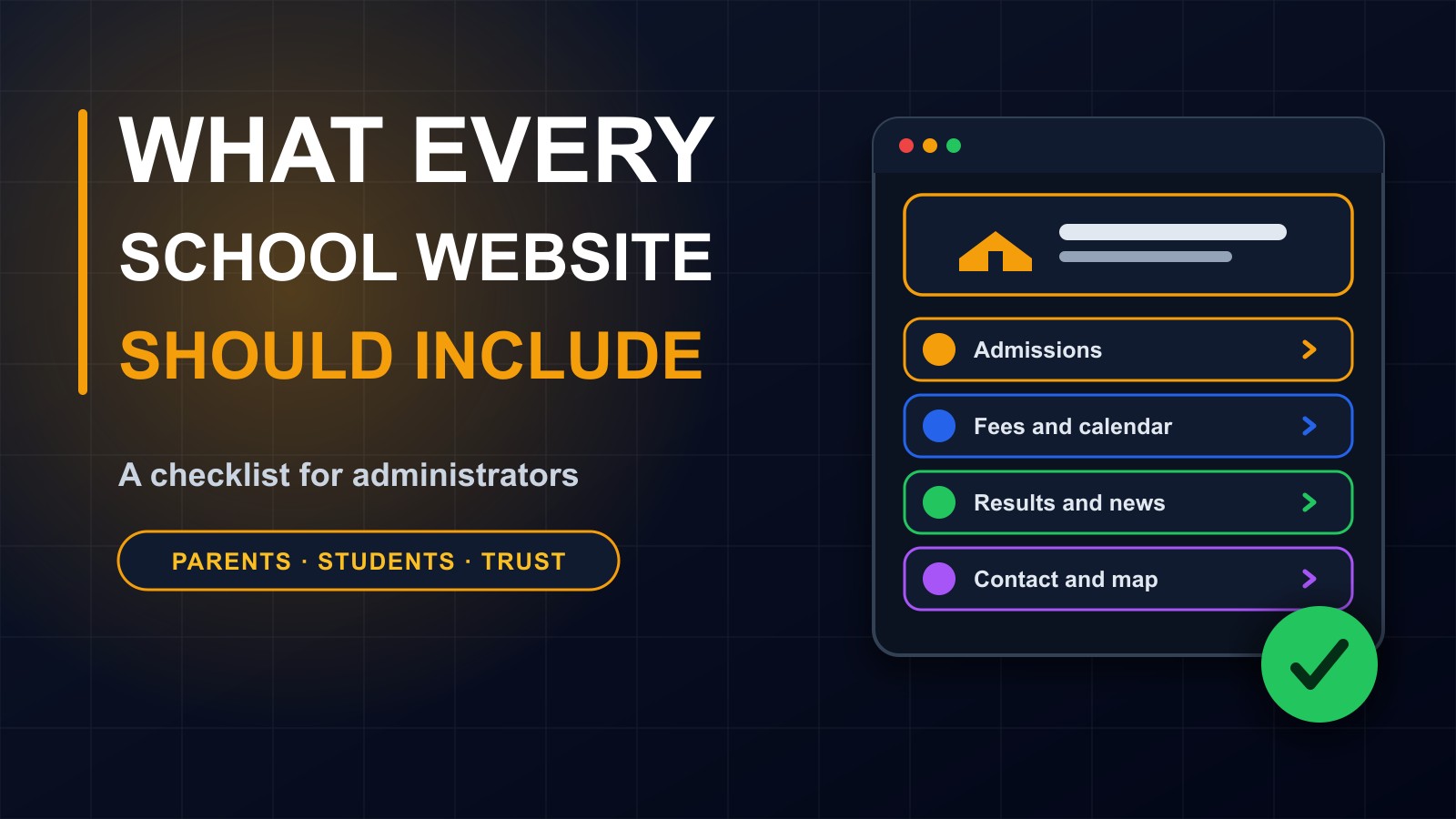
When parents are choosing a school, they rarely start with a visit. They start with a search, and then a website. For current parents, students and staff, the website is also the place to check dates, fees, results and news.
A school website that is clear, honest and current says something important about the school behind it: that it is organized, open and cares about families. One that is outdated, confusing or missing basic facts does the opposite.
This post is a practical checklist for school administrators. You can use it to review your existing website or to plan a new one.
1. A clear welcome
Visitors should understand within seconds who you are and what you offer. Show the school's name and logo, the location, the levels or grades you teach and a short, genuine description of your approach and values. Use a real photo of your school and students, with permission, instead of generic images.
Add a clear call to action, such as how to apply or contact us, on the home page.
2. Admissions
Parents want to know exactly how to enrol a child. Explain step by step: who can apply, the age or grade requirements, the documents needed, important dates, how entrance assessments work, if any, and how to submit the application. Offer an online form, a printable form or clear instructions on where to go.
Say what happens next and who to contact with questions. Keep the information current, since out-of-date admissions details cause many frustrated phone calls.
3. Fees and payment methods
Be open about costs. List tuition and other fees by level, what is included, when payment is due, and any discounts or payment plans. Explain the payment methods you accept, such as bank transfer or mobile money, and how parents should confirm payment and receive a receipt.
Clear information about money prevents disputes and builds trust. Never ask parents to send money to personal accounts.
4. Academic calendar and news
Publish term dates, holidays, exam periods, parent meetings and events in a clear calendar. Keep a news or announcements section with updates, achievements and reminders. Dated posts that are updated regularly show that the school is active.
If you use a school management system, ask whether it can show the calendar and notices on the website automatically.
5. Curriculum and academics
Explain what students learn: the curriculum, subjects, languages of instruction, examinations they prepare for and how progress is assessed. Describe how you support students who need extra help and those who need extra challenge.
Keep it factual and specific. Parents are less impressed by general claims of excellence than by clear descriptions of what happens in the classroom.
6. Staff and leadership
Introduce the head teacher, leadership team and key staff, with names, roles and short biographies, and photos where staff agree. Parents like to know who is responsible for their child's education. Include the qualifications and experience that matter, honestly stated.
7. Results and achievements
Share results, awards and achievements responsibly. Use accurate figures, say which year and exam they refer to, and give context. Do not publish individual students' marks or personal information without consent. Never exaggerate or invent statistics.
8. Student life
Show what school is like beyond lessons: sports, clubs, arts, trips, faith or community activities and student leadership. Photos and short stories bring this to life. Get permission before publishing photos of students, and keep names off images of children where possible.
9. Information for parents and students
Create a section for existing families: uniform and equipment lists, school rules, bus or transport information, a daily timetable, how to report an absence, how to see grades or reports and how to contact teachers. Downloadable forms and policies should be easy to find.
If you have a parent portal or school app, explain how to log in and where to get help.
10. Safeguarding, privacy and policies
Families trust schools with their children and their information. Publish your key policies in plain language: safeguarding and child protection, behaviour and discipline, attendance, health and safety, and how the school handles personal data. A privacy policy should explain what information you collect about students and parents, why, who sees it and how long you keep it.
Explain who to speak to if a parent has a concern, and how complaints are handled.
11. Contact details and location
This is the most visited page after the home page, so make it perfect. Include the school's address, a map and directions, telephone and WhatsApp numbers, email addresses, office hours and the names of the people to contact for admissions, fees and general enquiries. Add a simple contact form, and reply promptly.
Check every number and address twice.
12. Mobile-friendly, fast and accessible
Most parents will visit on a phone, often with limited data. The site must be easy to read and use on a small screen, load quickly and use compressed images. Use readable fonts, strong contrast, large buttons and clear headings. Offer key information as plain pages instead of only in heavy PDF files or images.
13. Trust and security
Use HTTPS, keep the website software updated, protect administrator accounts with strong passwords and two-step login, and back up regularly. Register the domain name in the school's name, not an individual's, so that the school keeps control when staff change. Be careful with photos, names and personal details.
14. Keep it fresh
An outdated site is worse than a small one. Assign someone to update news, dates and fees every term. Remove old notices. Check links and forms. Review the whole site once a year.
A short checklist
Welcome and identity. Admissions steps. Fees and payments. Calendar and news. Curriculum. Staff. Results shared responsibly. Student life. Parent information. Policies and privacy. Contact details and map. Mobile design. Security. Regular updates.
Common mistakes
Missing or outdated fees and dates. No contact details beyond a form. Stock photos instead of the real school. Publishing children's names and photos without permission. Slow pages full of huge images. Information locked inside photographs of notices. No privacy policy. And a site nobody has touched in years.
Beyond the website
A school website works best together with the systems behind it: records of students, attendance, fees and results that can be shared with parents securely. I build school management systems and websites that work together, so that parents get accurate information without extra paperwork.
Let me help
If you would like me to review your school's website, or build a new one, contact me through the contact page, or call or WhatsApp me on +231 777 810 466. And if you know a school administrator who is planning a website, share this checklist with them.
About the author
Francis Landford
Software Engineer | Creative Problem Solver | Innovative Software Solutions & Modern Applications
More about Francis Landford →