Moving Your School Off Paper: A Step-by-Step Plan
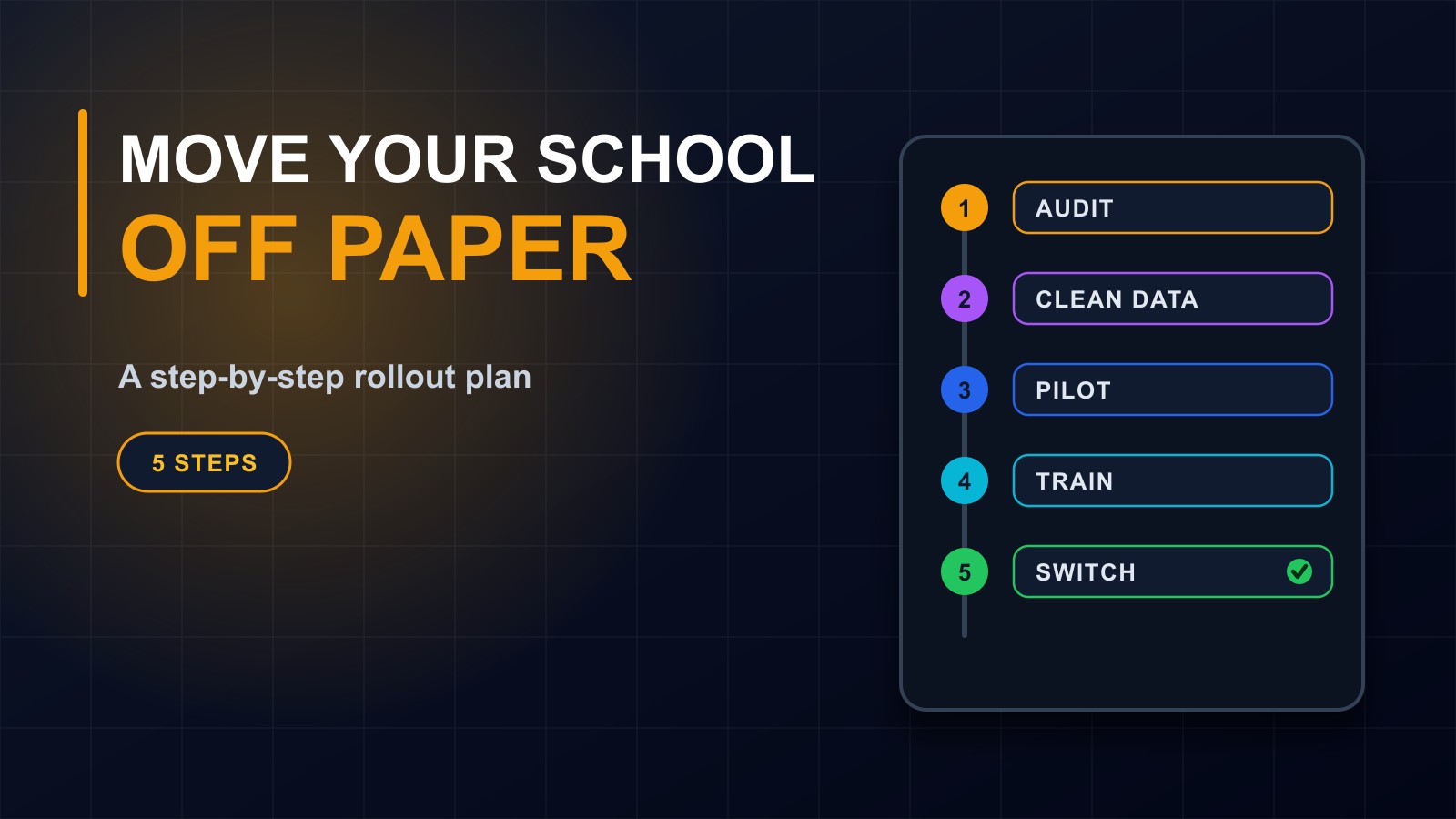
Changing how a school keeps its records is easier when it is done in steps. Here is a practical five-step plan: audit what you have, clean the data, run a pilot, train everyone and switch over safely.

· 6 min read
Many schools know that paper registers, scattered spreadsheets and handwritten fee books are holding them back. Reports take days. Records get lost. Nobody is sure which version is correct.
Yet the idea of changing everything at once is frightening. What if the data is wrong? What if teachers cannot cope? What if the system fails in the middle of exams?
The answer is not to avoid change, but to do it in steps. This post sets out a practical five-step plan for moving a school from paper and spreadsheets to a school management system, with the risks to watch and a checklist at the end.
Before you start: agree why you are doing it
Write down two or three clear goals. For example: collect fees and issue receipts without errors, produce report cards in hours instead of days, and give parents accurate information. Goals guide every decision and let you tell afterwards whether the project worked.
Choose one person to lead the project, with the authority to decide and the time to follow through, and involve a teacher, an accountant or bursar and an administrator from the start.
Step 1: Audit what you have
List every kind of record the school keeps and where it lives: admissions forms, student registers, attendance, fees and receipts, exam marks, report cards, staff files, timetables and inventory. For each, note who maintains it, how it is used and what goes wrong.
This audit shows what the new system must do, which problems matter most and which information needs to be moved. It also reveals duplicated work that can disappear.
Decide the order. Many schools start with the areas that hurt most, often student records and fees, then add attendance, exams and reports.
Step 2: Prepare the data and set up the system
A new system is only as good as the information put into it. This is the step that is most often rushed, and the one that causes the most trouble later.
Gather the records into one list of students, classes and staff. Fix spelling, remove duplicates and make sure each student has one unique number. Check dates of birth, parent contact details and class assignments. Decide how fees, discounts and balances will be recorded, including amounts owing from previous terms.
Keep the old records safe. Make copies and store them. You will need them for checking, and for trust.
Ask your system provider how data will be imported, and who will check it. A good provider helps you with templates and validation.
Choosing and setting up the system
If you have not yet chosen a system, use your audit to compare options. Ask whether it fits how your school actually works, whether it has roles and permissions, works on phones and with unreliable connections, has backups, protects student data, offers support and lets you own your data. Ask to see it working with your own examples.
Then set it up: academic year and terms, classes, subjects, grading rules, fee structures, user accounts and roles. Test it with sample data before using real records.
Step 3: Run a pilot
Do not switch the whole school on day one. Choose a small group, such as one grade, one department or one function like fee collection, and use the system for real, for a few weeks.
Watch for problems: confusing screens, missing options, slow processes, wrong calculations. Ask the users what they like and dislike. Fix issues, adjust settings and repeat the most important tasks until they work smoothly.
A successful pilot builds confidence. Staff who took part become champions who can help their colleagues.
Step 4: Train and communicate
Most failures of new systems are failures of people, not technology. Give everyone the training they need, in plain language and with practice on real tasks.
Teachers should learn to take attendance and enter marks. Accountants should handle fees, receipts and reports. Administrators should manage users, classes and settings. Provide short written guides or videos that people can return to, and a clear place to ask for help.
Tell parents what is changing and why. Explain how they will receive information, how to reach the school and how their children's data will be protected. A short letter or message prevents confusion and builds trust.
Step 5: Switch over carefully
Choose a good time, such as the start of a term, rather than the middle of exams. For a short period, keep the old method running alongside the new one, so you can compare results and catch errors. Many schools run in parallel for a few weeks.
When the numbers match and users are comfortable, retire the paper process and archive the old records securely. Set a clear date and announce it.
Have a backup plan for the first days: someone who can help staff quickly, and a manual fallback if the internet or power fails.
After the switch: review and improve
After a term, review the goals you wrote at the start. Are reports faster? Are fee records accurate? Are parents happier? Collect feedback, fix what is awkward and add the next function, such as attendance analysis, parent messaging or timetables.
Risks and how to handle them
Resistance to change: involve staff early, show benefits and train properly. Bad data: clean it before import and check samples. Weak internet or power: choose a system that works with poor connections and plan for outages. Security: use individual logins, roles, backups and clear rules about data. Over-ambition: start small and grow. Dependence on one person: document how things work and train more than one administrator.
A short checklist
Goals written down. A project leader chosen. Records audited. Data cleaned and backed up. System tested with sample data. Pilot completed and reviewed. Staff trained. Parents informed. Parallel period planned. Fallback plan ready. Review date set.
How I can help
I build school management systems and help schools plan the move from paper: reviewing what you have, preparing data, setting up the system, training your staff and supporting you after launch. Contact me through the contact page, or call or WhatsApp me on +231 777 810 466. And if you know a school administrator who dreads report-card season, share this post with them.
About the author
Francis Landford
Software Engineer | Creative Problem Solver | Innovative Software Solutions & Modern Applications
More about Francis Landford →