Build a Developer Portfolio That Gets Noticed: A Guide for Students and Self-Taught Beginners
You do not need a degree or a job to prove you can build things. A small, honest portfolio of real projects can open doors. Here is how to choose projects, present them clearly, write a good README and get them seen.

· 6 min read
When you are starting out, it can feel like a trap. Employers and clients want experience. You need a job or a client to get experience. Round and round it goes.
A portfolio is the way out. It is simply proof that you can build things, collected in one place where others can see it. You do not need a degree, a job or a famous project. You need a few honest, well-presented pieces of work.
This post explains how to build a portfolio as a student or self-taught beginner, step by step.
What a portfolio is, and is not
A portfolio is a short collection of your best projects, each explained clearly, with a way to see it working and a way to contact you. It is not a list of every tutorial you have followed, and it is not a long list of skills with no evidence.
Think of it as answering a stranger's question: if I hired you, what could you build?
Step 1: Choose three projects, not thirty
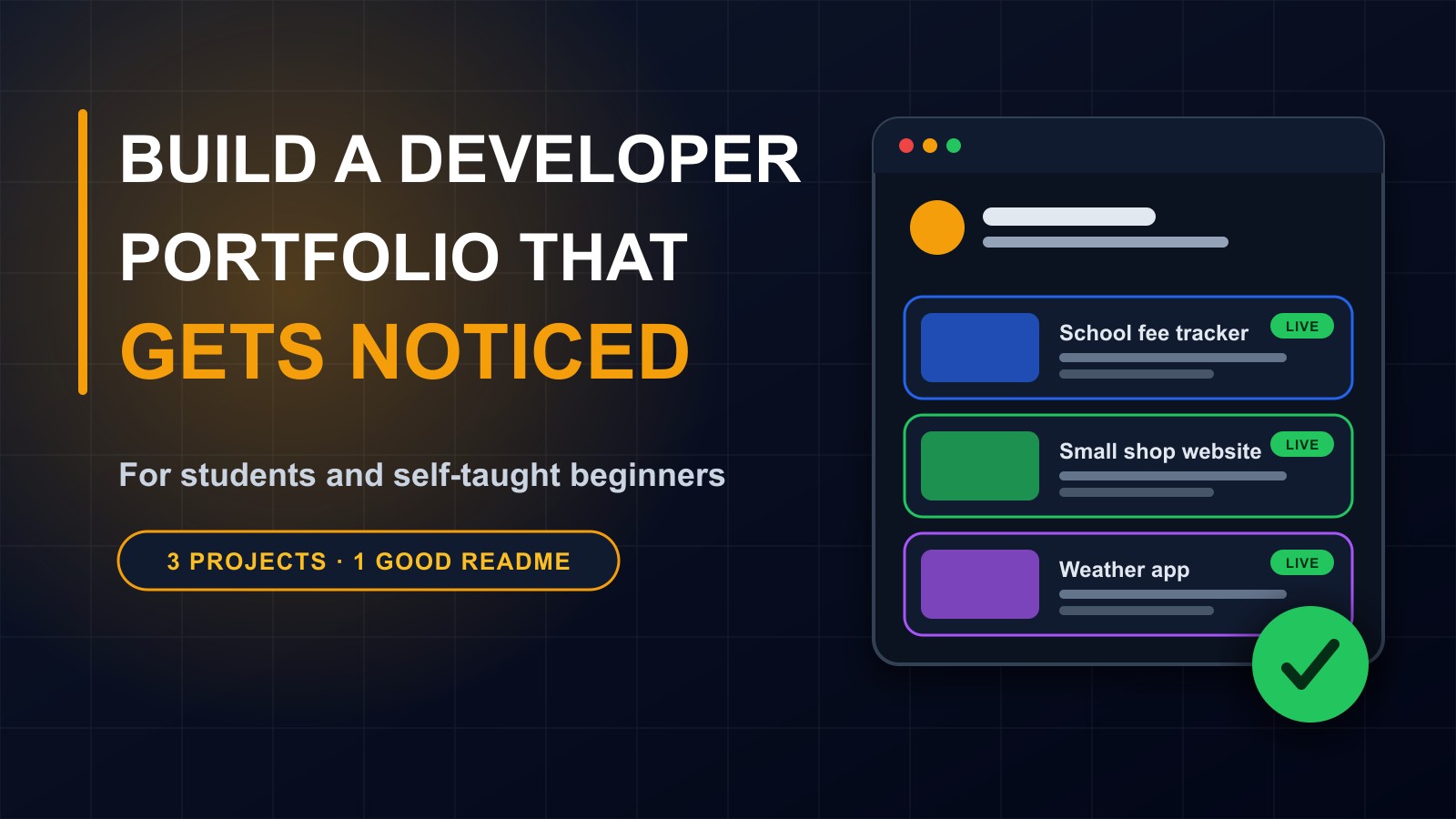
Quality beats quantity. Three good projects tell a better story than fifteen half-finished ones. Aim for variety: perhaps a website for a small business, a tool that solves an everyday problem, and something that shows your interest, such as a small mobile app or a data project.
Step 2: Build things that solve real problems
Tutorial clones are fine for learning, but they look identical to everyone else's. What makes a project memorable is a real problem and a real user.
Ideas:
A fee and attendance tracker for a small school or club. A booking or ordering page for a local business, with their permission. A price tracker for items in your local market. A study timetable generator for students. A simple inventory tool for a shop. A small information site for a community group.
Talk to a real person who would use it. Ask what annoys them today. Even a modest tool that one person uses daily beats a flashy app nobody needs.
Step 3: Finish what you start
A finished, simple project is worth more than an ambitious one that never worked. Decide the smallest useful version, build it, and make it work from start to end. Handle errors and empty states. Test on a phone. You can always improve it later.
Step 4: Make it live
Whenever possible, put your project online so that people can use it, instead of just reading about it. Many free or low-cost services can host small sites. A live link lets a busy recruiter click and see, which is far more convincing than screenshots.
If it cannot be live, include screenshots and a short demo video.
Step 5: Write a clear README
Every project's code page should open with a README: a short document that explains the project. A good one includes:
What the project is and who it is for, in two sentences. A screenshot. The key features. The technologies used. How to run it yourself. What you learned, and what you would improve.
Write simply. A clean README shows that you can communicate, which is as important as writing code.
Step 6: Write a short case study
For your best project, write a page or post explaining the story: the problem, who the user was, the choices you made, the challenges you hit and how you solved them, and the result. Honest case studies, including mistakes and lessons, are far more interesting than polished claims.
Step 7: Keep your code tidy and your work safe
Use version control, such as Git, so your history is visible and safe. Use sensible names, short functions and comments where they help. Remove unused code.
Most importantly, never publish secrets: passwords, keys, access tokens or private data. Keep them in configuration files that are not uploaded. If you accidentally publish one, change it immediately.
Step 8: Be honest about what is yours
Say clearly what you built yourself, what came from a tutorial or a template and what you used from other people's libraries. If you worked in a team, say what your part was. If AI tools helped, be honest about how, and make sure you understand every line you submit. Employers can ask you to explain your work, and honesty builds trust.
Never invent clients, testimonials or experience.
Step 9: Put it all in one place
Create a simple portfolio page, or a profile, that includes: a short introduction with a friendly photo, your three projects with links, your skills, a way to contact you and links to your professional profiles. Keep it fast, readable on a phone and free of clutter.
If you can build the site yourself, even better, because the site is itself a project.
Step 10: Get your work seen
A portfolio nobody sees cannot help you. Share your projects on professional networks and in developer communities. Write short posts about what you learned. Tell friends, teachers and local businesses. Contribute to open-source projects, even with small fixes or documentation improvements. Join local tech groups and events.
Ask for feedback and use it.
Step 11: Keep learning and updating
Every few months, add what you have learned and remove weak items. Learn the fundamentals deeply: how the web works, a programming language, databases, version control. Practise explaining your projects out loud, as you would in an interview.
Free ways to learn
On my e-learning platform I offer free courses, with quizzes and certificates, on HTML and CSS, JavaScript, online safety, digital marketing and starting a freelance tech career, at francislandford.com/e-learning. They are designed for beginners and finish with practical projects.
Common mistakes
Too many unfinished projects. No live links. Missing README files. Copying tutorials without changes and presenting them as original. Publishing passwords. Ignoring design and phone layouts. Not explaining the problem and result. And waiting until everything is perfect before showing anyone.
A simple plan for the next three months
Month one: choose one real problem and build the smallest useful version. Month two: finish it, put it online and write a README. Month three: write a case study, start a second project and share your work. Repeat.
Need guidance?
If you are starting out and want feedback on a project or a path to follow, I am happy to help. Contact me through the contact page, or call or WhatsApp me on +231 777 810 466. And if you know a student or beginner who feels stuck, send them this post.
About the author
Francis Landford
Software Engineer | Creative Problem Solver | Innovative Software Solutions & Modern Applications
More about Francis Landford →