Team & Audit: User Management and Activity Log for WordPress
See who signed in, who published or changed what, and who has access, with sign-in alerts, a security check and printable reports. Built for newsrooms and content teams.
Team & Audit gives administrators one place to manage everyone with an account, see everything they do, and spot security problems early. It is made for newsrooms and content teams, but it suits any WordPress site with more than one person logging in.
Team members
- Every account with its role, status (active, quiet, inactive, never signed in, suspended), last activity, stories published, sign-ins and changes made.
- Filter by role or status, search and sort.
- Act on one person or many at once: change role, suspend, reactivate, sign out everywhere, or email a password-reset link. Suspending blocks sign-in immediately and ends their sessions, and their posts stay published.
- A page per person: their numbers for any period, their recent posts, the devices they are signed in on (end any session), and a timeline of what they did and what was done to their account.
- Safety rules: nobody can suspend or demote themselves, and the last administrator can never be suspended or demoted.
Audit log
Each entry records who did it, their role, the IP address and the browser.
- Sign-ins, sign-outs, failed sign-ins and password resets. Repeated attempts from one address are merged, so password-guessing bots cannot flood the log.
- Accounts created or deleted, role changes, email and password changes.
- Posts and pages: drafts, review, scheduling, publishing, unpublishing, trash, restore, permanent deletion, author changes, and edits after publishing with what changed (old and new headline, and so on).
- Media uploads and deletions, and comment moderation.
- Important settings (site address, admin email, registration, search visibility, permalinks), theme switches and Customizer saves.
- Plugins and themes installed, activated, deactivated, updated or deleted, WordPress core updates and content exports.
Filter by person, type of event, importance or search text, over any period.
Reports
- Overview: team numbers, activity per day, what changed by type, the team by role, the most active contributors and a list of things needing attention.
- Security check: too many administrators, easy-to-guess usernames, unused administrator or editor accounts, open registration, spikes in failed sign-ins, the built-in code editor left on, and risky file-manager plugins.
- CSV export and a printable report (use Print, then Save as PDF) for the team, the audit log or one person.
Email alerts
- An email every time someone signs in, and every time an account is created, with a link to suspend or sign out the account if it was not expected.
- Optional alerts for critical events: new administrators, plugins installed or deleted, key settings changed.
- Choose which administrators receive alerts, add any other addresses, and send a test alert.
Also
- A "Last active" column and an "Activity & access" link on the WordPress Users screen, and a "Team activity" box on the Dashboard.
- Administrators only. Works with page caching.
- No external services. Everything stays in your own database.
Good to know
- Recording starts when the plugin is activated. Earlier sign-ins and changes cannot be recovered.
- The log is kept for one year by default. Choose from three months to five years in Settings. Failed sign-ins are kept for a shorter time, from one week to three months.
- It stores usernames, IP addresses and browser names of people signing in to the admin, which is normal for a security log. Mention it in your privacy policy if your location requires it.
- On a large team you can switch sign-in emails off and keep the new-account and critical alerts.
Installation
- In WordPress go to Plugins, Add New Plugin, Upload Plugin and choose the ZIP file, then Install Now and Activate.
- Open Team & Audit in the admin menu.
- Under Team & Audit, Settings, choose who receives email alerts and send a test alert.
- Every account with its role, status, last activity, stories published, sign-ins and changes made
- Suspend, reactivate, change roles, sign out everywhere or email a reset link, for one person or many at once
- A page per person: their numbers, recent posts, the devices they are signed in on and a timeline
- Audit log of sign-ins, failed sign-ins, password resets, roles, posts, media, comments, settings, plugins and themes
- Edits after publishing recorded with what changed, such as the old and new headline
- Failed sign-ins from password-guessing bots merged so they cannot flood the log
- Security check: too many administrators, easy-to-guess usernames, unused accounts, open registration, failed sign-in spikes
- Email alerts on every sign-in and new account, plus optional alerts for critical events, with a test button
- CSV export and printable reports for the team, the log or one person
- A Last active column on the Users screen and a Team activity box on the Dashboard
- Safety rules: nobody can suspend or demote themselves, and the last administrator is protected
- No external services: everything stays in your own database
- WordPress 6.0 or newer
- PHP 7.4 or newer
- MySQL or MariaDB (the plugin creates one table for the log)
- Works with page caching plugins and on any theme
1.1.0
- Email alerts on every sign-in and new account, with recipients chosen from administrators plus extra addresses, and a test-alert button
- Administrators-only access throughout
1.0.0
- First release: team members, audit log, overview and security check, CSV and printable reports
Only customers who have bought or downloaded this product can review it.
No reviews yet.
You may also like
 Tools & Utilities
Ads Manager: Sell, Schedule and Measure Ads on WordPress
Run direct ad sales on your WordPress site: advertisers, campaigns, scheduling, honest reports you can share, and Google AdSense filling every slot without a booked ad.
 Tools & Utilities
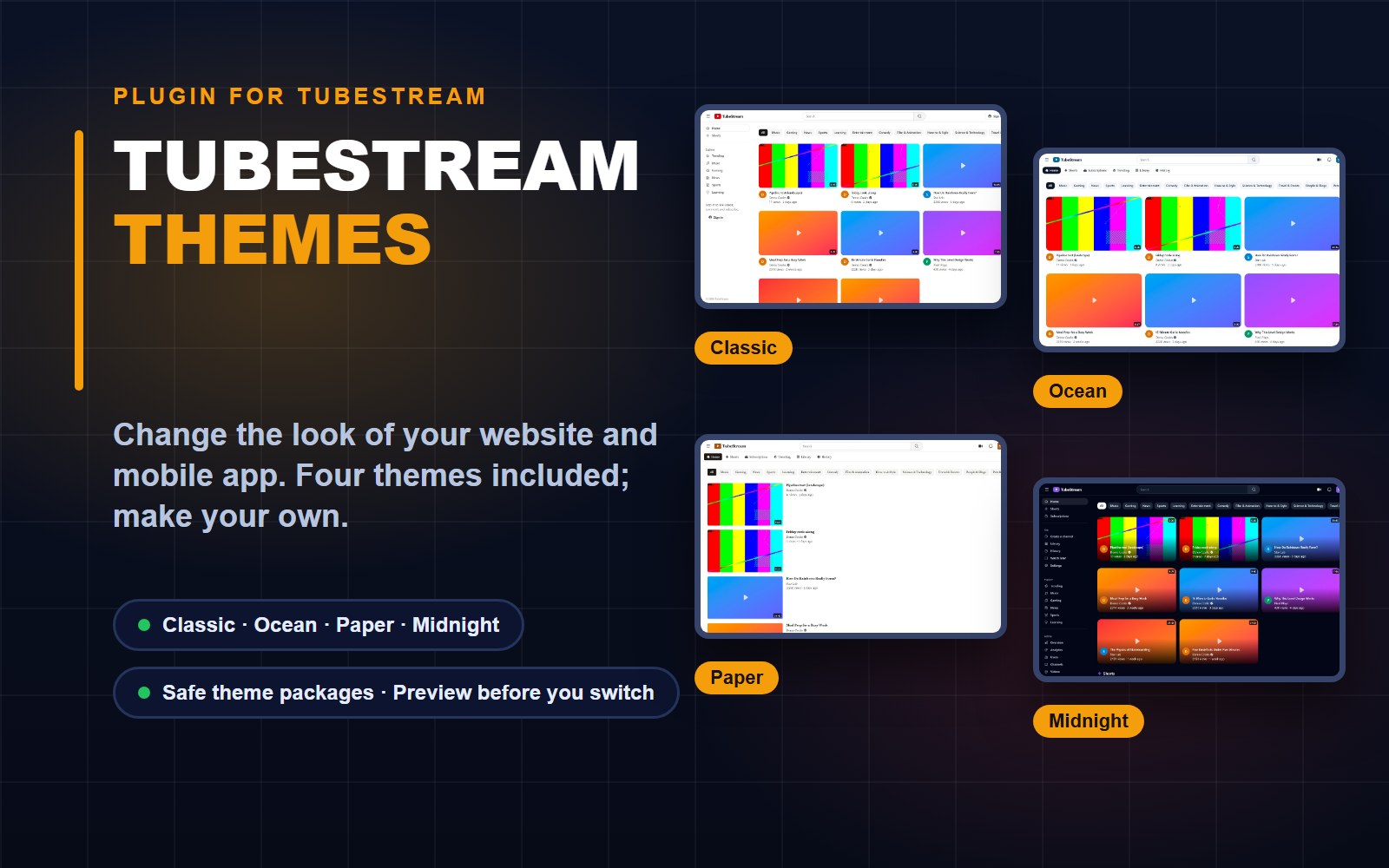
TubeStream Themes: Plugin for Your Site and App Look
A plugin for TubeStream that switches the look of your website and mobile app: four themes included, your own in a few clicks, and safe theme packages from designers.
 Tools & Utilities
Stories Analytics: Story and Sponsor-Ad Statistics for WordPress
Privacy-friendly story views, unique readers, traffic sources and sponsor-ad reports for news and blog sites, with no cookies and no IP addresses saved.
Comments & questions (0)
Sign in or create a free account to join the conversation.
No comments yet. Be the first to share your feedback.