Ads Manager: Sell, Schedule and Measure Ads on WordPress
Run direct ad sales on your WordPress site: advertisers, campaigns, scheduling, honest reports you can share, and Google AdSense filling every slot without a booked ad.
Ads Manager handles direct ad sales the way publishers work: advertisers, campaigns, and the ads inside them, with honest reporting you can share with clients. Google AdSense fills any slot that has no booked ad, so nothing sits empty.
It works with page caching. The reader's browser chooses the ad, so schedules, rotation and frequency caps stay correct on cached pages, and saving an ad refreshes the cache.
Ads, campaigns and advertisers
- Ad types: image banner (with an optional separate phone image), native or sponsored-story card, HTML or third-party code (scripts allowed), and specific Google AdSense units, including Google's in-article format.
- Campaigns hold dates, pricing (flat fee, CPM or CPC), order number and what was bought (impressions or clicks). Ads stop automatically once a goal is delivered.
- Advertisers hold contact details, with every campaign and its value.
- Pause, resume, duplicate and preview any ad.
Placements
- Inside posts: top of article, after paragraph 3, further down (the paragraph is your choice), end of article, and below the post for house messages.
- Formats: a sticky bottom bar (closable) and a pop-up (frequency-capped).
- Anywhere: the
[fpa_ad placement="manual"]or[fpa_ad id="123"]shortcode, the "Ad slot" widget and an Elementor widget. - Mobile apps: a JSON endpoint serves ads to your app, with a tracking endpoint.
- Device control: switch each placement on or off for phones, tablets and desktops. A placement that is off loads nothing on that device, not even AdSense.
Targeting and delivery
- Everywhere, homepage only, posts only, chosen categories, or specific posts and pages, with categories you can exclude.
- Devices, start and end dates, days of the week and hours.
- Rotation by weight, a frequency cap per reader per day, and the same ad never twice on one page.
Reporting you can show a client
- Served and viewable impressions (at least half the ad on screen for one second, the industry standard), clicks, click-through rate and readers reached.
- By ad, campaign, advertiser, placement, device and day, with charts, CSV export and a printable PDF report.
- A private report link per campaign. Your advertiser sees live results with no login. The page is hidden from search engines and shows no prices.
- A booking calendar of the next 60 days by placement, and a dashboard with what is running, booked value and campaigns ending soon.
- A daily email about campaigns ending soon (time to sell a renewal), ended, or goal reached.
Google AdSense
- AdSense stays the fallback in theme slots when no direct ad is due.
- Optional Google Auto ads on posts only or on every page.
- AdSense units load only in slots that are visible on the reader's screen.
- One-click import from Quick AdSense (WP QUADS): in-content AdSense units, HTML boxes and Auto ads come across, and Quick AdSense can then be switched off.
Built for real sites
- Works with page caching (WP Fastest Cache, W3 Total Cache, WP Super Cache, Cloudflare).
- No cookies. Counts use the browser's local storage, and bots and signed-in staff are not counted.
- Administrators only.
Putting ads in your theme's own positions
Placements inside posts, the sticky bar, the pop-up, the shortcode and the widgets work with any theme. To show ads in your theme's own positions, such as a header banner, add one line where the ad should appear:
<?php if ( function_exists( 'fpa_ads_framed_slot' ) ) { echo fpa_ads_framed_slot( 'header' ); } ?>
Use header, billboard or rectangle as the placement name.
Good to know
- Reports cover your direct ads. For AdSense earnings, use your AdSense account.
- Statistics start from the day you install the plugin.
- Direct ads work on their own. You only need AdSense if you want the fallback, AdSense units or Auto ads.
Installation
- In WordPress go to Plugins, Add New Plugin, Upload Plugin and choose the ZIP file, then Install Now and Activate.
- Open Ads Manager, Settings and check the AdSense publisher ID, the ad label and who receives alerts.
- Add an advertiser, a campaign and its ads, choose where they appear, and publish.
- Advertisers, campaigns and ads, with order numbers, dates and pricing (flat fee, CPM or CPC)
- Image banners with a separate phone image, native sponsored-story cards, HTML or third-party code, and Google AdSense units
- Placements inside posts, sticky bottom bar, pop-up, shortcode, widget and Elementor widget
- Switch each placement on or off for phones, tablets and desktops
- Targeting by page type, category, post, device, dates, days of the week and hours
- Rotation by weight, frequency caps per reader and delivery goals that stop ads automatically
- Viewable-impression and click reporting by ad, campaign, advertiser, placement, device and day
- A private report link per campaign for your advertiser: live results, no login, no prices shown
- Booking calendar, dashboard, CSV export and printable PDF reports
- Daily email about campaigns ending soon, ended, or goal reached
- Google AdSense as automatic fallback, with optional Auto ads and one-click Quick AdSense import
- Works behind page caching, with no cookies and no external services
- WordPress 6.0 or newer
- PHP 7.4 or newer
- MySQL or MariaDB (the plugin creates its own small tables)
- Works with page caching plugins and on any theme (theme header and sidebar slots need one line of code, shown below)
1.1.0
- New placements: "Further down the story" (after a chosen paragraph) and "Below the story"
- Google in-article AdSense format, a Google Auto ads setting, and house messages without the "Advertisement" label
- Import from Quick AdSense (WP QUADS)
- Show or hide each placement on phones, tablets and desktops
1.0.0
- First release
Only customers who have bought or downloaded this product can review it.
No reviews yet.
You may also like
 Tools & Utilities
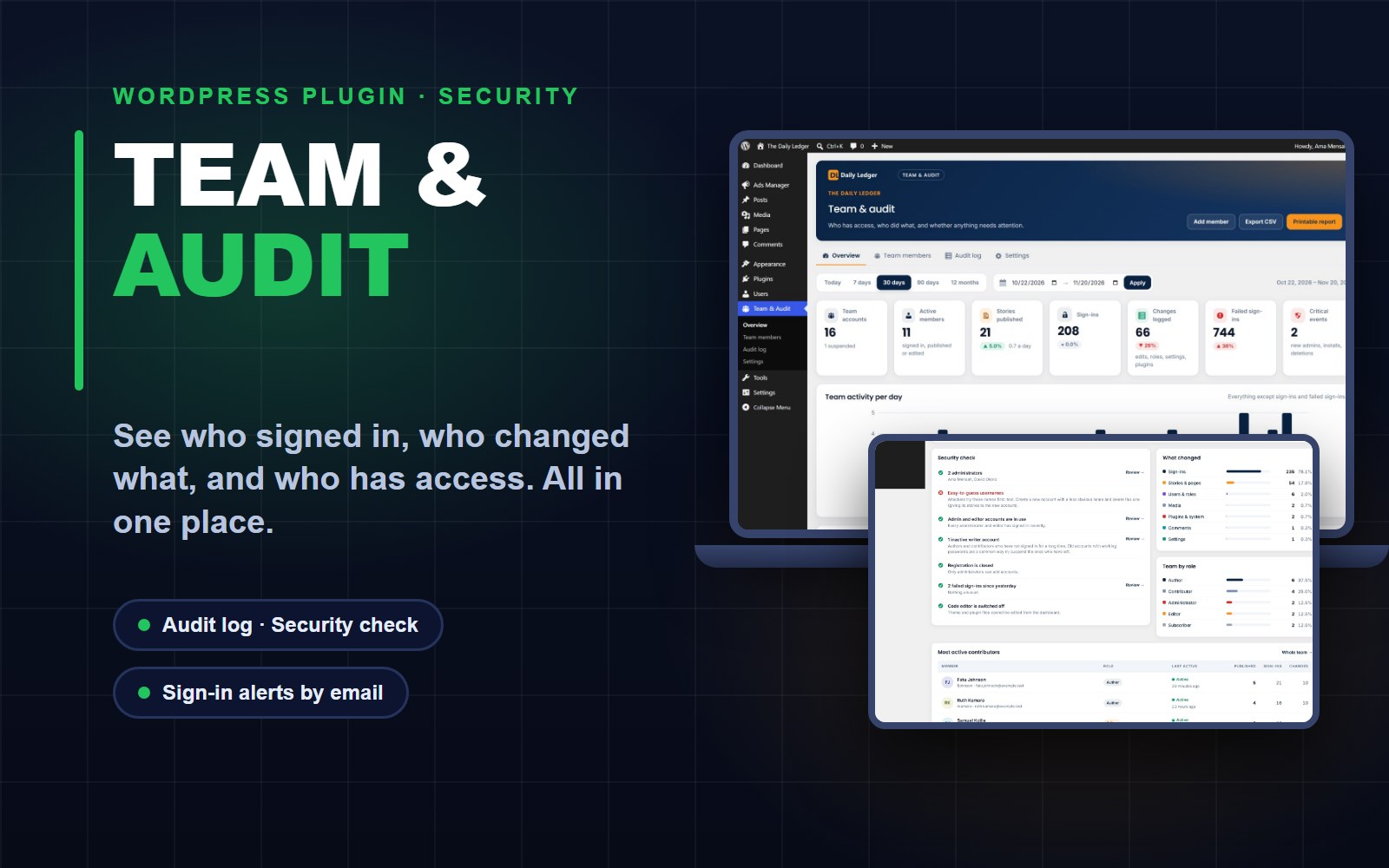
Team & Audit: User Management and Activity Log for WordPress
See who signed in, who published or changed what, and who has access, with sign-in alerts, a security check and printable reports. Built for newsrooms and content teams.
 Tools & Utilities
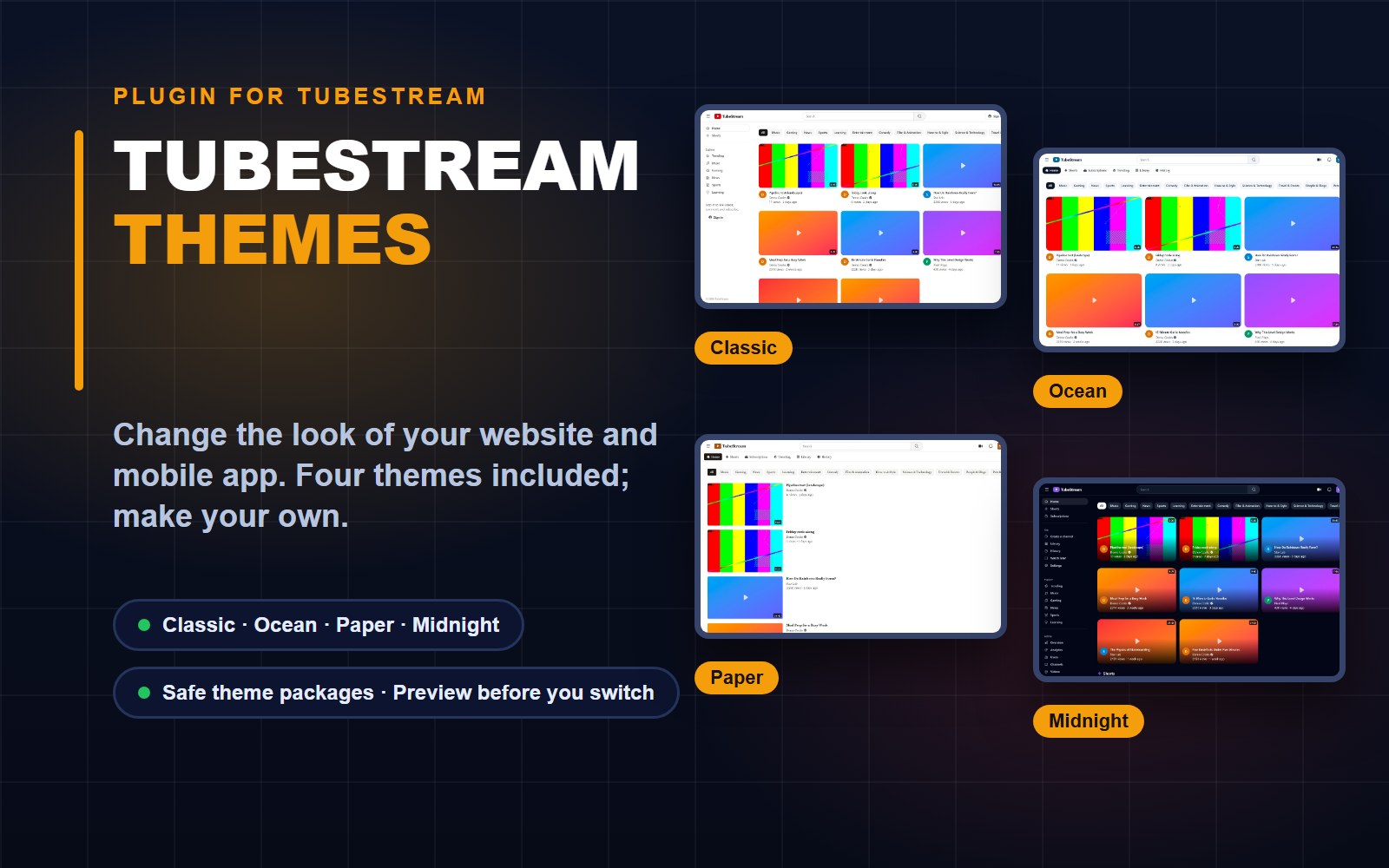
TubeStream Themes: Plugin for Your Site and App Look
A plugin for TubeStream that switches the look of your website and mobile app: four themes included, your own in a few clicks, and safe theme packages from designers.
 Tools & Utilities
Stories Analytics: Story and Sponsor-Ad Statistics for WordPress
Privacy-friendly story views, unique readers, traffic sources and sponsor-ad reports for news and blog sites, with no cookies and no IP addresses saved.
Comments & questions (0)
Sign in or create a free account to join the conversation.
No comments yet. Be the first to share your feedback.