Get Found on Google Maps: Set Up Your Free Business Profile in 30 Minutes
When someone searches for what you sell near them, a complete Google Business Profile can put you on the map. Here is how to claim yours, fill it in properly, collect reviews and avoid the mistakes that hold businesses back.

· 5 min read
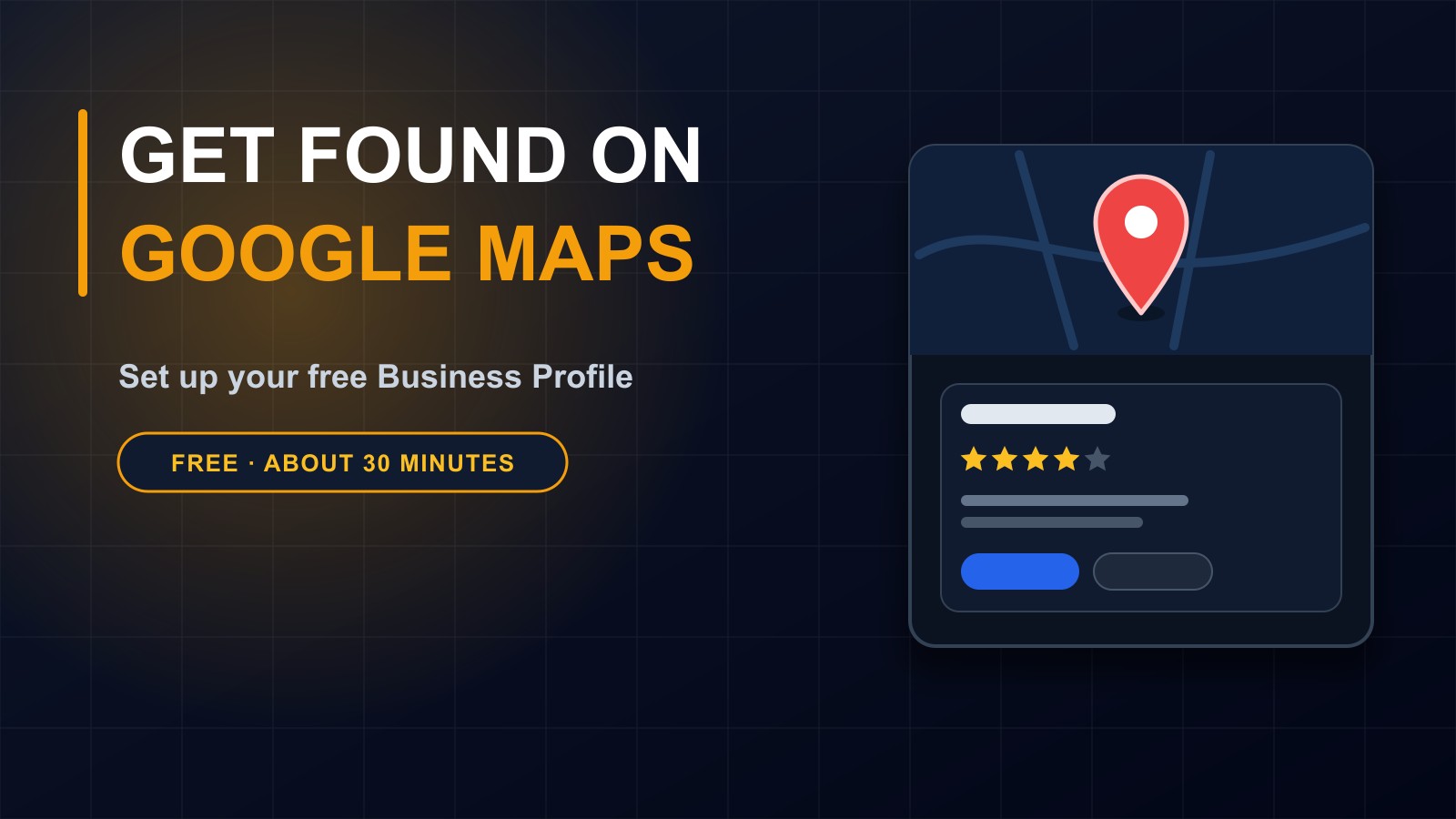
When people need something nearby, they do not walk around looking. They pick up a phone and search. A bakery, a clinic, a mechanic, a school, a hotel. Whoever appears on the map with a phone number, opening hours and good reviews gets the call.
Google Business Profile is the free listing that puts your business there. It takes about thirty minutes to set up properly, costs nothing, and for many local businesses it brings more customers than their website does.
This post explains how to claim your profile, how to fill it in so it works, and the mistakes that stop businesses getting the benefit.
What a Business Profile is
It is the box of information that appears on Google Search and Google Maps when someone looks for your business or for the kind of thing you offer. It can show your name, address, phone number, website, opening hours, photos, services, reviews and a button to get directions or call.
You do not need a website to have one, though linking your website gives people more information and sends them to you.
Step 1: Check whether it already exists
Google may already show your business, created automatically or by someone else. Search for your business name and look for a panel on the right or at the top on a phone. If you see it, look for an option to claim or manage it. If you do not, you can create a new one.
Step 2: Claim and verify it
Sign in with a Google account that you control and that will belong to the business, not to a former employee or a developer. Enter your business name and category, and follow the steps.
Google then checks that you really run the business. Depending on your situation, this may be a code by post, a phone call, a text or an email, or a short video. The options vary by place and change over time, so follow what Google offers you. Until you verify, your changes may not be visible.
Step 3: Get the basics exactly right
Accuracy is everything. Check these carefully.
Business name: use your real, everyday name. Do not stuff it with keywords such as the best cheap plumber in the city. That breaks the rules and can get the profile suspended.
Address and map pin: make sure the pin sits on your actual location. If customers visit you, a wrong pin sends them to the wrong place. If you serve customers at their homes and do not welcome visitors, you can set a service area instead of showing an address.
Phone number and website: use the number you actually answer, and the right page of your site.
Opening hours: complete and correct, including special hours for holidays. Wrong hours are one of the most common reasons for bad reviews.
Step 4: Choose categories and describe what you do
Pick the main category that best describes your business, then add a few secondary categories for other things you offer. Write a clear description in plain words, saying what you do, who you help and what makes you different. List your services or products with short descriptions, and prices if you can.
Use the words your customers would type, but write for people, not for search engines.
Step 5: Add real photos
Profiles with good photos get more attention. Add your logo, a photo of the outside of the building so people can recognise it, the inside, your team, and examples of your work or products. Use real, clear, well-lit pictures. Avoid stock photos, and never use someone else's pictures.
Step 6: Reviews build trust
People trust other customers more than they trust adverts. After you have served someone well, politely ask them to leave a review, and make it easy by sharing your review link, which your profile gives you.
Never buy reviews, write your own or offer rewards in exchange for positive ones. It breaks the rules and damages trust when discovered.
Reply to every review, kindly and briefly. Thank the happy ones. Answer the unhappy ones calmly, apologise where it is deserved, and offer to fix the problem. Future customers read your replies too.
Step 7: Keep it alive
A profile that is never touched looks abandoned. Check it every month. Update hours for holidays, add new photos, post news or offers if the feature is available, and answer questions and messages promptly.
Keep your details the same everywhere
Your name, address and phone number should match across your Google profile, your website, your social media pages and any directories. Differences confuse customers and search engines.
Common mistakes
Not verifying the profile. Using a personal account that a former employee controls. A wrong map pin. Incomplete or outdated hours. Stuffing keywords in the name. Ignoring reviews. Duplicate profiles for the same place. Using a fake address, which can get the profile removed.
How to see whether it is working
Your profile shows how many people found you, how they found you and whether they called, visited your website or asked for directions. Check it monthly and see what changes after you add photos or collect reviews.
Be patient
Results grow over weeks, not hours. The more complete, accurate and active your profile is, the better your chances of appearing when someone nearby searches.
Need a hand?
If you would like help claiming your profile, improving it or connecting it with a website that brings people in, I am happy to help. Get in touch through the contact page, or call or WhatsApp me on +231 777 810 466. And please share this post with a business owner who is not on the map yet.
About the author
Francis Landford
Software Engineer | Creative Problem Solver | Innovative Software Solutions & Modern Applications
More about Francis Landford →