Do You Have a Backup? The Boring Habit That Can Save Your Business
Hacks, mistakes, broken hard drives and hosting failures happen to businesses of every size. A good backup is what turns a disaster into an inconvenience. Here is what to back up, the simple 3-2-1 rule and how to test that it really works.

· 5 min read
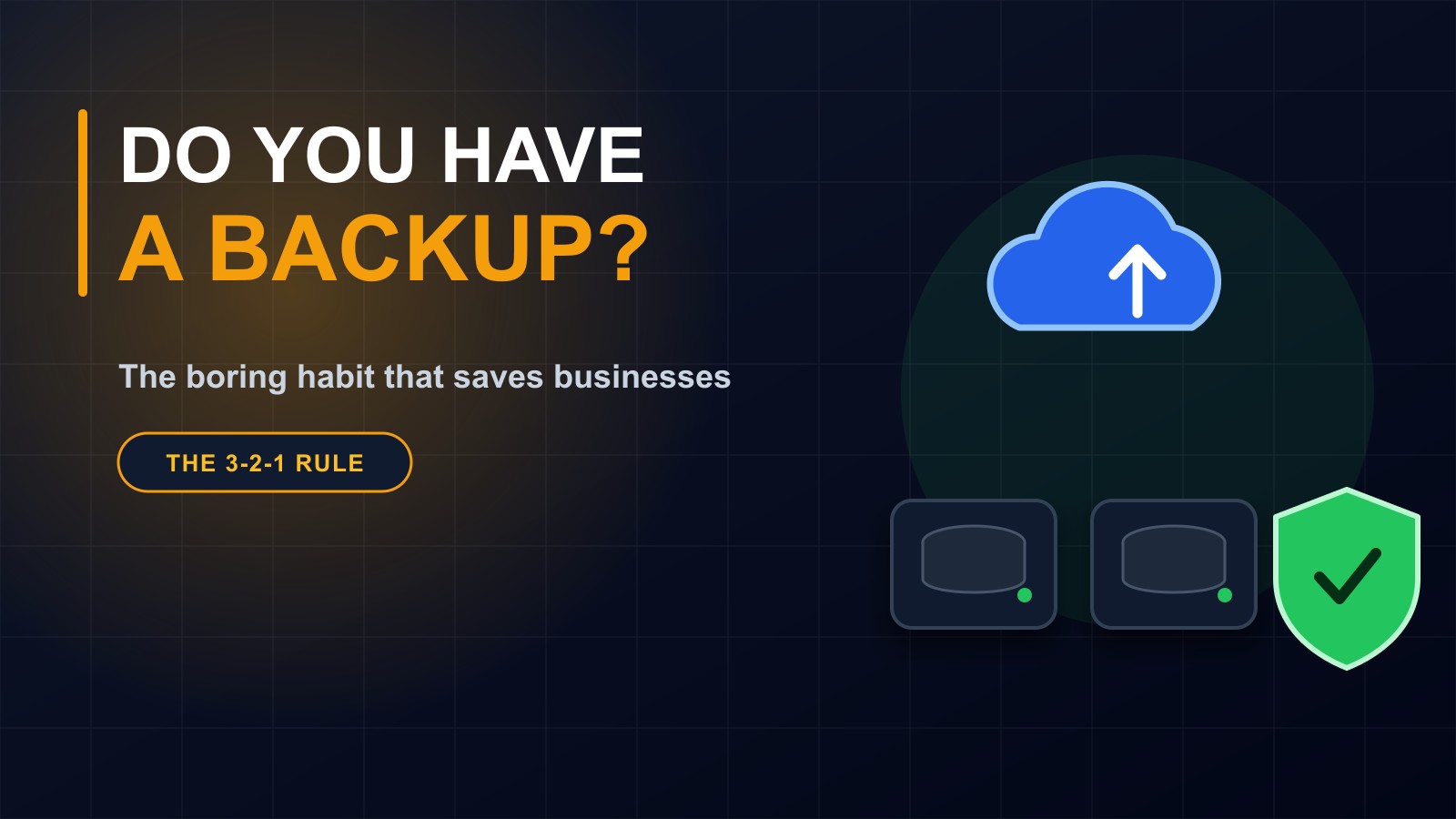
Nobody gets excited about backups. They are not exciting to buy, not exciting to set up and not exciting to talk about. Then, one day, something goes wrong, and suddenly they are the most important thing in the business.
A laptop is stolen. A hard drive stops working. A staff member deletes the wrong folder. A website is hacked. A hosting company has a failure. In each case, the owner asks the same question: do we have a copy?
If the answer is yes, the day is stressful but recoverable. If the answer is no, years of work can disappear in seconds. This post explains what to back up, a simple rule to follow, and how to make sure your backups actually work.
What can go wrong
The list is longer than most people expect.
Human mistakes are the most common: files deleted or overwritten by accident. Equipment fails: hard drives, phones and flash drives all wear out. Theft and loss happen, especially with laptops and phones. Malicious software can lock your files and demand payment. A hacked website can be defaced or wiped. And service providers sometimes have outages, or close.
None of these are rare. They are normal parts of running a business with digital tools.
What should you back up
Think about everything that would hurt to lose.
Your website: its files, its database and the uploaded images and documents. The database is the part many people forget, and it holds your content, orders and customer messages.
Business records: spreadsheets, invoices, contracts, student or customer lists, accounting files.
Email and contacts, which often hold years of agreements and conversations.
Photos, logos and design files, especially the original versions.
Phones: contacts, photos and messaging histories.
Passwords, ideally in a password manager that has its own safe backup.
The 3-2-1 rule
Backup professionals use a simple rule that is easy to remember.
Keep three copies of your important data: the original and two backups. Store them on two different kinds of storage, for example your computer and an external drive, or a drive and an online service. And keep one copy somewhere else, away from the original, such as in a different building or in secure online storage.
Why? Because each part protects against something different. Two copies protect against one failing. Different kinds of storage protect against one type of problem. And the off-site copy protects against fire, flood, theft or an office break-in that takes everything at once.
Automatic beats manual
A backup that depends on someone remembering will eventually be forgotten. Wherever you can, make backups automatic: scheduled daily or weekly, depending on how often the information changes.
For a website that takes orders or enquiries every day, daily backups are sensible. For a rarely changed brochure site, weekly may be enough. Ask your developer or hosting provider what is set up, how often it runs and how long copies are kept.
A backup you have not tested is only a hope
This is the part almost everyone skips. Many people discover that a backup was empty, corrupted, incomplete or impossible to restore only at the moment they need it.
Once or twice a year, practise getting something back. Restore a file or a test copy of the website, and check that it opens and contains what it should. It takes an hour and turns a hope into a plan.
Keep backups safe too
A backup can hold everything an attacker wants, so protect it. Use strong passwords and two-step login on online storage. Do not leave external drives permanently plugged in, because malicious software can damage them along with the original. Encrypt drives that leave the office. And keep track of who has access.
Who controls your website backups
If your website was built by someone else, find out where backups are stored and whether you can reach them. Backups held only in your developer's account are only as safe as that relationship. You should have access to a recent copy of your site's files and database, as part of owning your website.
Write down a restore plan
When something breaks, nobody thinks clearly. A one-page note helps: where the backups are, who can restore them, how to contact the hosting provider and what to do first. Keep a copy somewhere that does not depend on the thing that failed.
A short checklist
List what must be backed up. Make sure you have three copies, on two kinds of storage, with one off-site. Automate it. Protect it. Test a restore at least once a year. Know who is responsible. Write the plan down.
Let me help
I build websites, systems and apps with backups and recovery planned in from the start, and I can review the setup of an existing site and tell you honestly whether it would survive a bad day.
Reach me through the contact page, or call or WhatsApp me on +231 777 810 466. And please share this post with someone who keeps all their business files on one laptop. They will thank you one day.
About the author
Francis Landford
Software Engineer | Creative Problem Solver | Innovative Software Solutions & Modern Applications
More about Francis Landford →