← All Courses
Beginner
HTML & CSS for Absolute Beginners: Build Your First Web Page
A free, hands-on course that takes you from a blank file to a real, mobile-friendly web page using only HTML and CSS, with no tools to buy and nothing to install except a text editor.
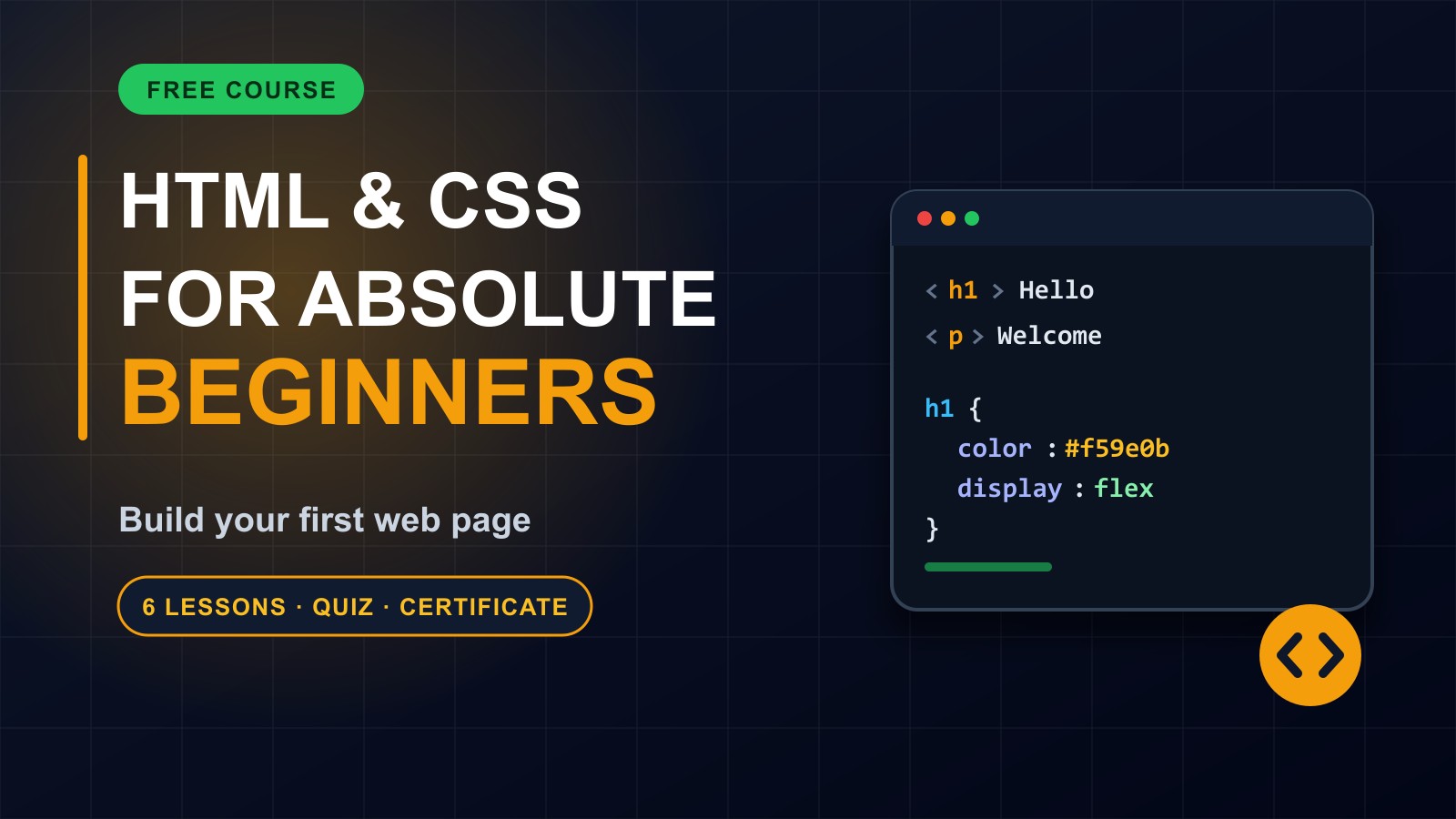
Every website you have ever visited is built on HTML and CSS. HTML gives a page its structure and content. CSS makes it look good.
In this free course you will write a real web page from scratch: headings, paragraphs, links and images, then colours, spacing and layout, and finally making it work on phones. Each lesson has short code you can type and try, and a small task to practise.
You need only a computer or laptop, a web browser, and a simple text editor such as Notepad or VS Code. Finish all six lessons and pass the short final quiz to earn a certificate.
In this free course you will write a real web page from scratch: headings, paragraphs, links and images, then colours, spacing and layout, and finally making it work on phones. Each lesson has short code you can type and try, and a small task to practise.
You need only a computer or laptop, a web browser, and a simple text editor such as Notepad or VS Code. Finish all six lessons and pass the short final quiz to earn a certificate.
No experience needed. If you can create a text file and open it in a browser, you can take this course.
Lessons
How Web Pages Work and Your First HTML File
code
Preview
View →
Text, Links and Images
code
Structuring a Page: Lists, Sections and Forms
code
Styling With CSS: Colours, Fonts and Spacing
code
Layout With Flexbox
code
Making It Mobile-Friendly and Publishing
code